Noise Airwave Max XR Wireless Headphone
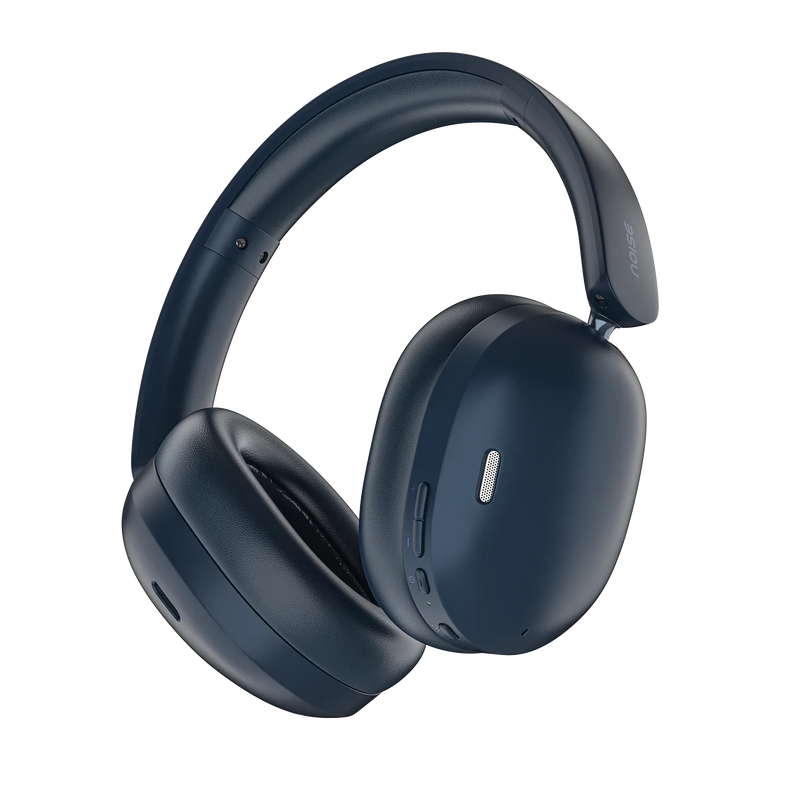

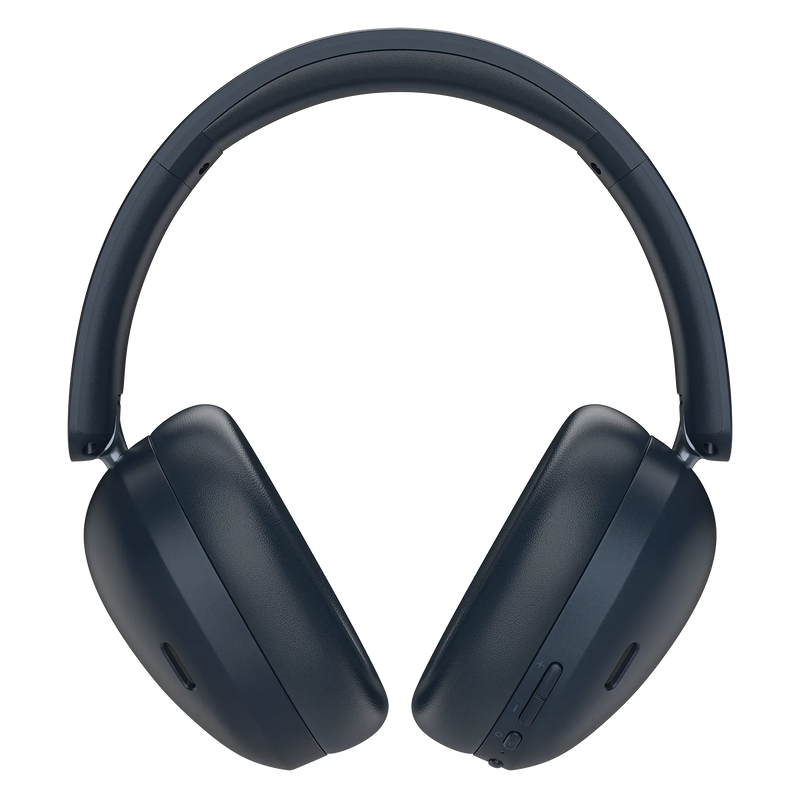
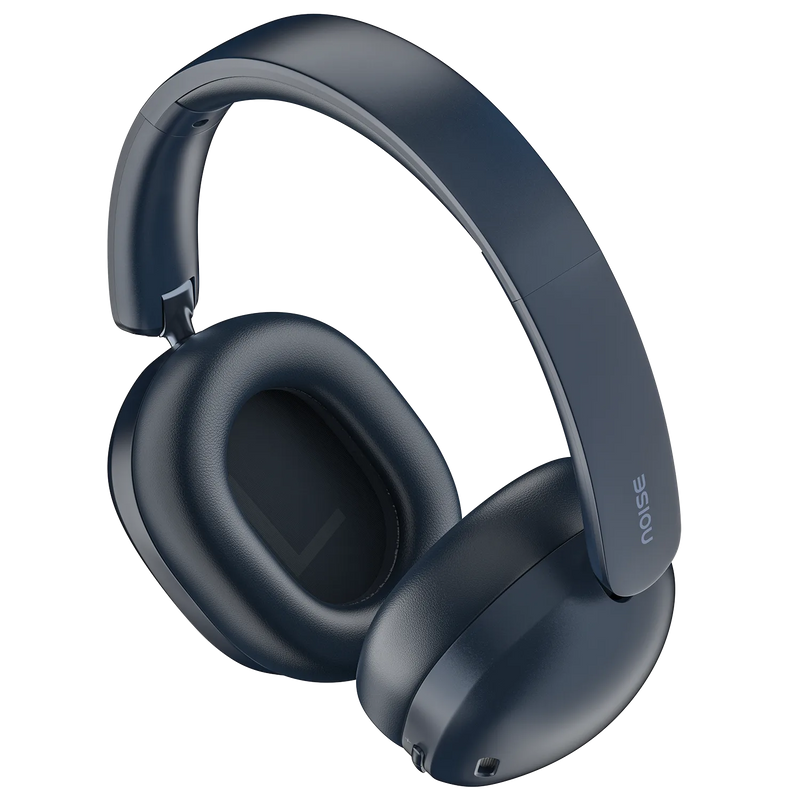
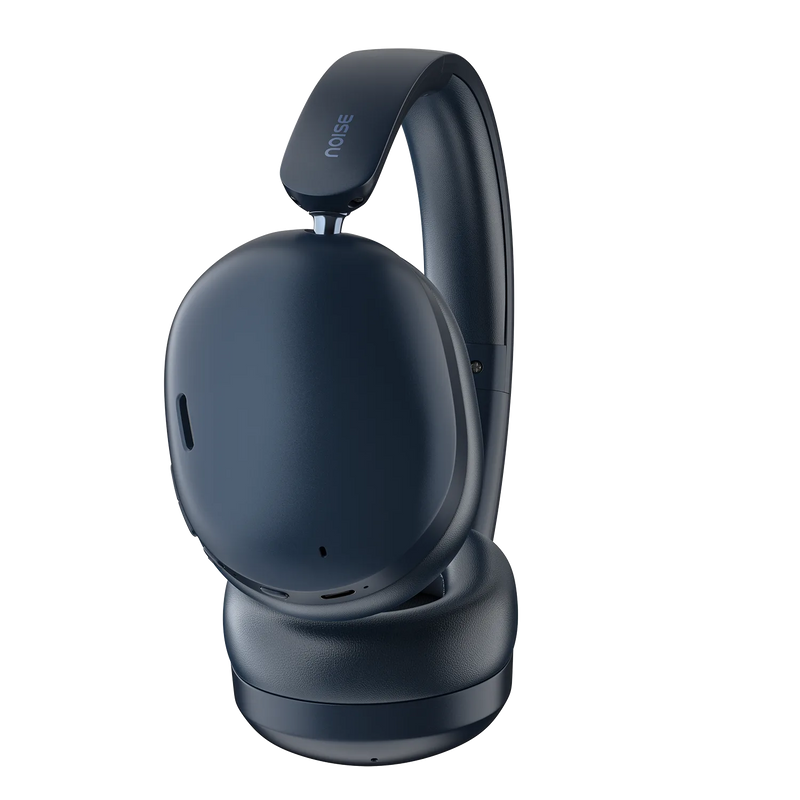
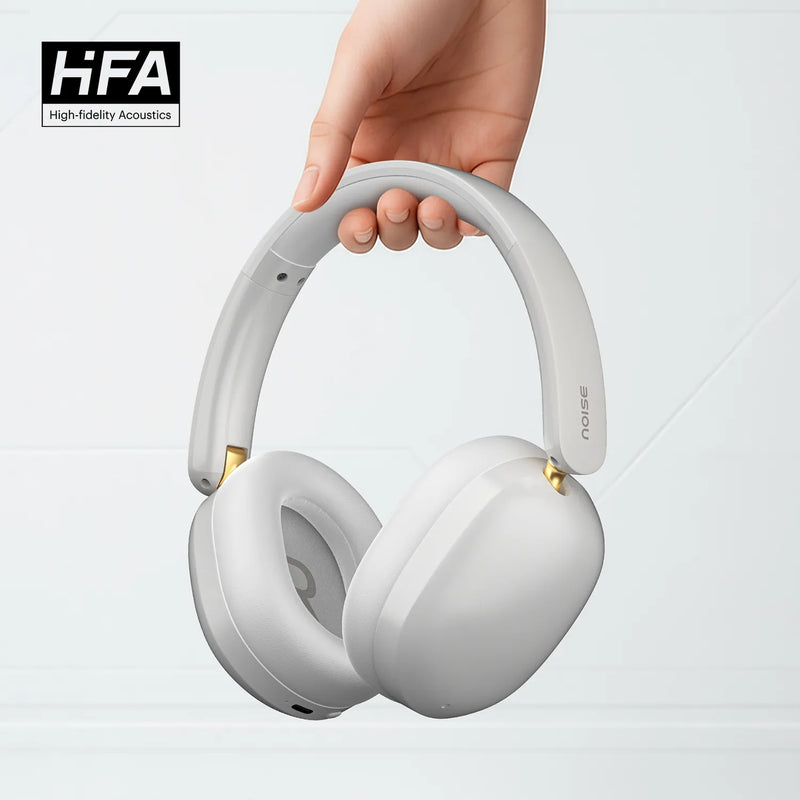
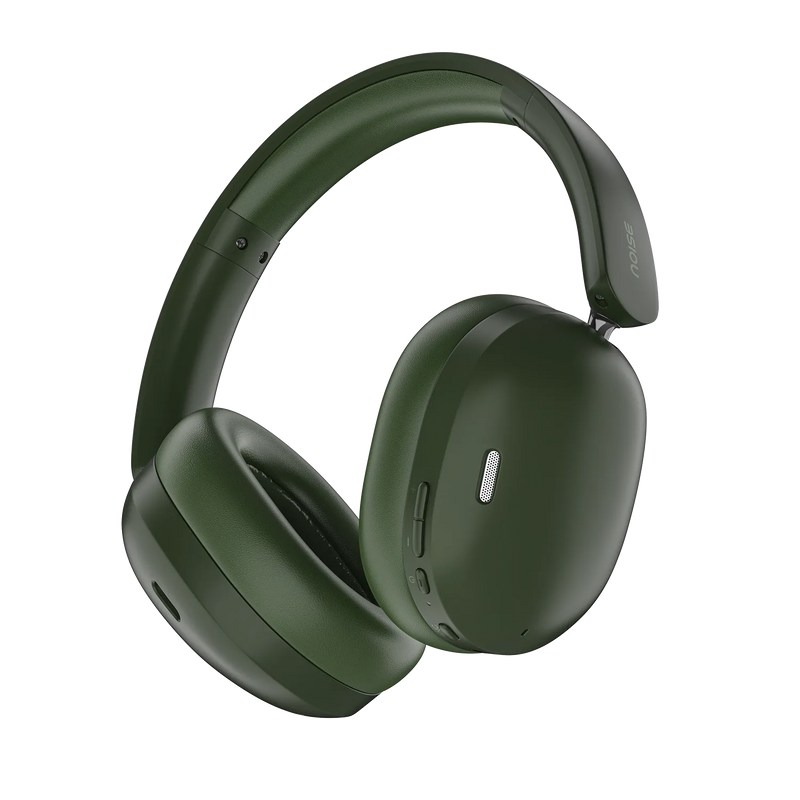

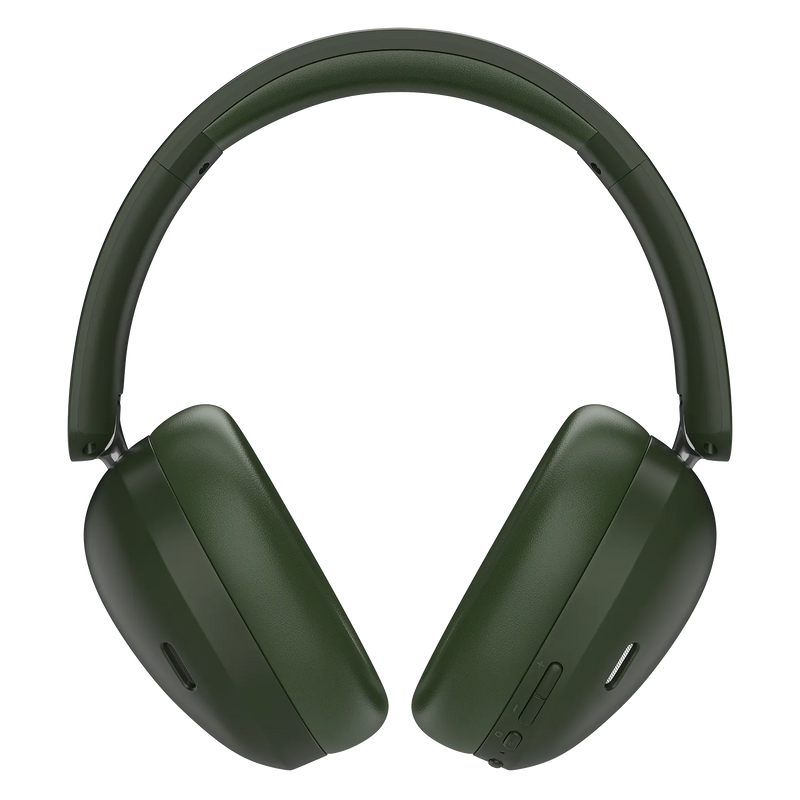
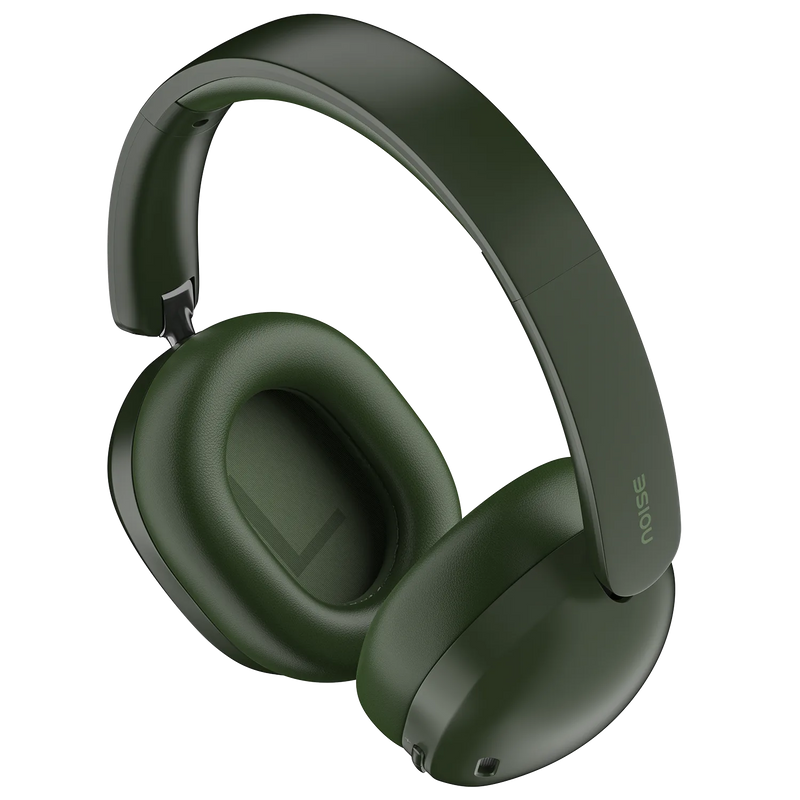
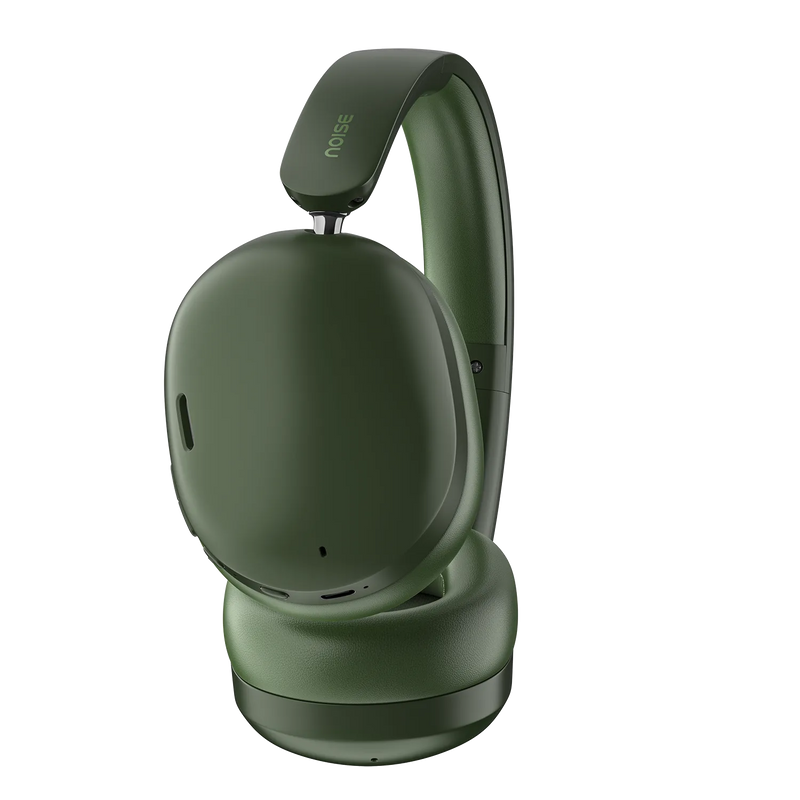
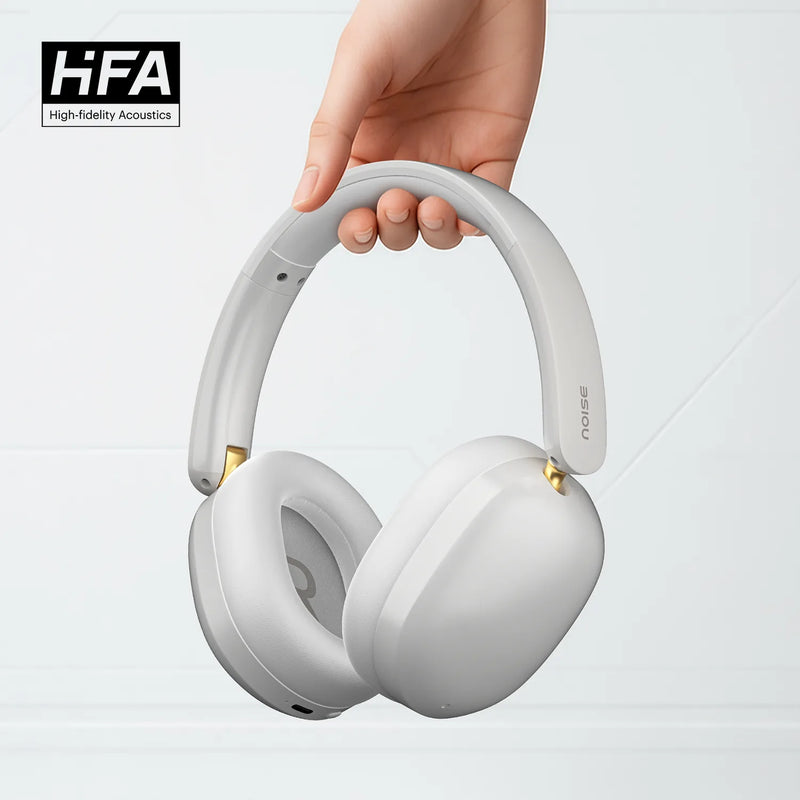
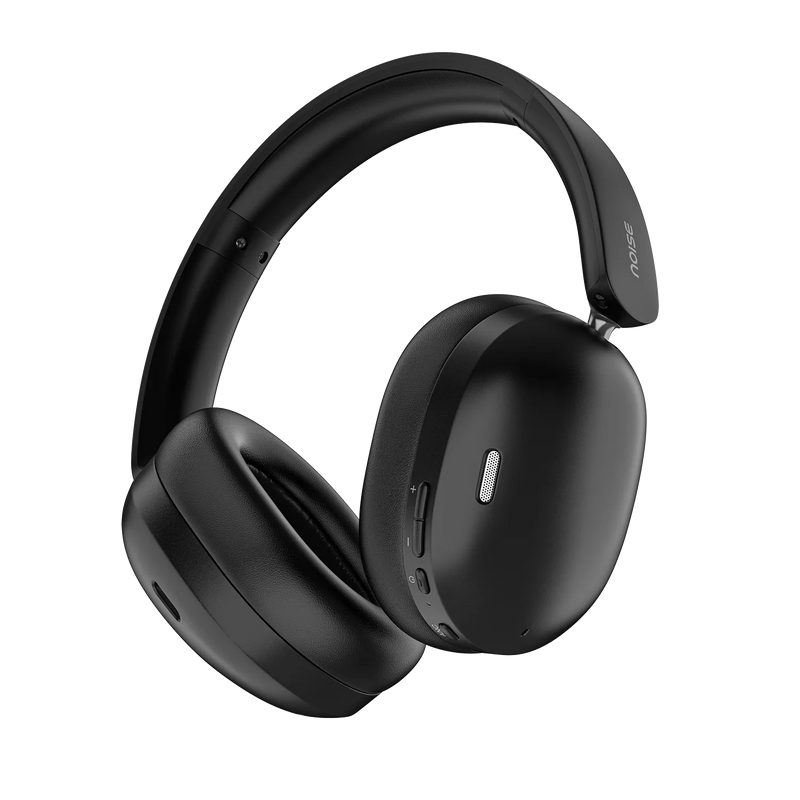

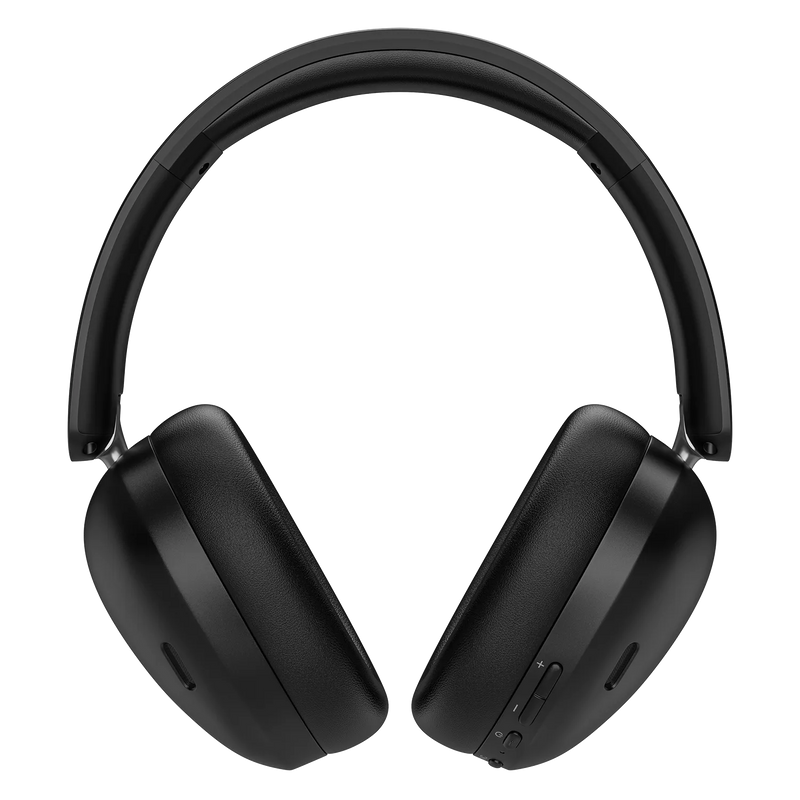
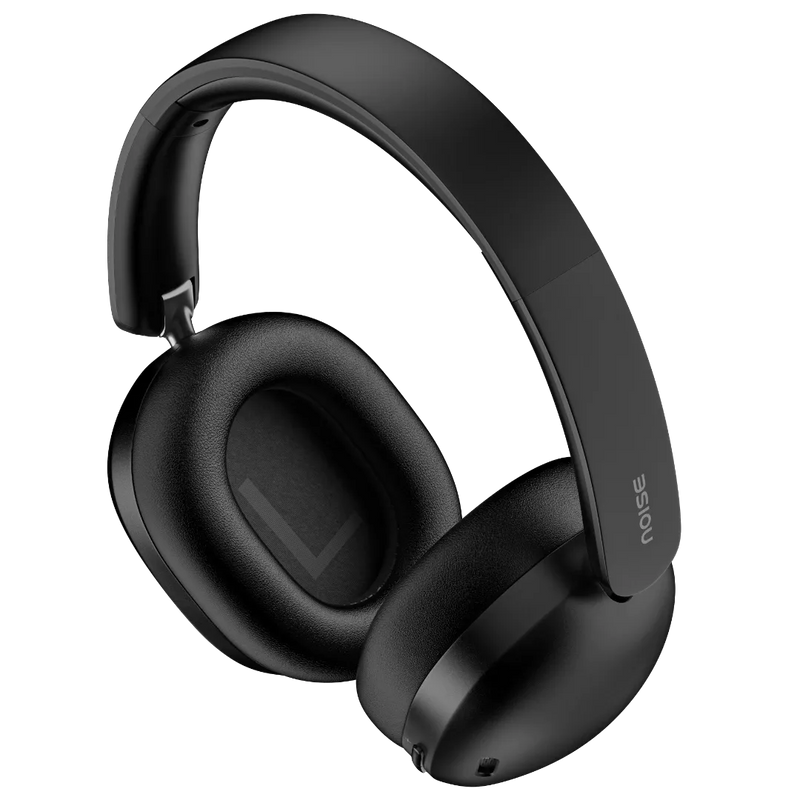
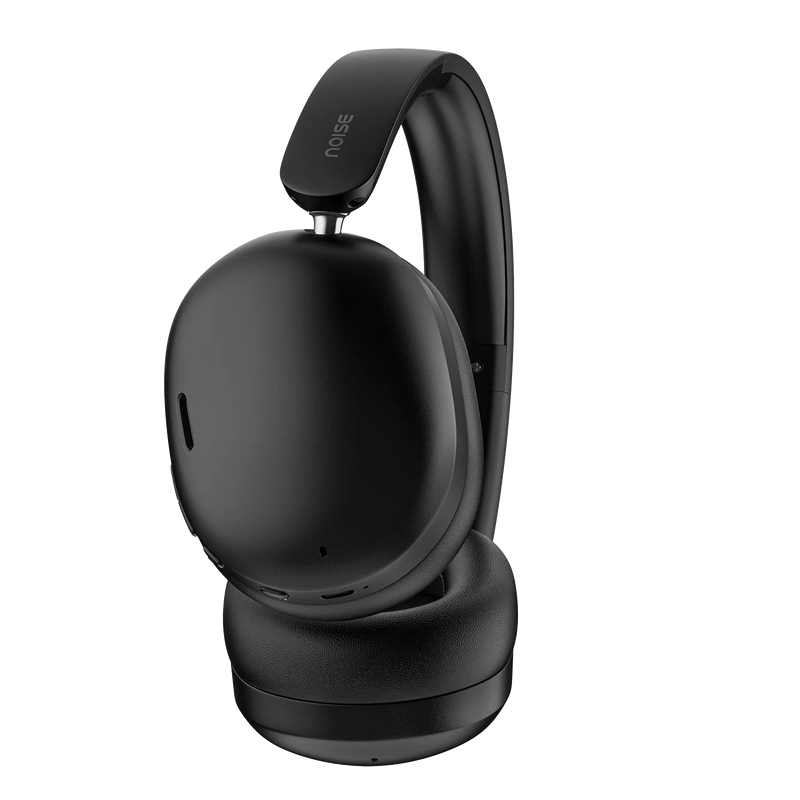
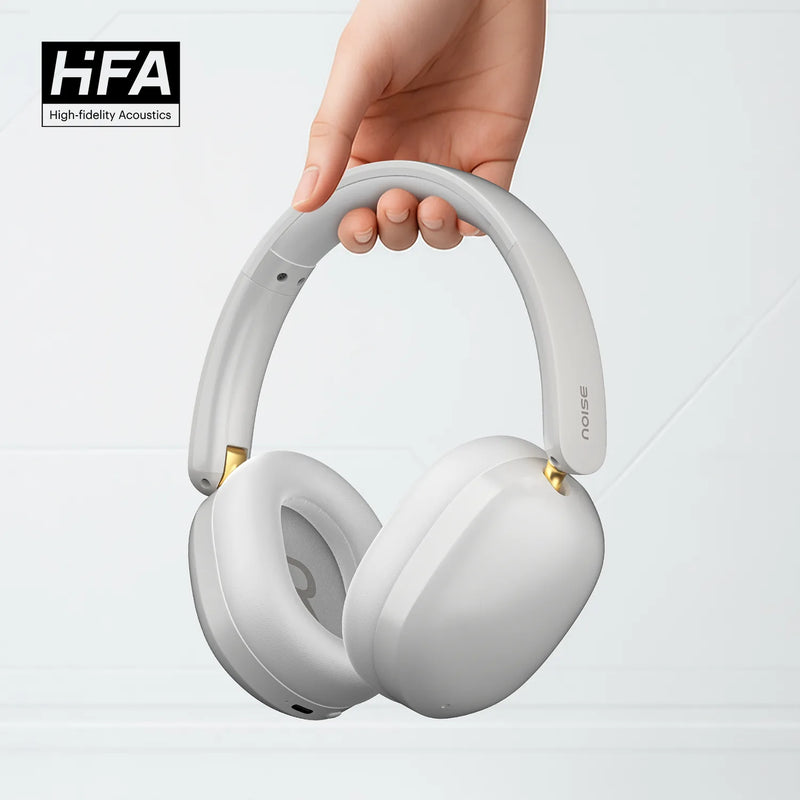
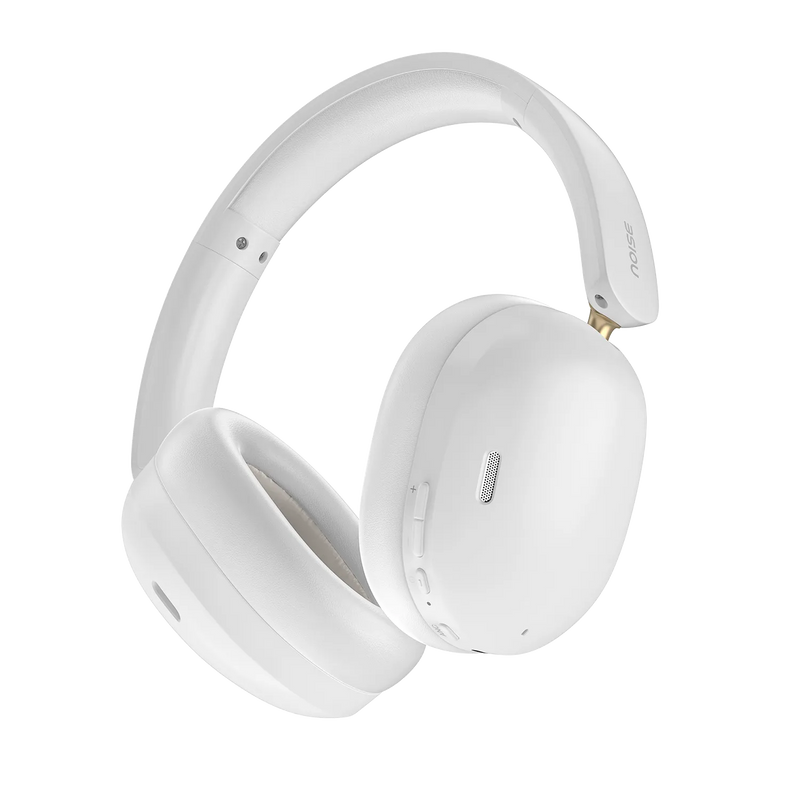

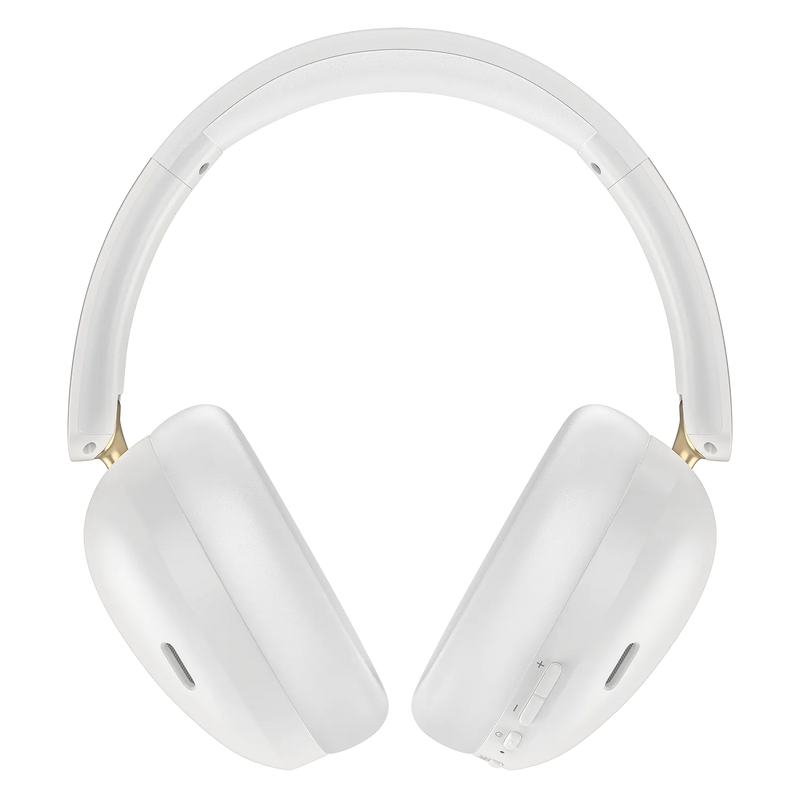
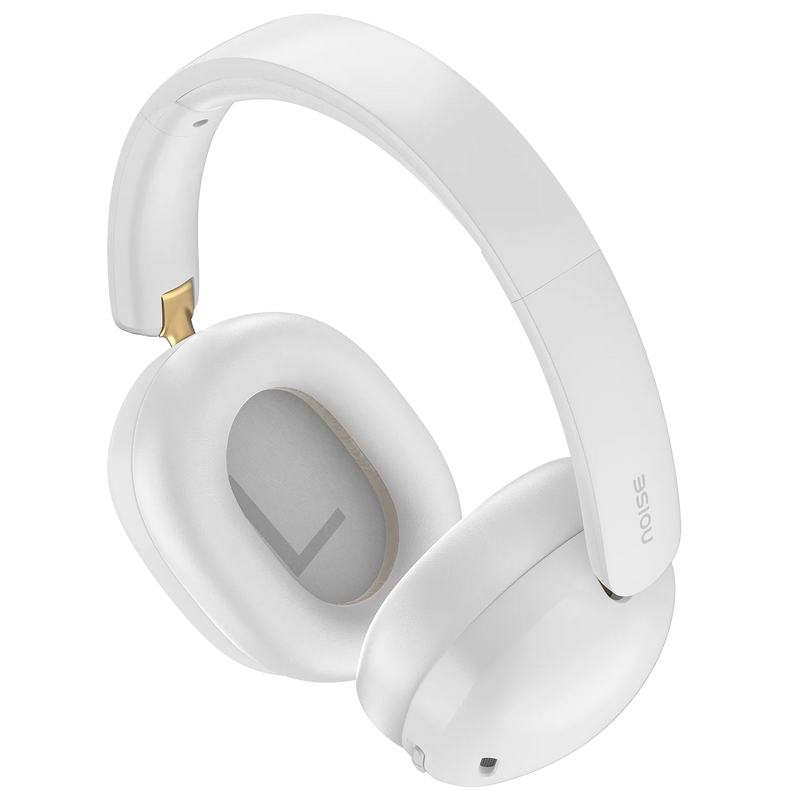
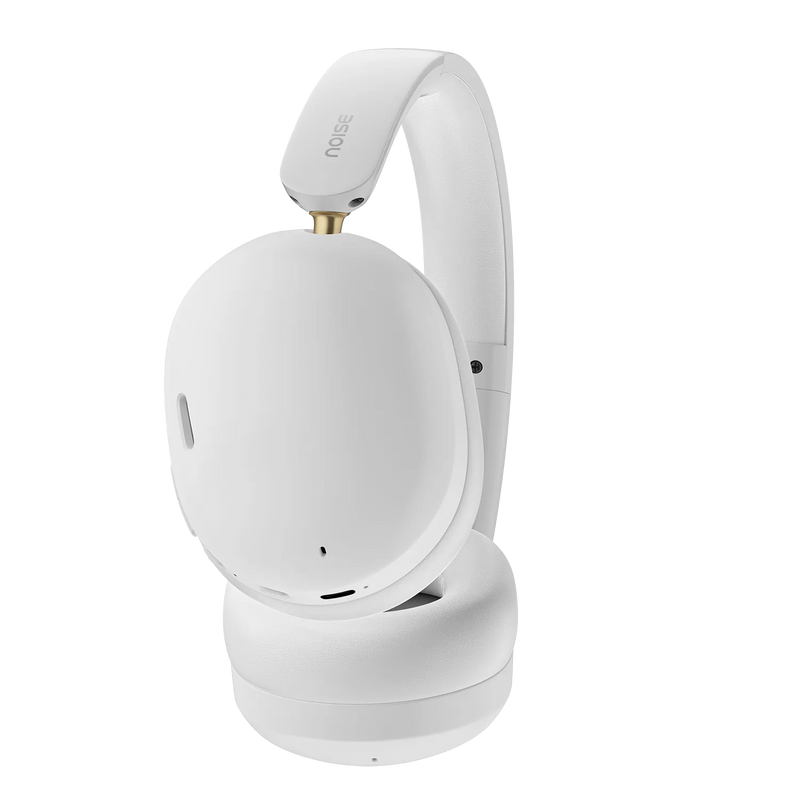
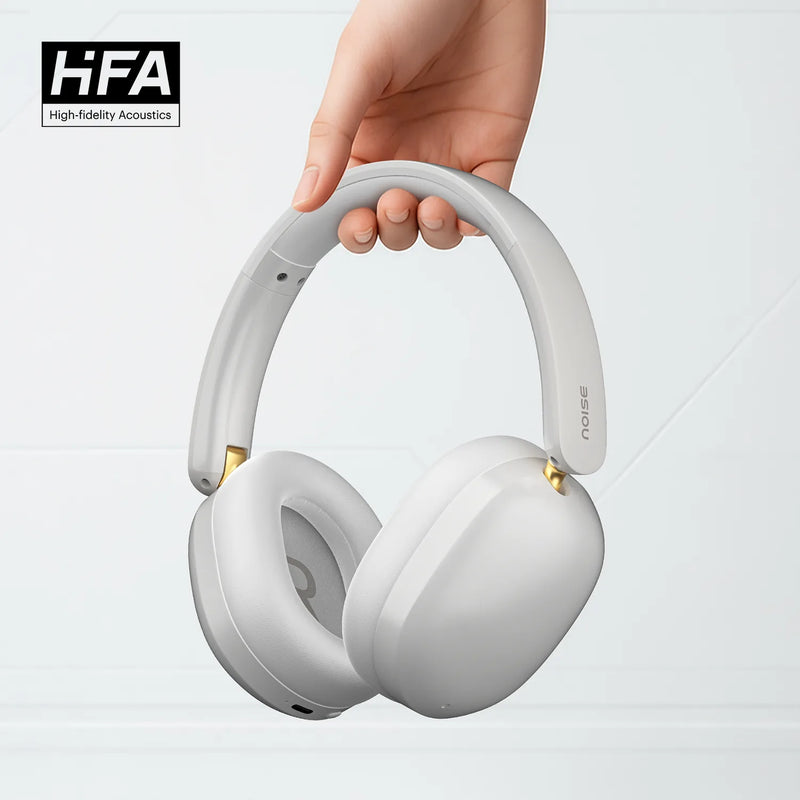
Immerse yourself in premium audio with the Noise Airwave Max XR Wireless Headphones – engineered for audiophiles who demand exceptional sound, comfort, and long-lasting battery life.
Key Features:
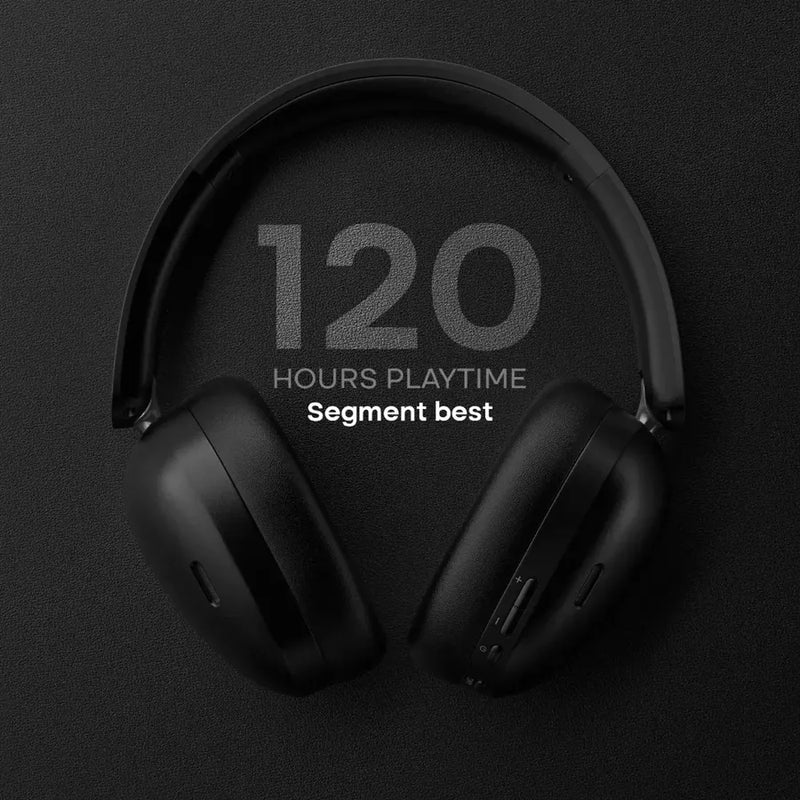
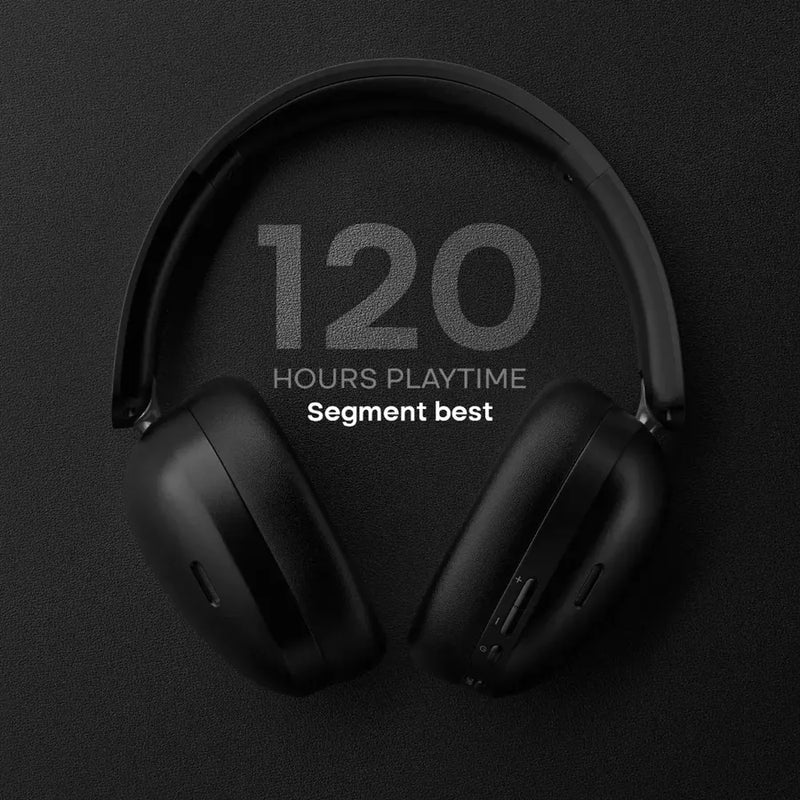
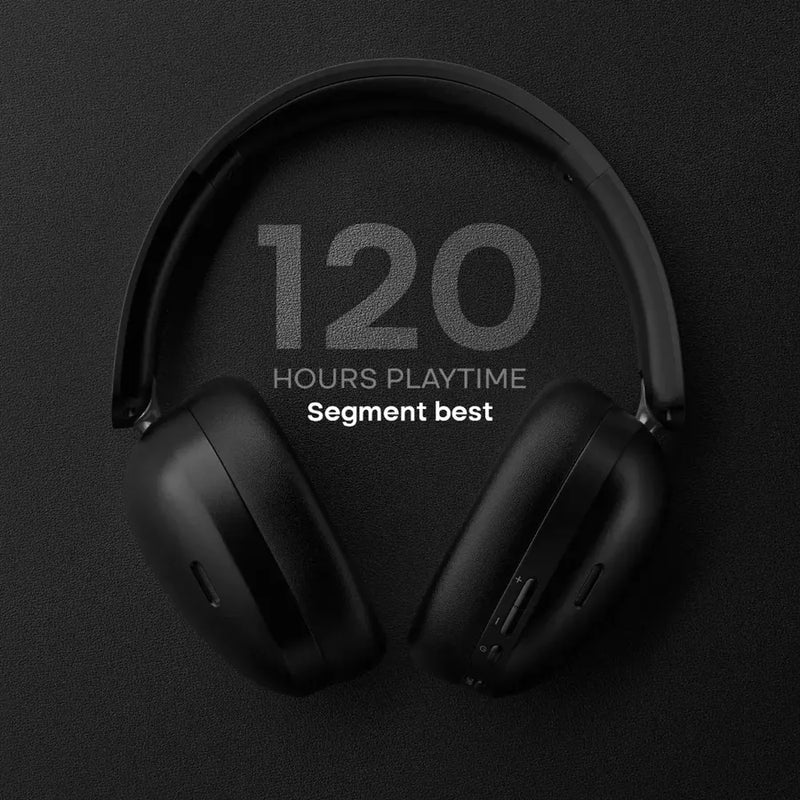
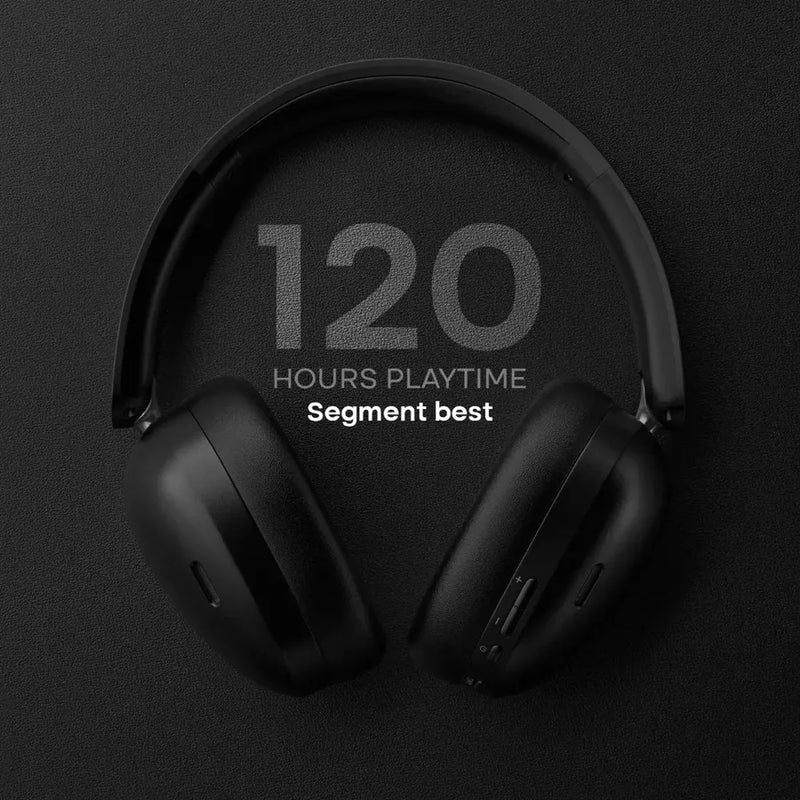
• 120 Hours Playtime – Industry-leading battery life for weeks of listening on a single charge
• Advanced ANC up to 22dB – Block out distractions and focus on your music
• 40mm Premium Drivers – Rich, powerful sound with deep bass and crystal-clear highs
• Bluetooth 6.0 – Stable and seamless wireless connectivity
• Spatial Audio – Immersive 3D sound experience that puts you at the center of your music
• Gaming Mode – Low latency up to 85ms for smooth, competitive gaming
• IPX4 Water Resistance – Sweat and splash-resistant for workouts and outdoor use
• Lightweight Design – Just 233.8g for comfortable all-day wear
• Quick Charge – Fully charged in 2 hours
• 4 Premium Colors – Cobalt Blue, Forest Green, Carbon Black, Pearl Beige
Perfect For:
Music enthusiasts, gamers, commuters, and professionals who need reliable audio throughout their day. Whether you're working from home, traveling, or hitting the gym, the Airwave Max XR delivers powerful performance.
Unisex Design:
Comfortable fit for everyone with premium materials and an adjustable headband.
Customer Approved: Rated 4.95★ by verified buyers who love the sound quality and exceptional battery life.
Elevate your listening experience.