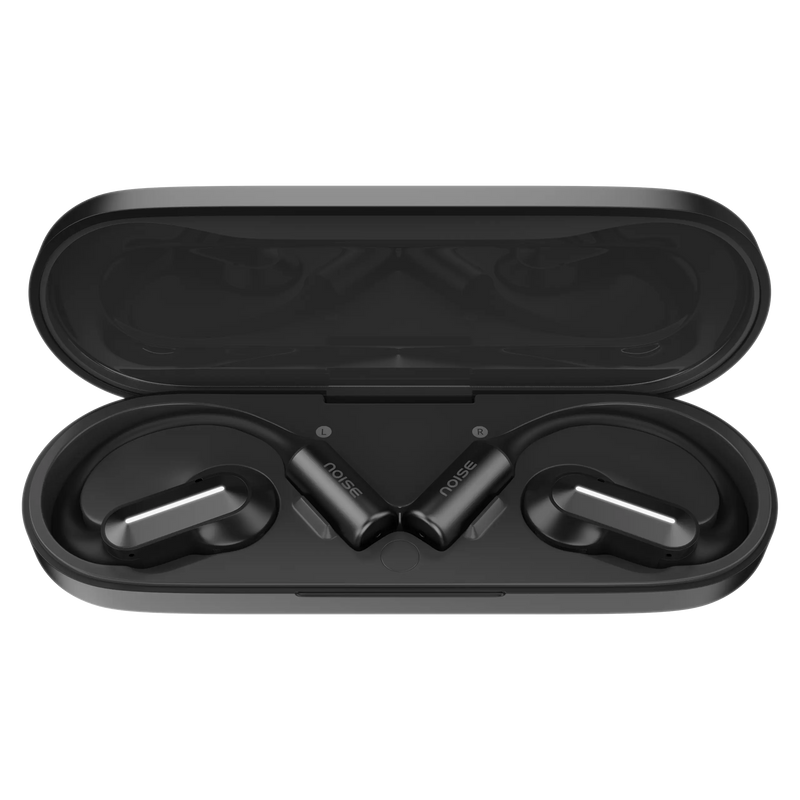
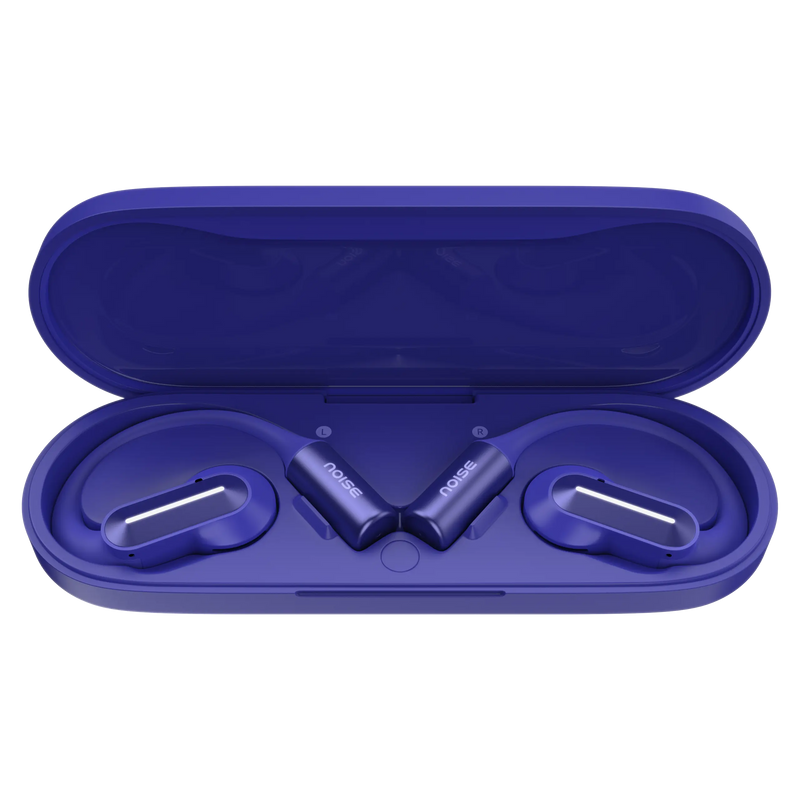
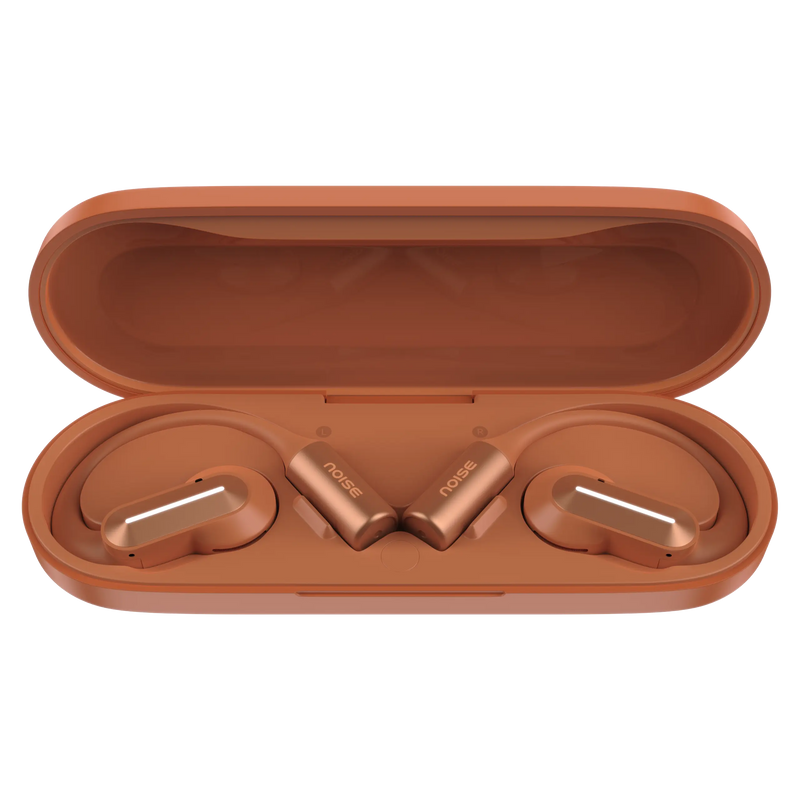
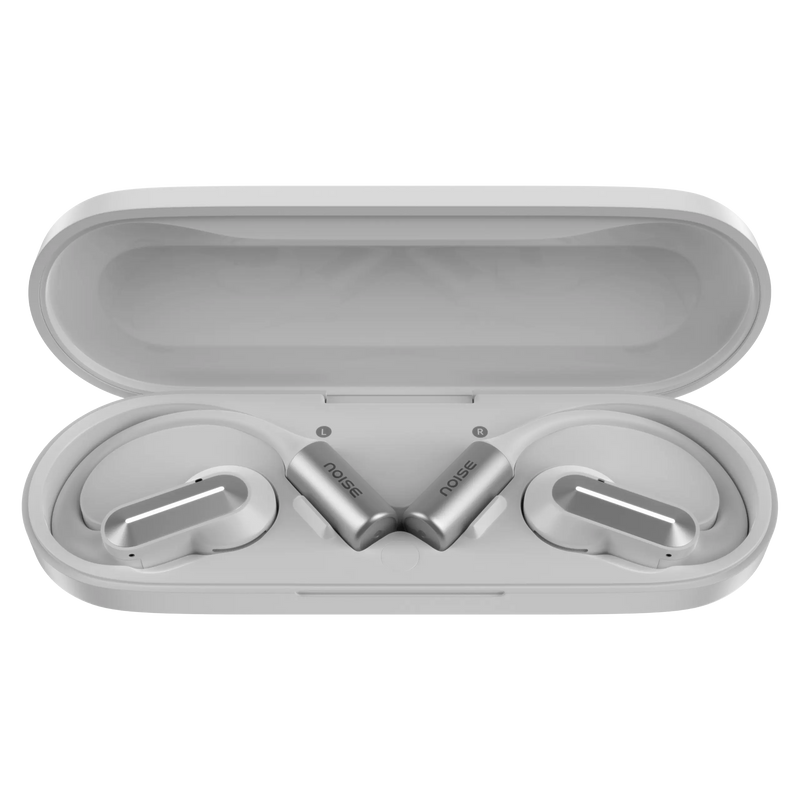
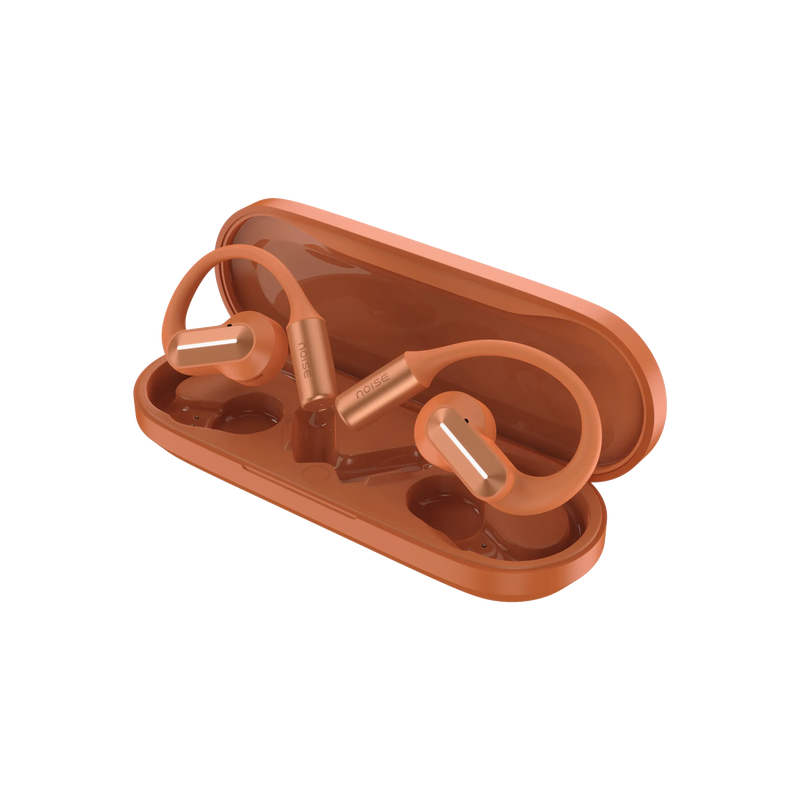
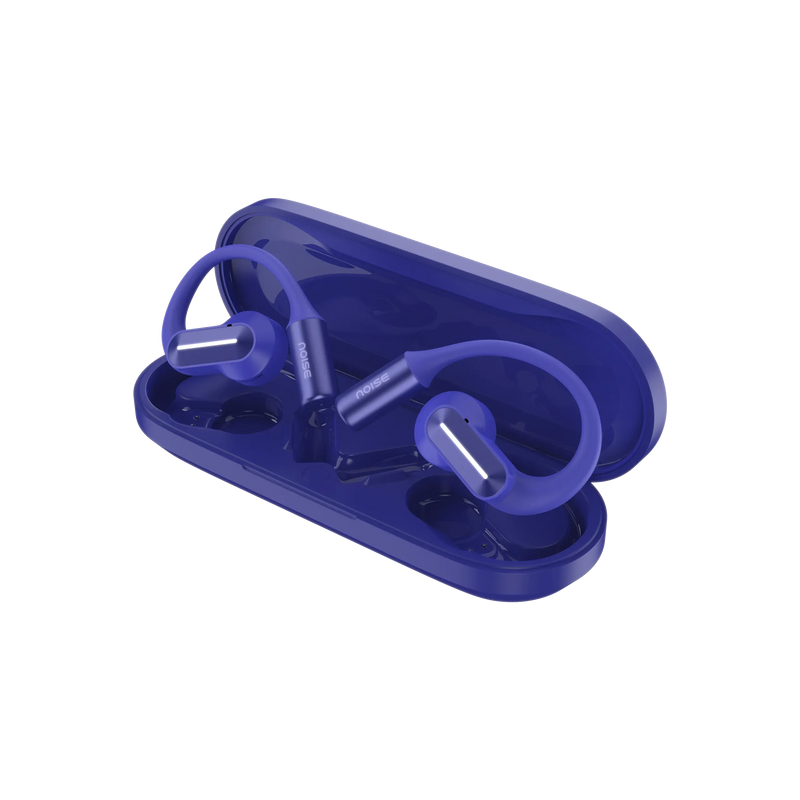
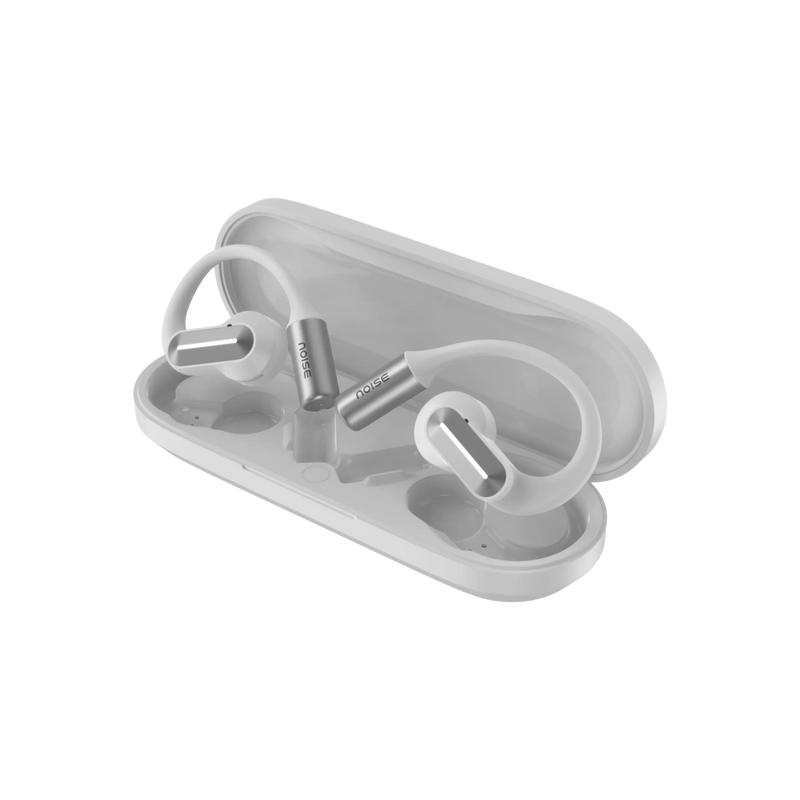
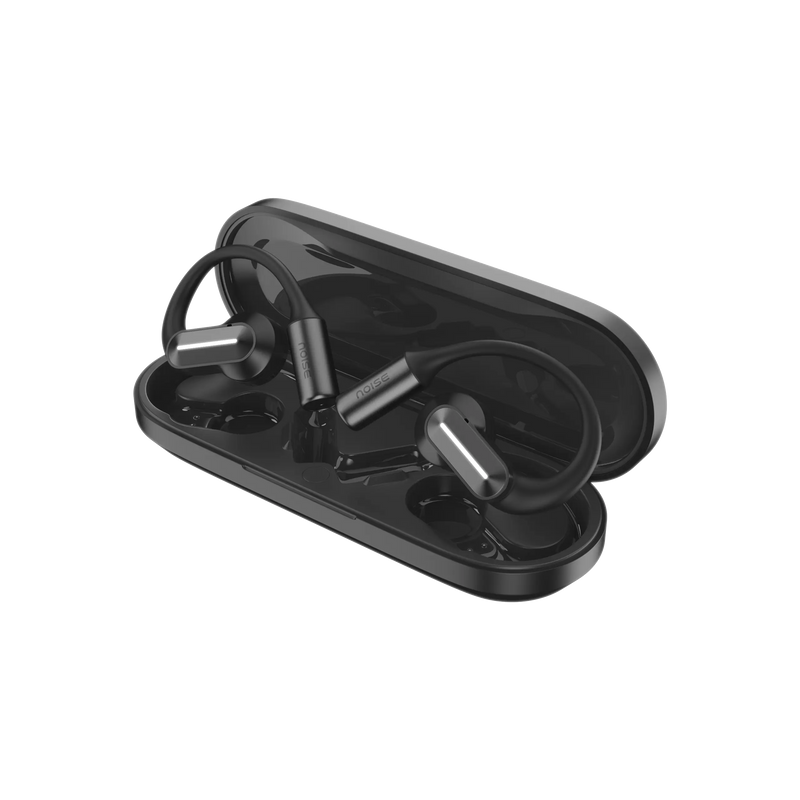
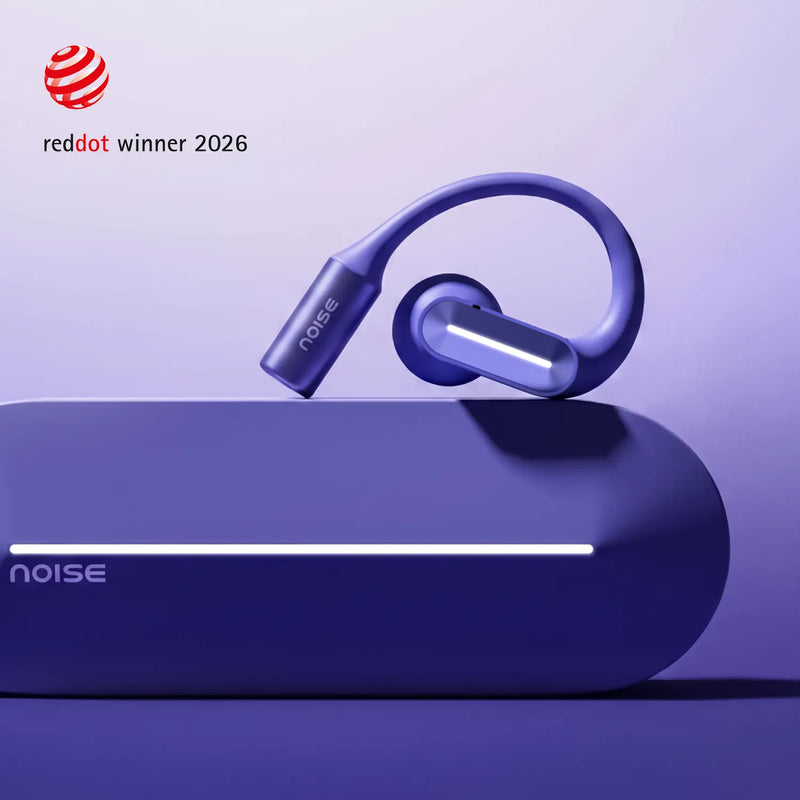
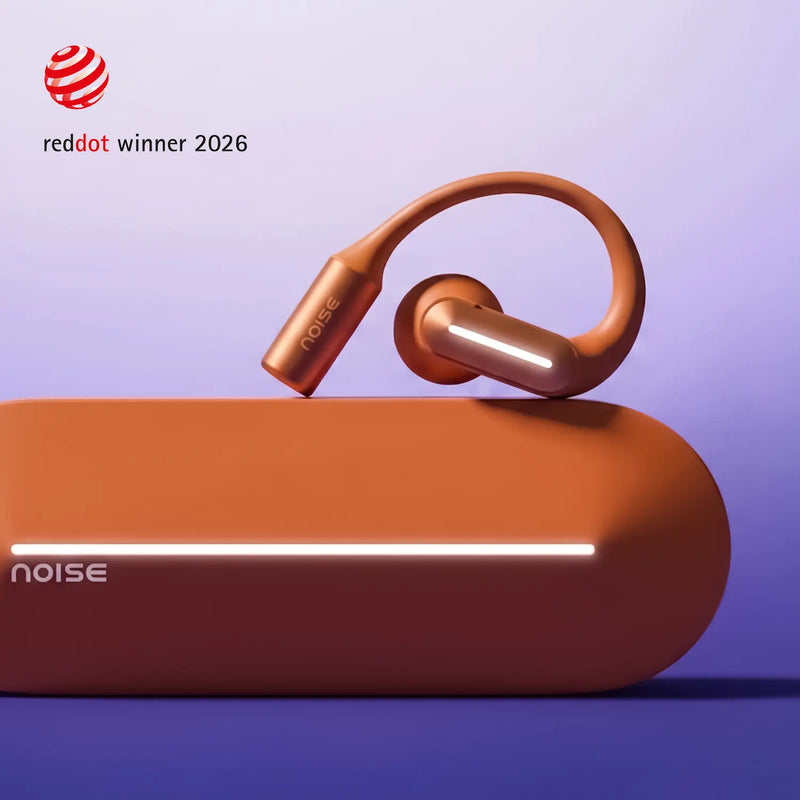
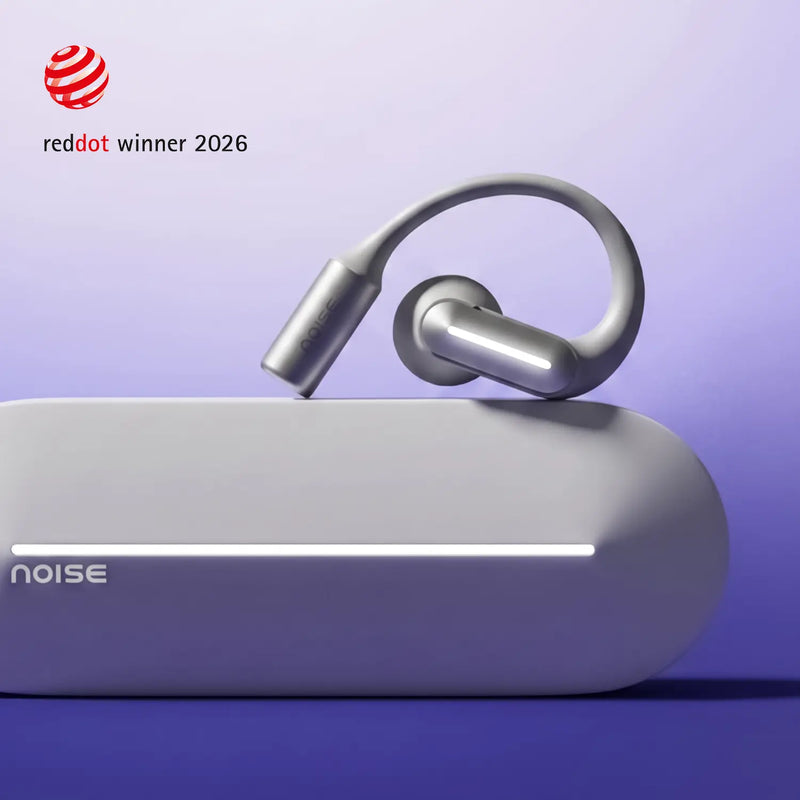
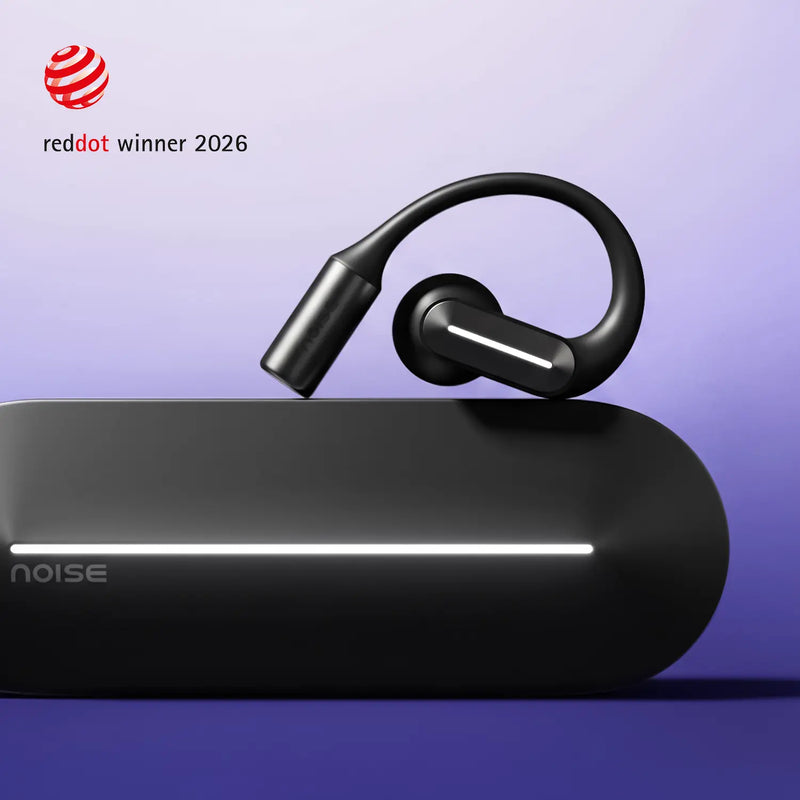
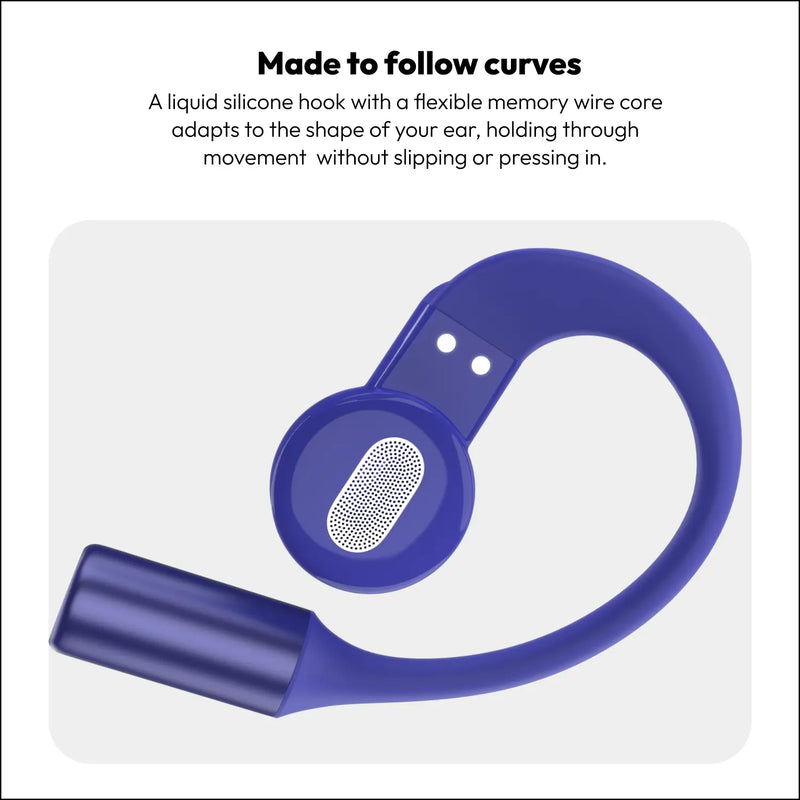
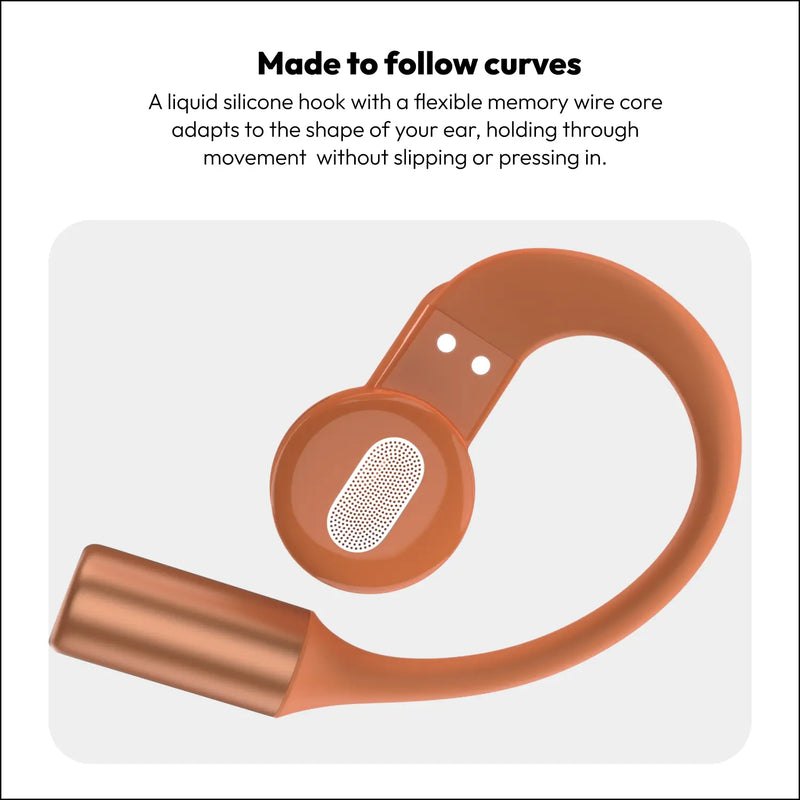
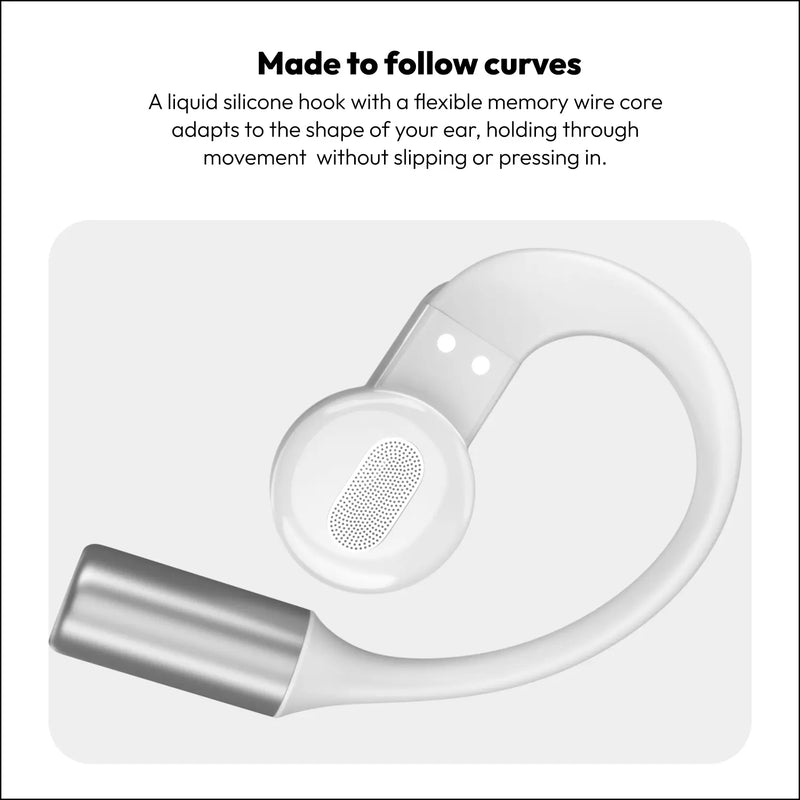
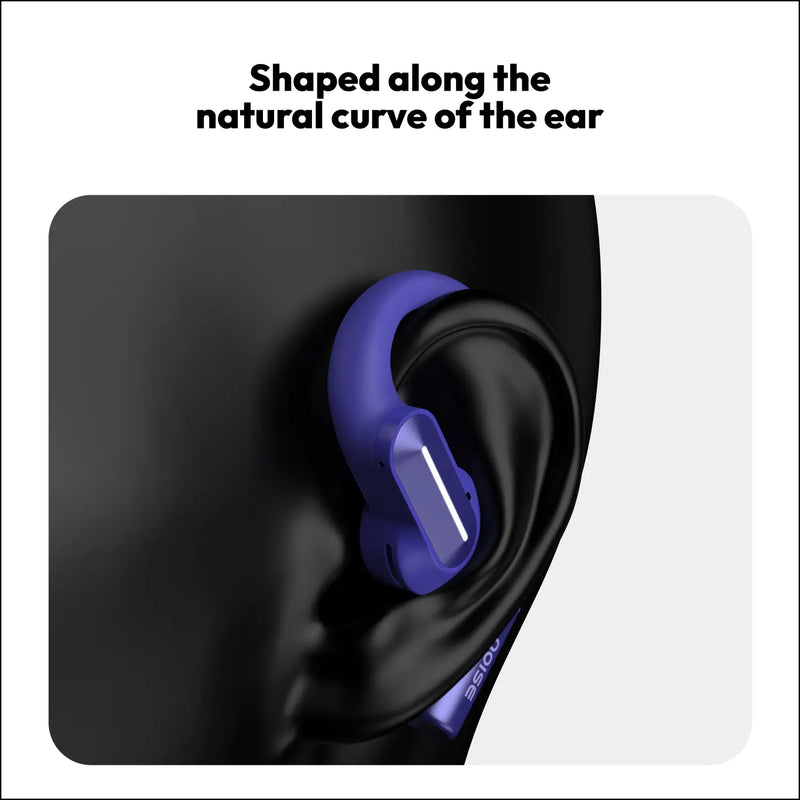
Bluetooth: v6.0Wireless range: 10 mAuto pairing: Yes, connects with the last paired deviceSupported profiles: A2DP, AVRCP, HFP, SPP, AVDTPCompatibility: Android & iOS

,

Playtime: Up to 35 hoursCharging time: Up to 90 minutesFast charging: YesCharging port: Type-CCharging indicator: Yes

,

Weight: 71 gramsDimensions: 12.5 x 4.3 x 2.3 cmWater resistance: IPX4

,

Noise Audio App SupportAudio BoostDual device pairingLow latency modeHands-free callingInstacharge™: 10 minutes of charge = 3.20 hours of playtimeVoice assistant support: Siri, Google Assistant

How do I turn ALT Buds Open on and off?The earbuds turn on automatically when you open the charging case and remove them. They turn off when placed back inside with the lid closed.How do I pair ALT Buds Open with my smartphone?Keep the earbuds and your phone close to each other. Open the case, take out the earbuds, and go to the Bluetooth menu on your phone. Search and select ALT Buds Open to pair.Note: The earbuds will automatically connect to the last paired device.

,

What is the battery backup?Up to 35 hours of playtime with the charging case.How long do ALT Buds Open take to charge?Up to 90 minutes for a full charge.Do ALT Buds Open support fast charging?Yes. 10 minutes of charging gives you up to 3.20 hours of playtime via Instacharge™.How do I check the battery level?Open the Bluetooth menu on your smartphone, the battery level appears under the ALT Buds Open icon.Can I charge ALT Buds Open with my PC or laptop?Yes.What do I do if my earphones are not charging?Raise a support ticket at https://www.gonoise.com/pages/register-your-complaint

,

Are ALT Buds Open compatible with iPhones?Yes.Are ALT Buds Open compatible with Android smartphones?Yes.Can ALT Buds Open be connected to a laptop or computer?Yes, provided the device supports Bluetooth.Can ALT Buds Open be connected to more than one device at a time?Yes. ALT Buds Open supports dual-device pairing.Do they support older Bluetooth versions?ALT Buds Open work best with Bluetooth v6.0 and remain backward compatible.What is the Bluetooth range?Up to 10 meters without obstacles.Can I use Siri or Google Assistant?Yes.Is there an App that I can connect to?Yes, Noise Audio App.

,

Only one side is working. What do I do?Raise a support ticket at support.gonoise.com.How do I reset ALT Buds Open?From your Bluetooth settings, delete ALT Buds Open from the list of paired devices. Put the buds inside the case, case should be opened and long-press the reset button on the case for 8 seconds: case LED will blink orange. Once reset the earbuds will go into pairing mode. 

,

Is there a warranty for this product?Yes, there is a 1-year manufacturing warranty from the date of delivery of the product.Where do I register for the product warranty?You can register your warranty at https://www.gonoise.com/pages/warranty-registration

Smart Watches with Alexa AMOLED Display Smart Watches Round Dial Smart Watches Metallic & Leather Smart Watches BT Calling Smart Watches Android Smart Watches Smart Watches for Men Smart Watches for Women Smart Watches for Kids Smart Watches Under ₹2000 Smart Watches Under ₹3000 Smart Watches Under ₹4000 Smart Watches Under ₹5000 Smart Watches Above ₹5000 ANC Earbuds Gaming Earbuds Earbuds Under ₹1000 Earbuds Under ₹1500 Earbuds Under ₹2000 Earbuds Under ₹2500 Earbuds Above ₹2500
Compare product

Compare Your Items (3 Items)

Compare Product image

+ Add Product

Performance

Compare Page Loader