Noise ColorFit Pulse 4 Max Smart Watch - ABHI Marketplace
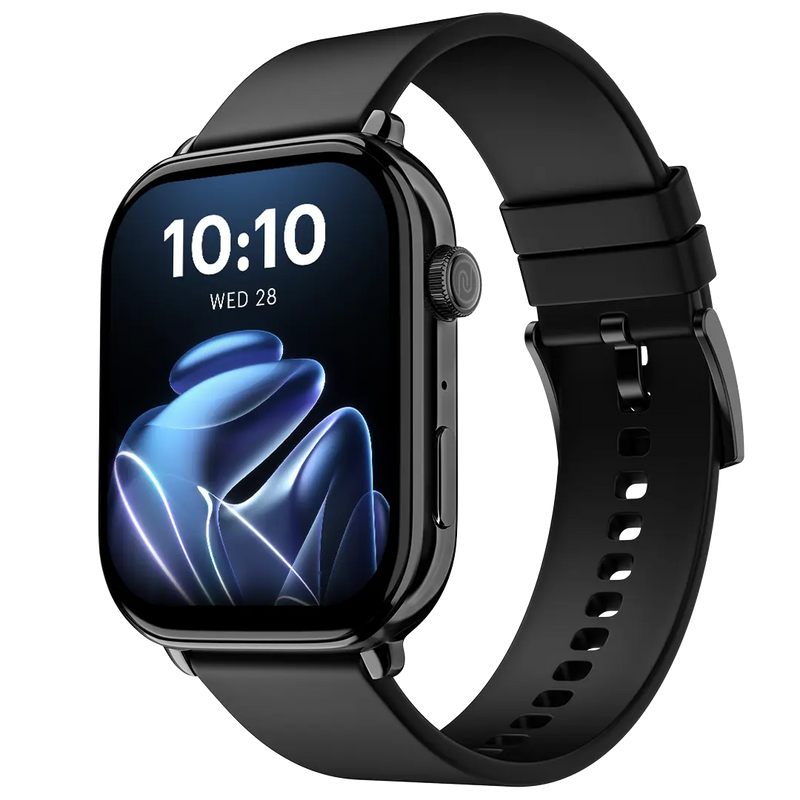
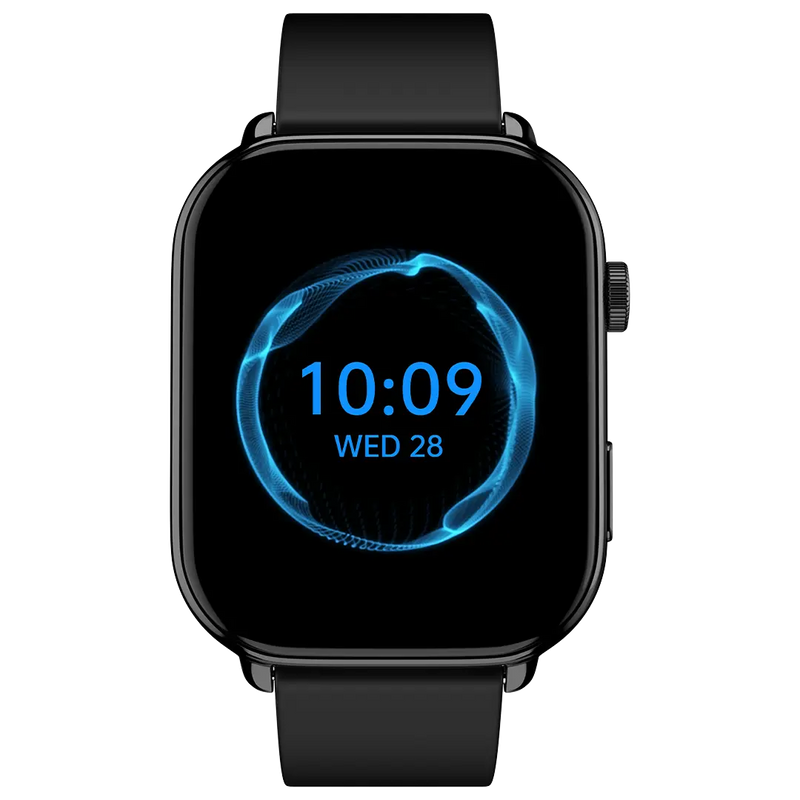
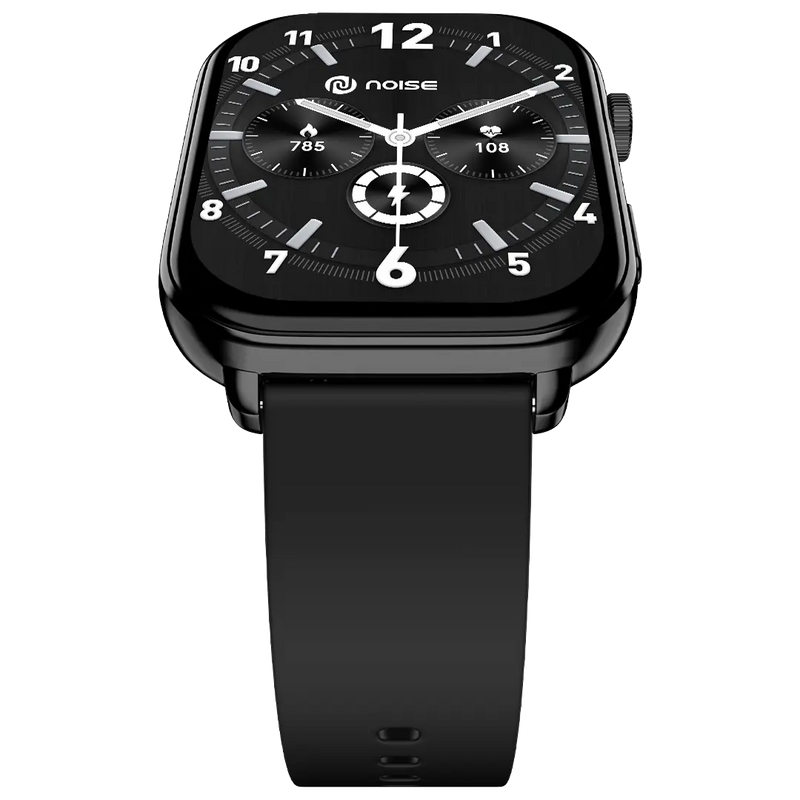
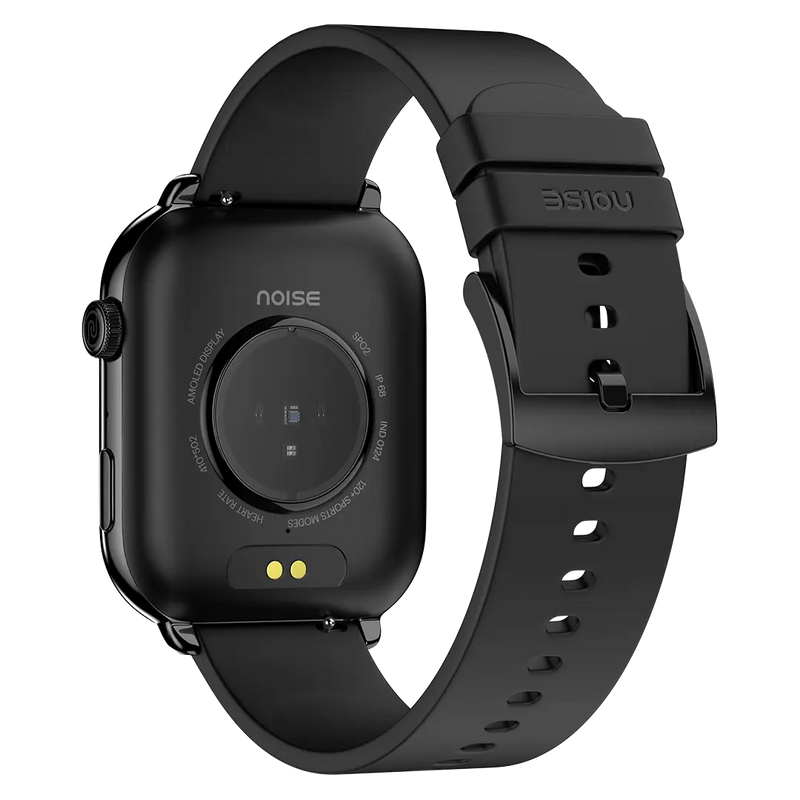
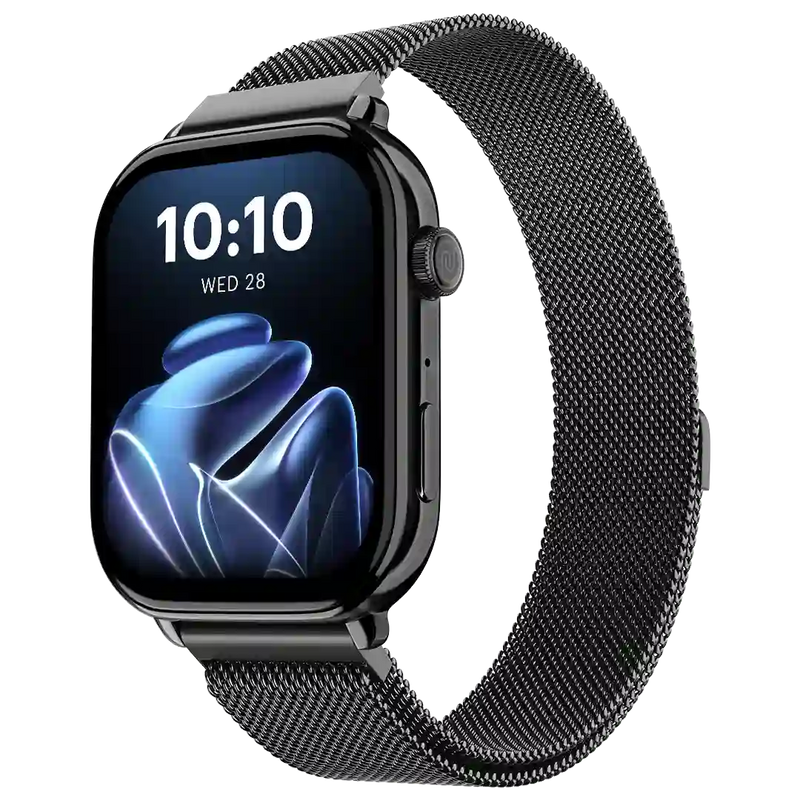
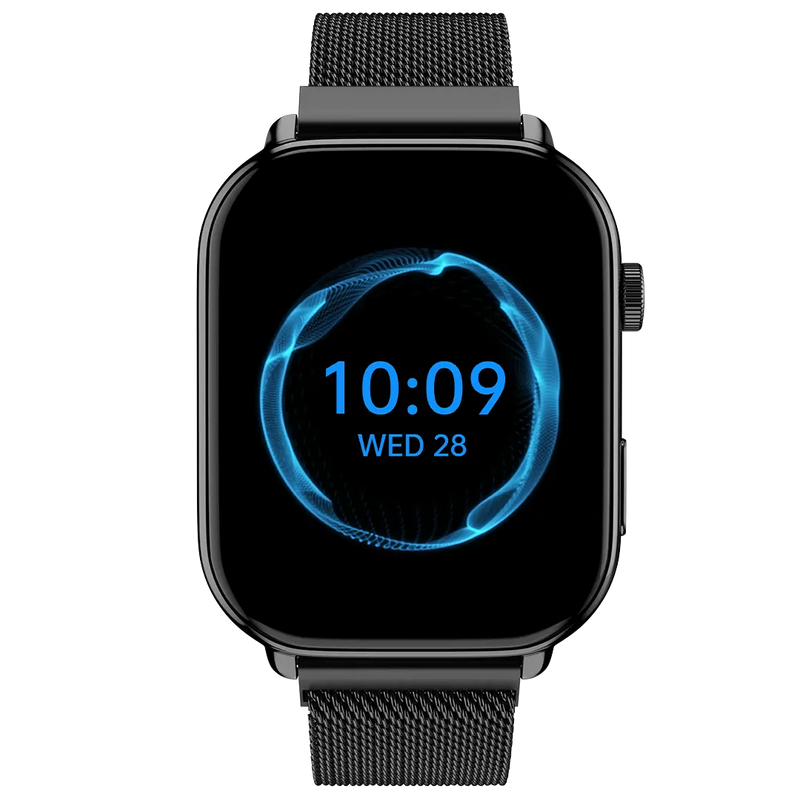
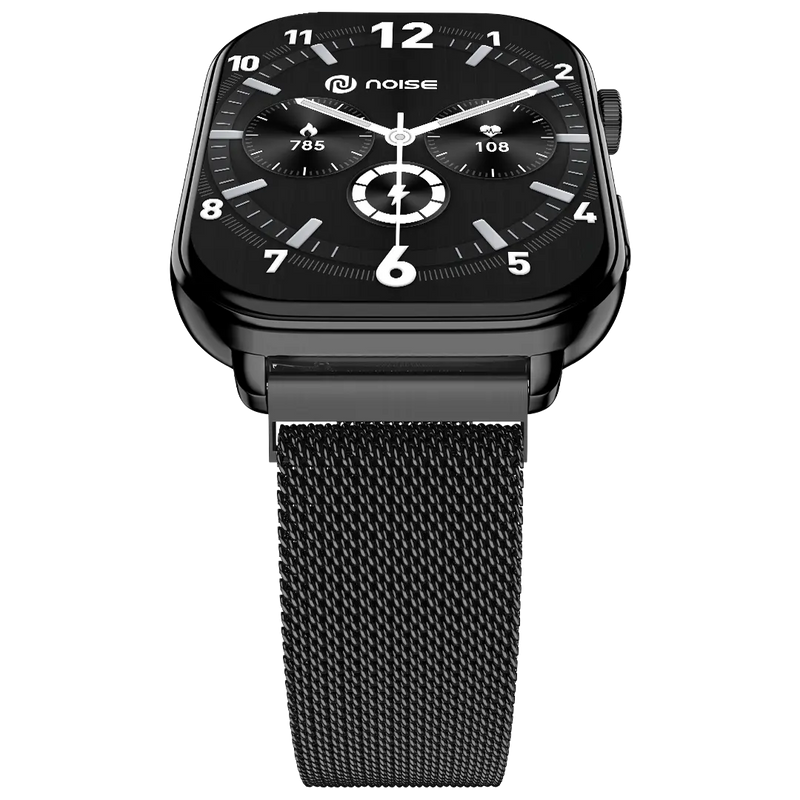
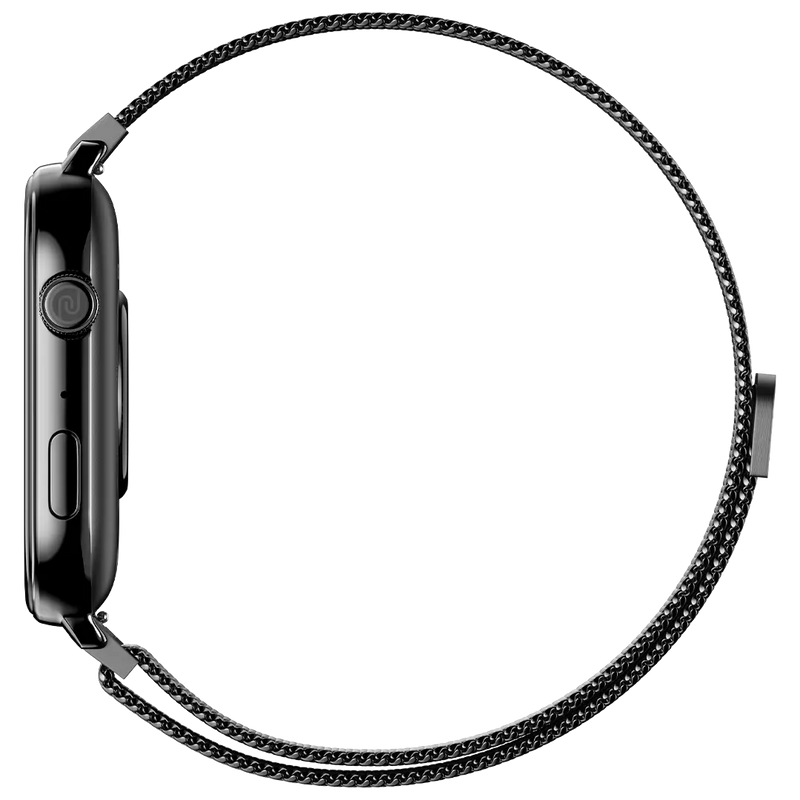
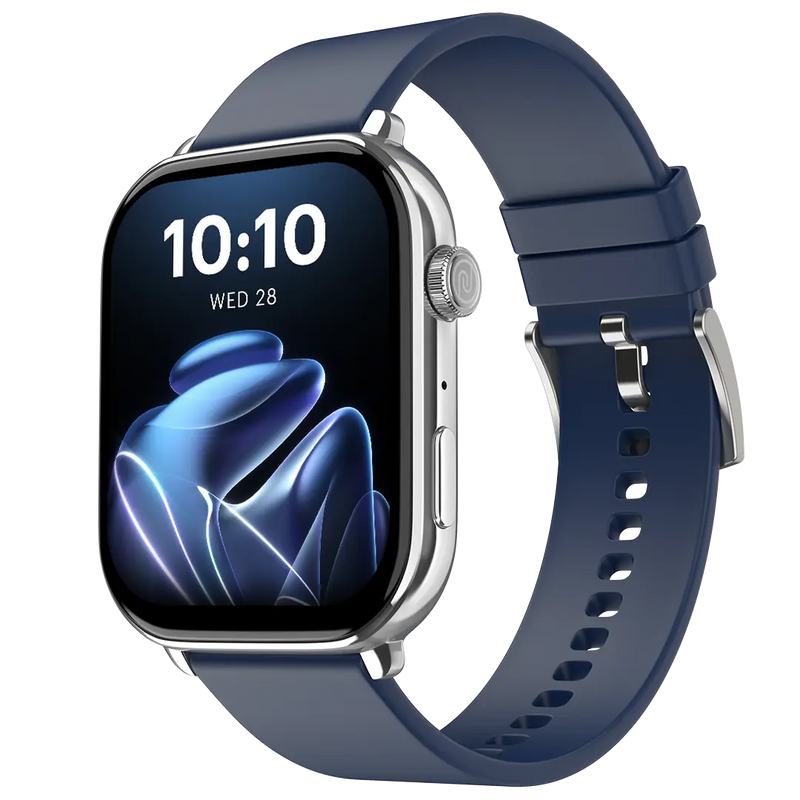
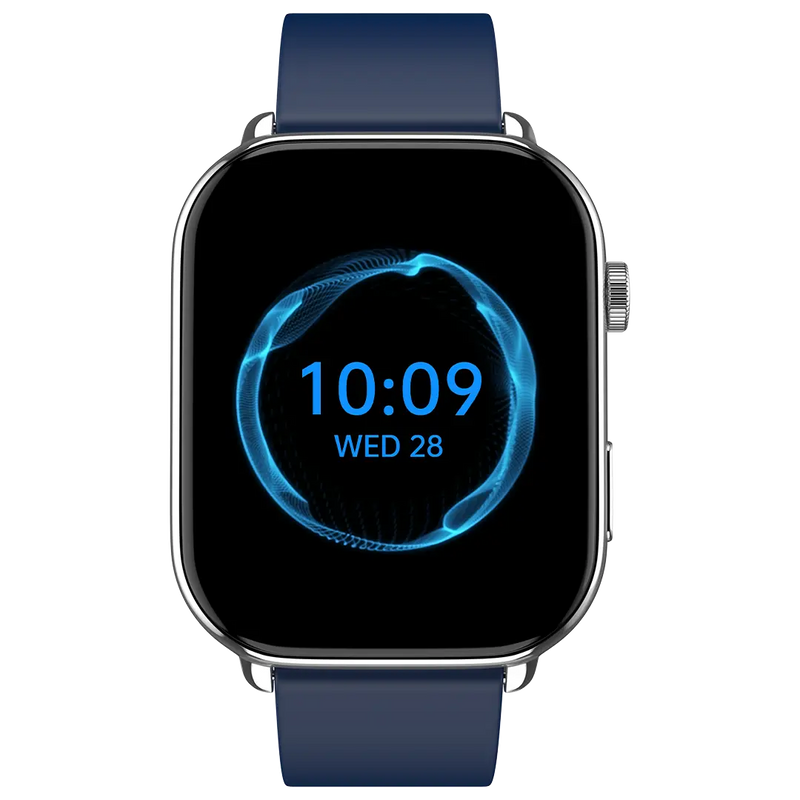
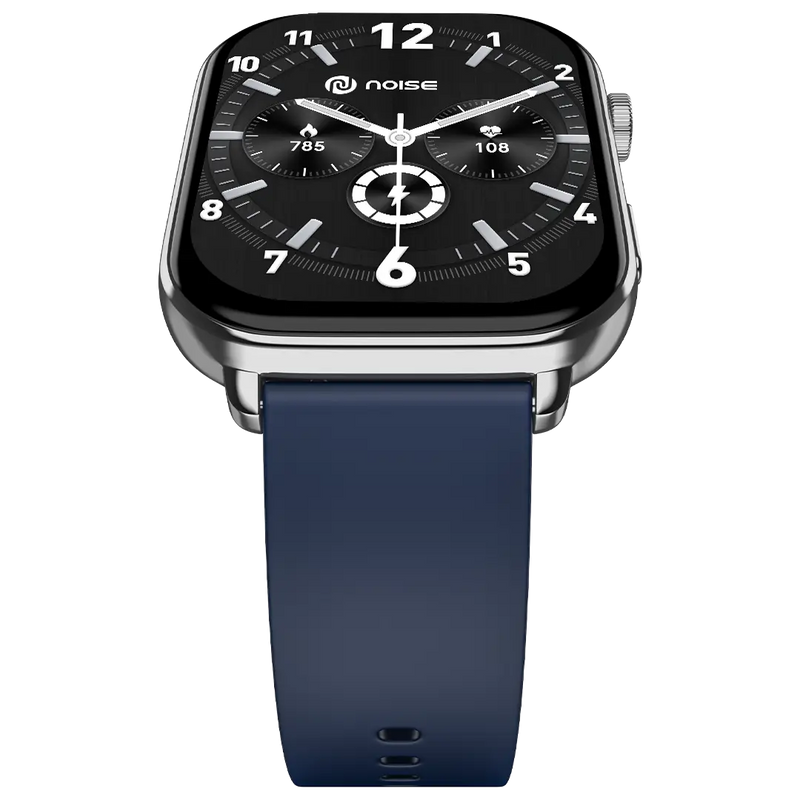
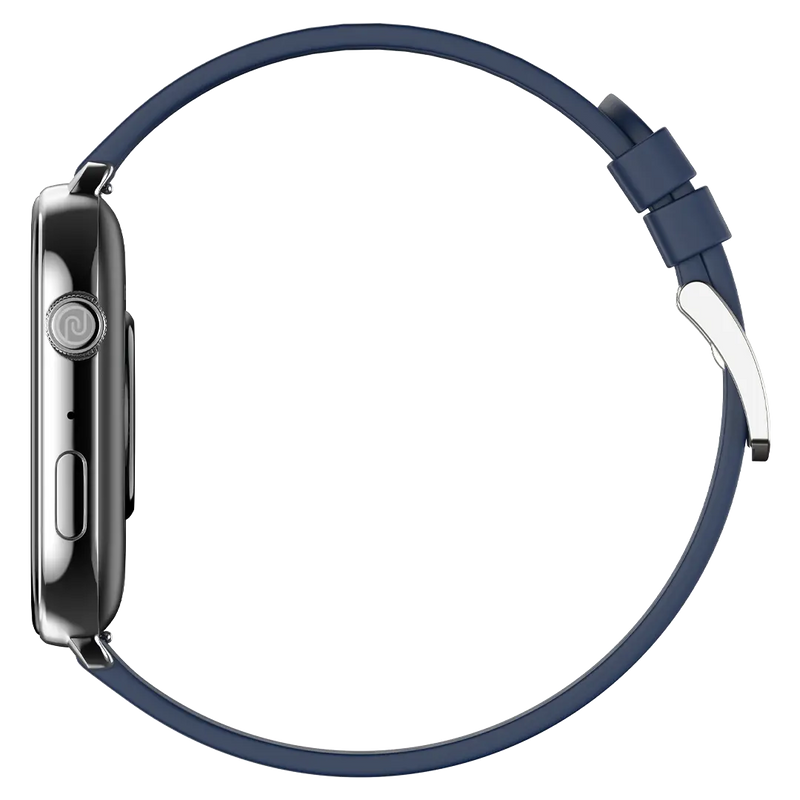
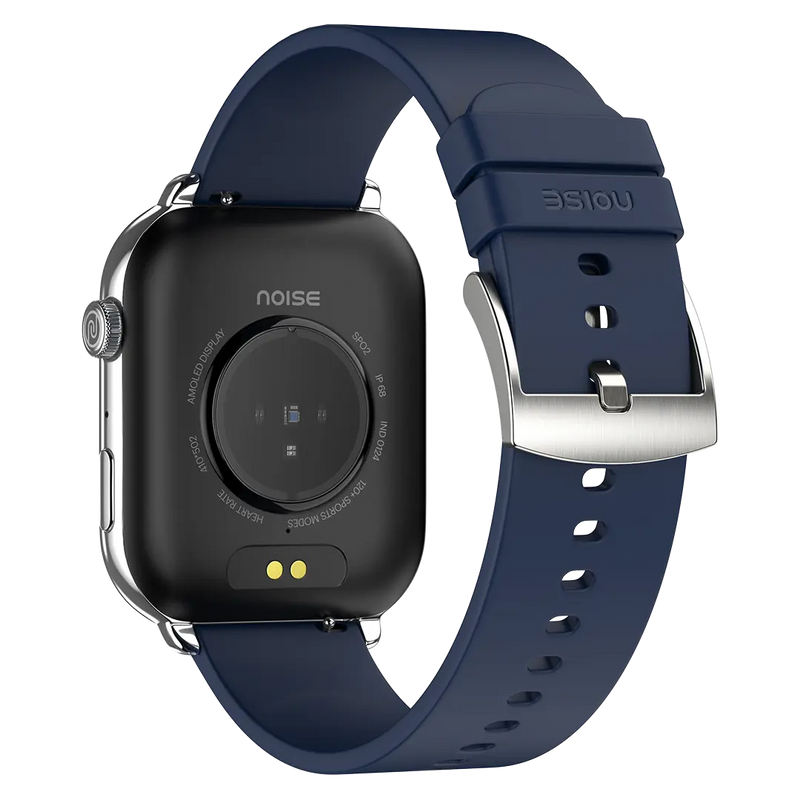
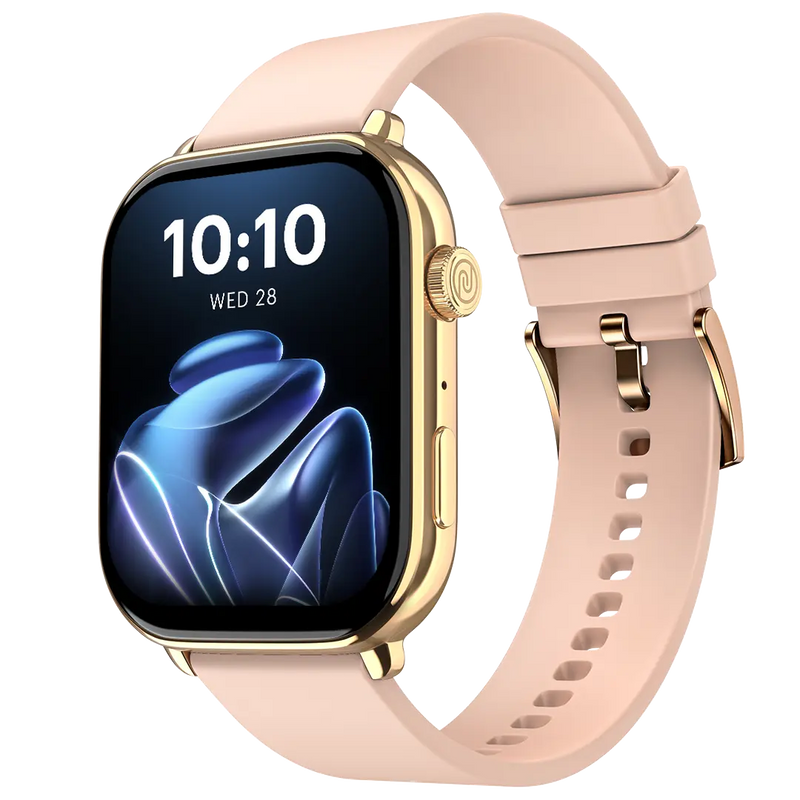
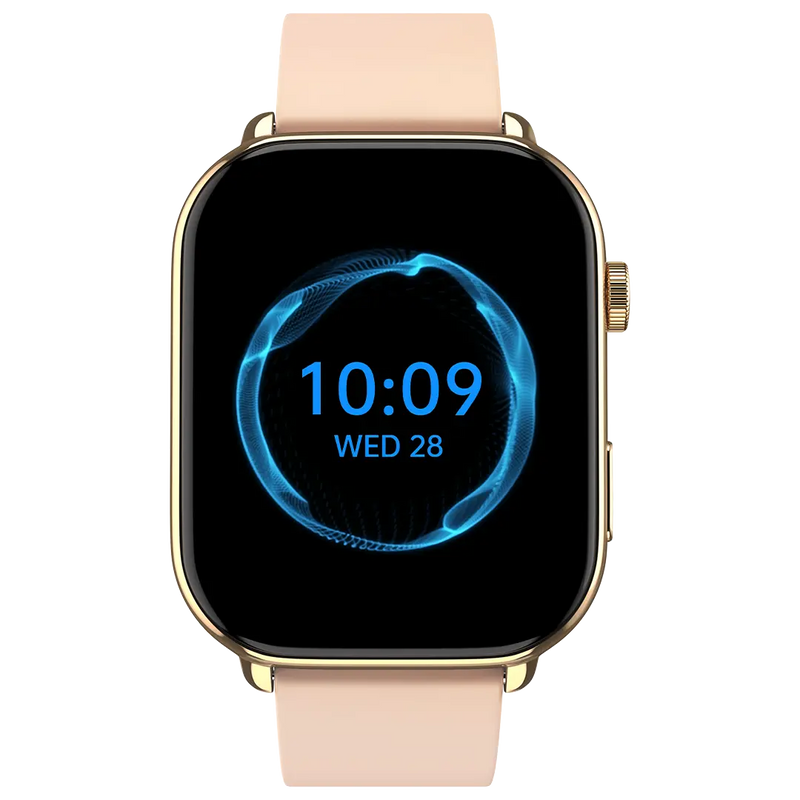
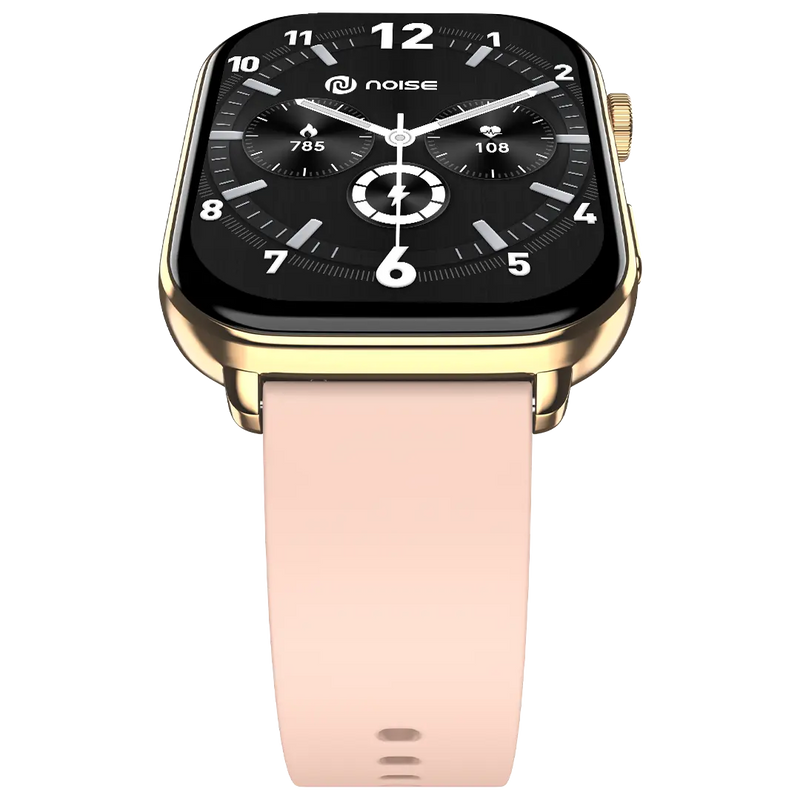
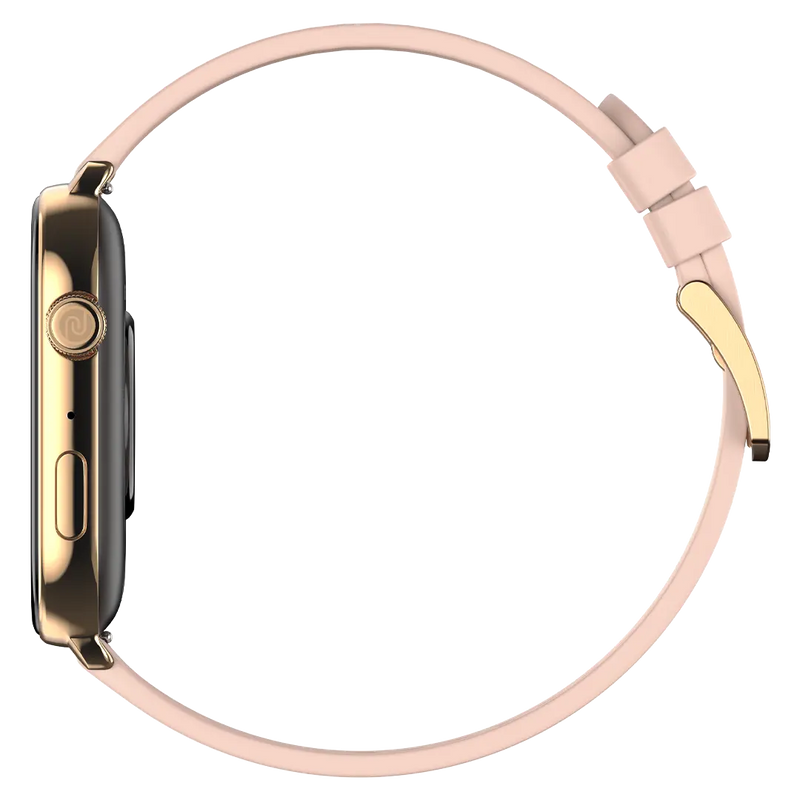
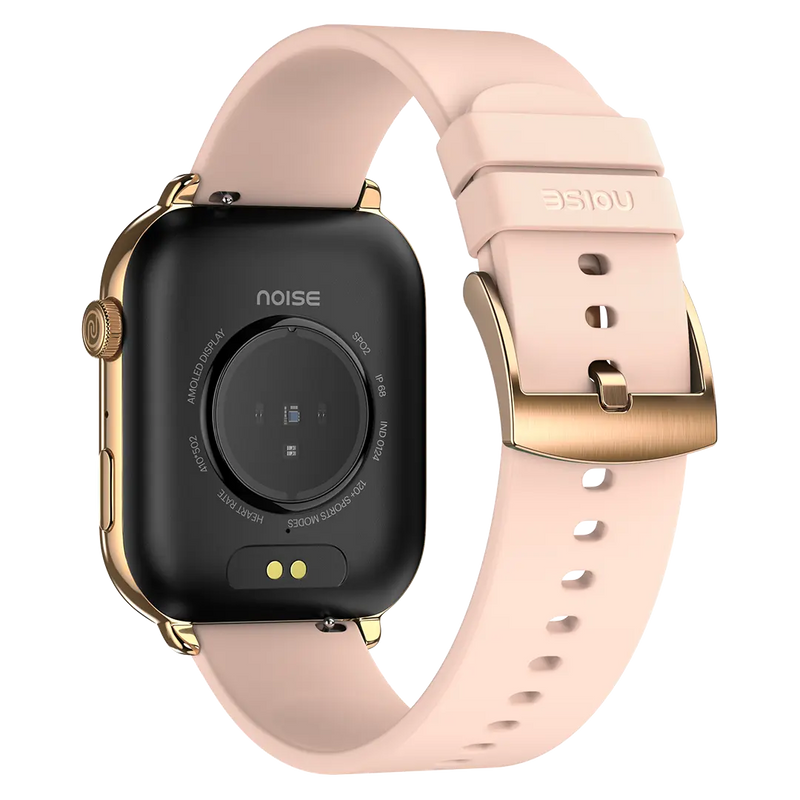
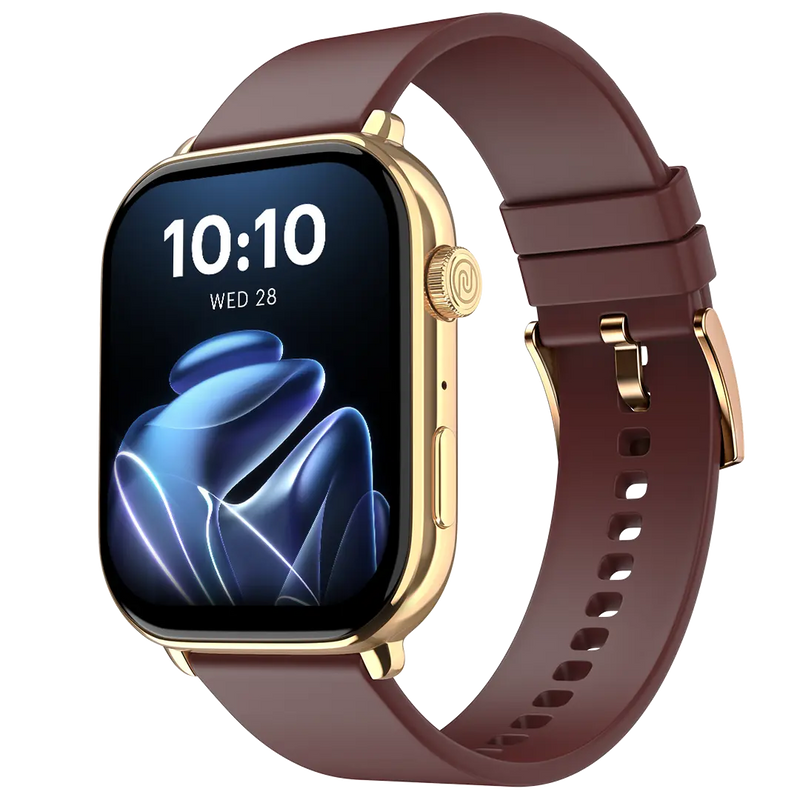
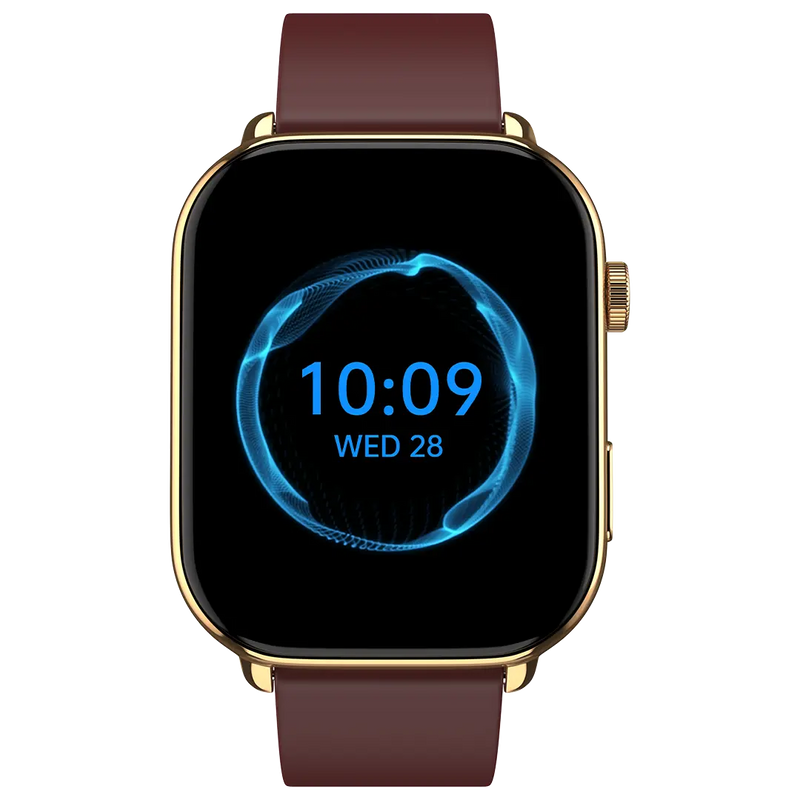
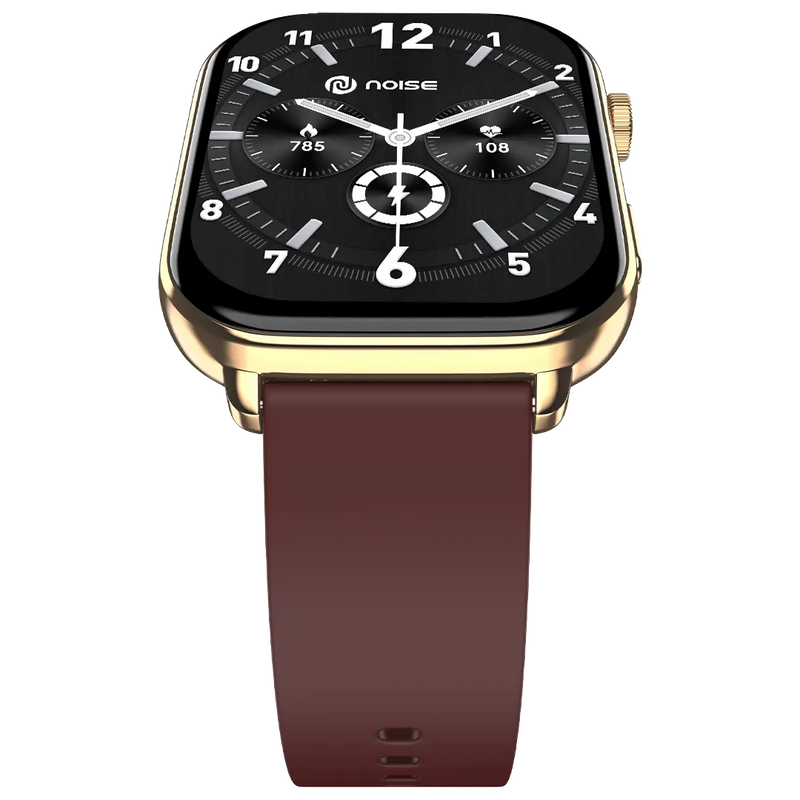
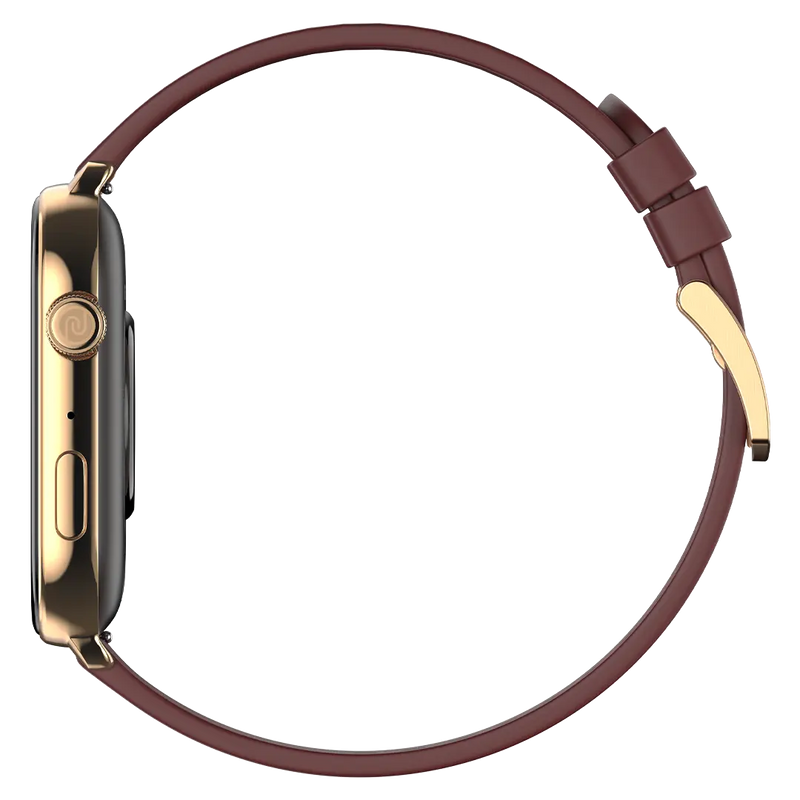
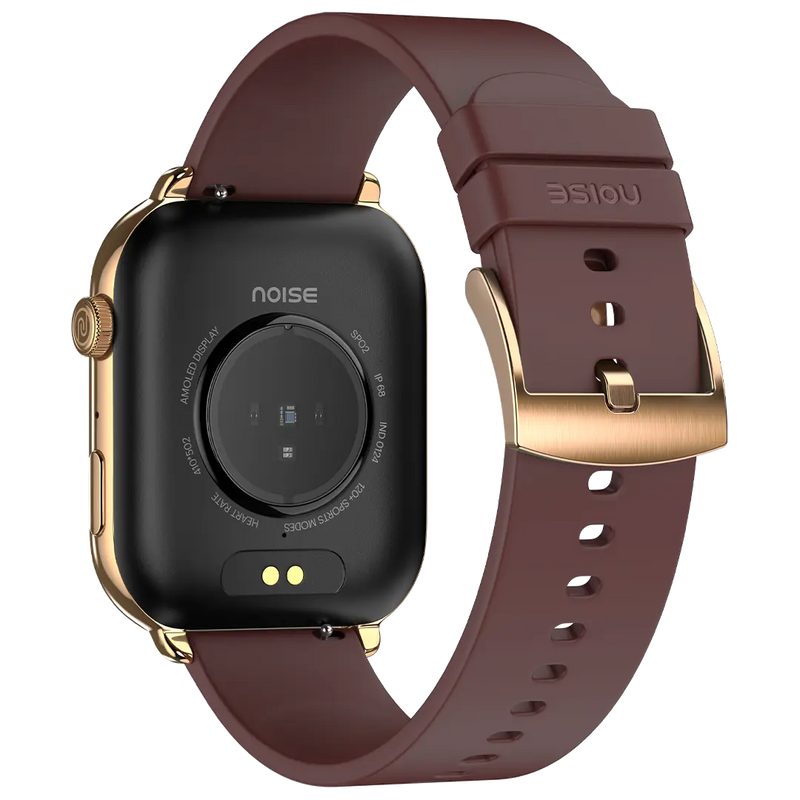
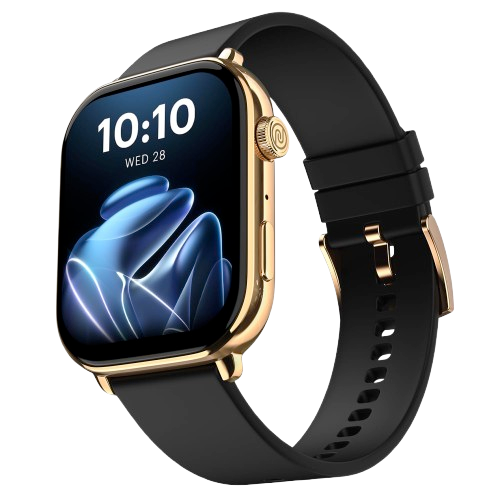
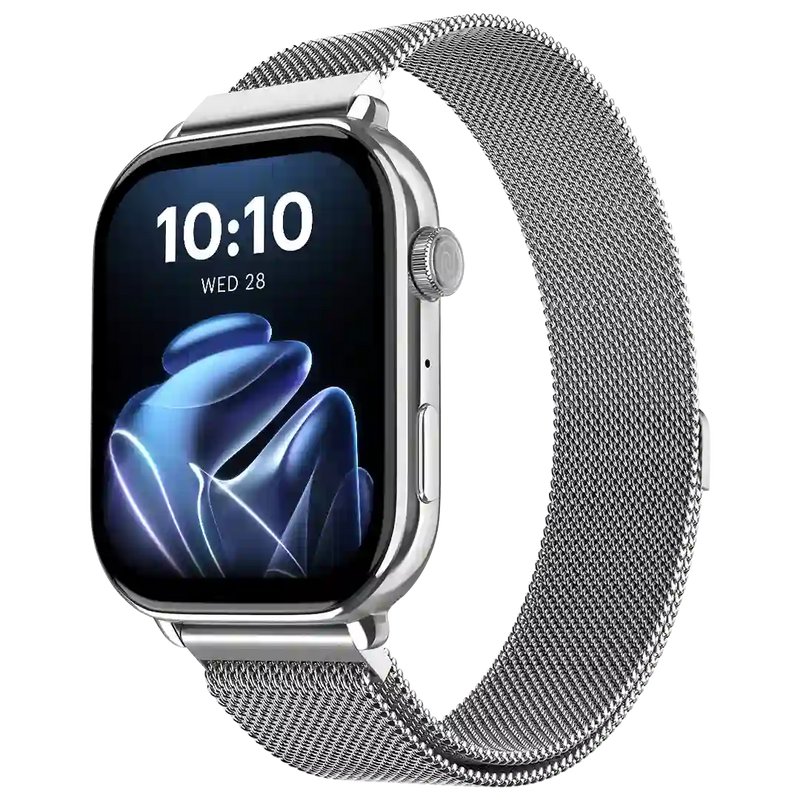
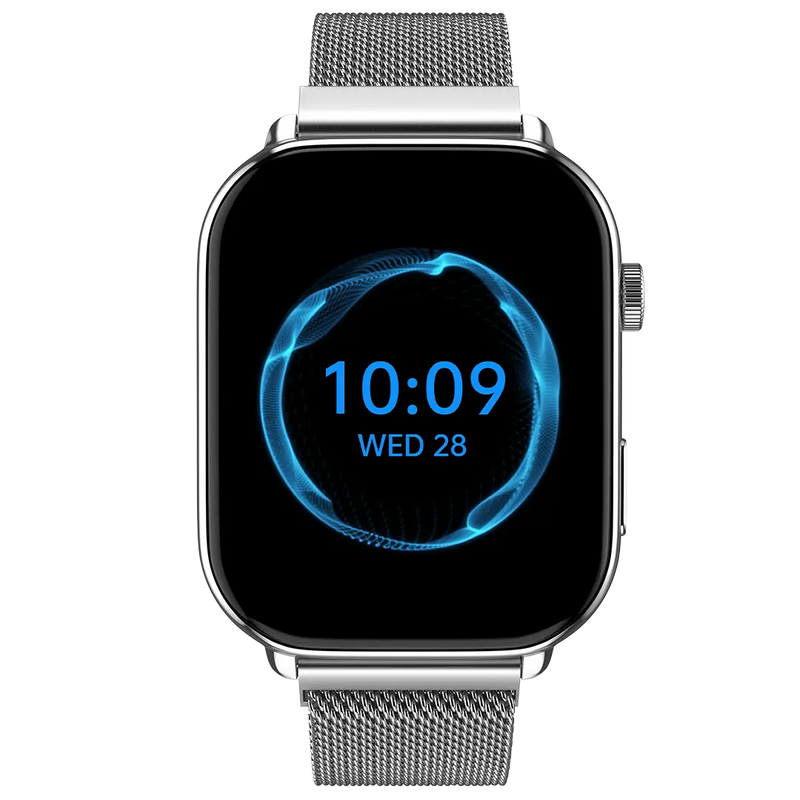
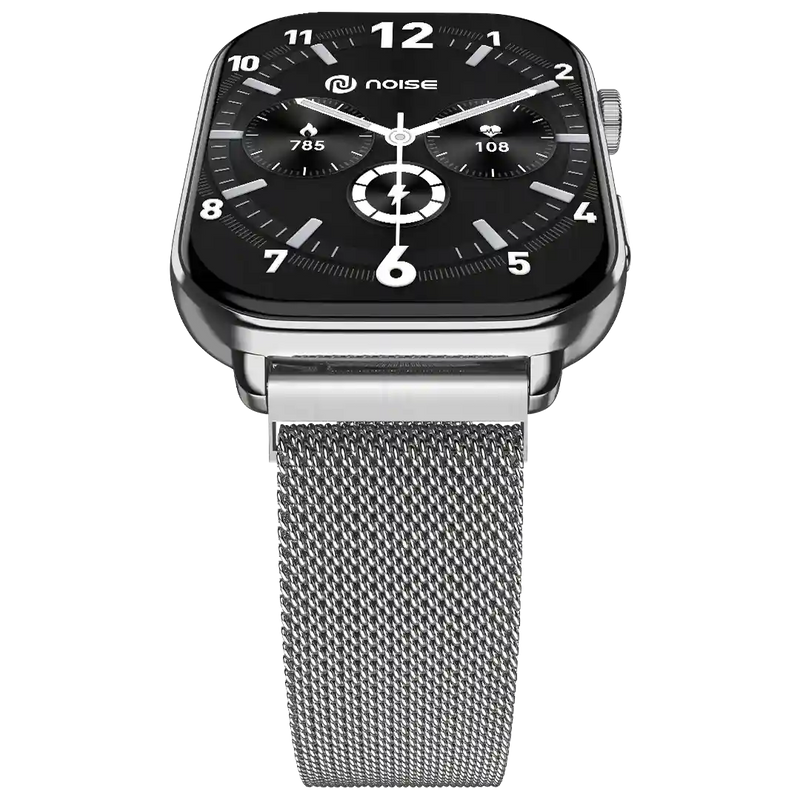
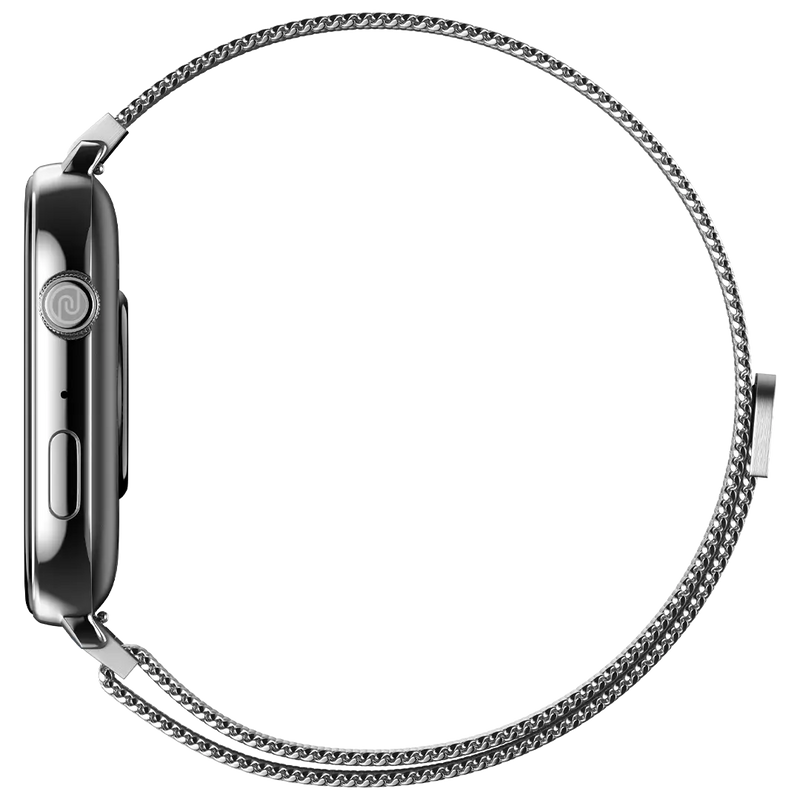
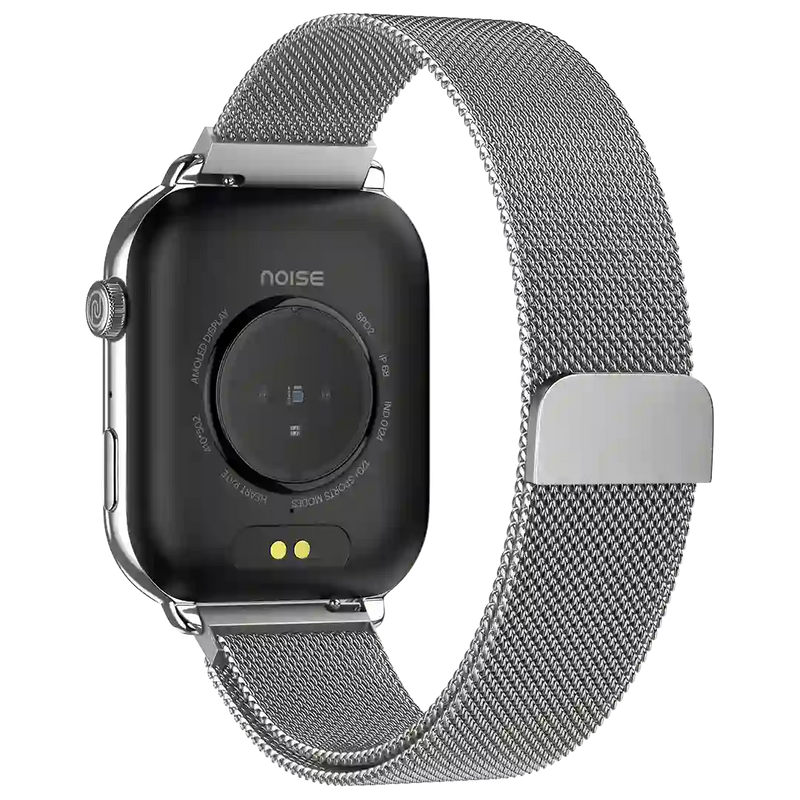
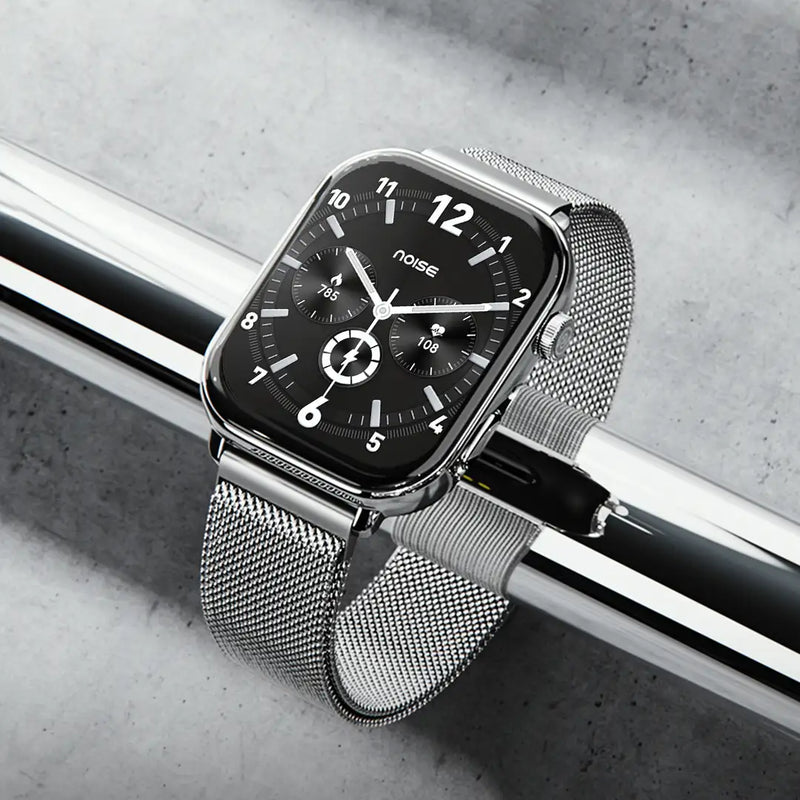
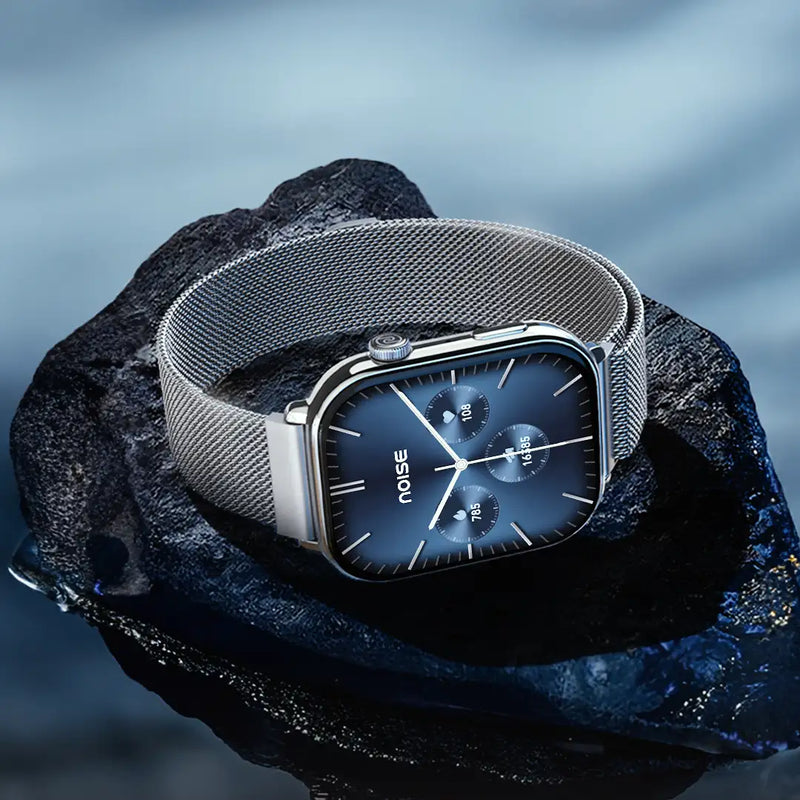
Get India's 1st ever smartwatch with AI Create and 1.96" Biggest Amoled Display BT Calling. Up to 7 Day battery life, AI Voice Assistance and 100+ Watch faces. Explore Now and Get Exclusive offer
Quick Specifications
| Bluetooth Version | v5.3 |
|---|---|
| System Requirement | ios 17.0 + or Android 9.0 + |
| Display technology | AMOLED |
| Screen Size | 1.96” |
| Heart rate sensor | Yes |
| SpO2 sensor | Yes |
| Typical Usage Time | Up to 7 days |
| Standby Time | Up to 30 days |
| Charging Time | Up to 2 hours |
Specifications
| Country of Origin | India |
|---|---|
| Package Contents | 1 device, 1 charging cable, 1 user manual, warranty card |
| Marketed & Imported By | Nexxbase Marketing Pvt. Ltd, Khasra No-146/25/2/1, Jail Road Badshahpur, Gurugram Haryana-122101 |
Connectivity
| System Requirement | ios 17.0 + or Android 9.0 + |
|---|---|
| BT | v5.3 |
Display
| Display technology | AMOLED |
|---|---|
| Size | 1.96” |
| Resolution | 410*502 |
| Cloud-based watch faces | Yes |
| AI-based watch faces | Yes |
Sensors
| Heart rate sensor | Yes |
|---|---|
| Accelerometer | Yes |
| SpO2 sensor | Yes |
Battery & Charging
| Typical Usage Time | Up to 7 days |
|---|---|
| Standby Time | Up to 30 days |
| Charging Time | Up to 2 hours |
| Charging Cable | Yes |
Physical Specifications
| Watch Case Material | Metal |
|---|---|
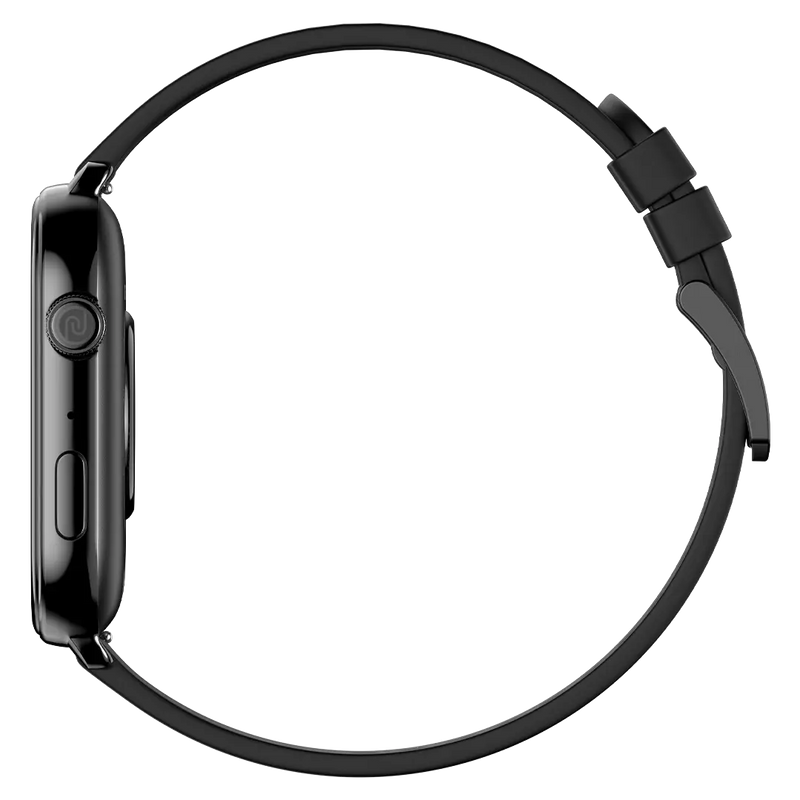
| Strap Size & Material | 22mm (silicone) |
| Water Resistance Rating | IP68 |
Health Monitoring Features
| Heart rate monitor | |
| Step tracker | |
| Sleep monitor | |
| Stress measurement | |
| Sports modes | |
| SpO2 monitor | |
| Activity history | |
| Breathe practice | |
| Female cycle tracker |
Smart Features
| SoS technology | |
| Caller name information | |
| Call rejection | |
| Stopwatch | |
| Timer | |
| Alarm | |
| Reminder | |
| Weather | |
| Vibration alert | |
| Do not disturb mode | |
| Screen brightness | |
| Functional crown | |
| Wrist awake |
FAQs
What is the display like on ColorFit Pulse 4 Max - size, resolution, watch faces and brightness?
ColorFit Pulse 4 Max has a full-touch 1.96" AMOLED display with a resolution of 410x502 pixels. It offers 100+ watch faces that you can access and customise through the NoiseFit app, and you can even generate your own using the AI Create feature. To adjust brightness, turn on the screen, swipe up from the home screen, select Brightness and set it to your preference.
What AI and smart-utility features does ColorFit Pulse 4 Max offer?
ColorFit Pulse 4 Max includes AI Create, which lets you generate personalised watch faces simply by giving voice commands, as well as a built-in AI Search feature. On the utility side, it can also store up to 5 QR codes on the watch, so you can keep frequently used codes handy right on your wrist.
Is ColorFit Pulse 4 Max shockproof and water resistant, and can I swim with it?
ColorFit Pulse 4 Max is not shockproof, so avoid dropping it from a height as it may get damaged. It does carry an IP68 rating and can withstand water up to 1.5m deep for up to 30 minutes, but you should avoid saunas, hot water and ocean water. Despite the rating, it is not designed for swimming, so it should not be worn in the pool.
What interactive features does ColorFit Pulse 4 Max have - calling, voice assistance, games, phone tracking and gestures?
ColorFit Pulse 4 Max is well equipped on the interactive side: it supports Bluetooth calling so you can take calls from your wrist, comes with built-in voice assistance, and includes in-built games. It also offers a phone-tracking option to help you locate a misplaced phone, along with gesture controls for hands-free interaction with the watch.
Can I adjust vibration on ColorFit Pulse 4 Max, and does it store or play music?
Yes, you can control and reduce the vibration level on ColorFit Pulse 4 Max to suit your preference. However, it does not store or play music itself, and it cannot stream music to a Bluetooth headset. Any music playback would still need to run from your paired smartphone rather than from the watch.
What is the Bluetooth range, and can I use earbuds with ColorFit Pulse 4 Max at the same time?
ColorFit Pulse 4 Max has a Bluetooth range of about 10 metres in open conditions between the watch and your phone. You can also keep it paired to the same phone as your earbuds at the same time, so both the watch and your earbuds stay connected to one phone without you needing to unpair one device to use the other.
What notifications can I get on ColorFit Pulse 4 Max?
ColorFit Pulse 4 Max shows notifications for SMS and calls, along with app alerts from WhatsApp, LinkedIn, Instagram, FB Messenger, Skype, X, Facebook, YouTube, Gmail, Outlook, Snapchat and Telegram. These appear as long as the notification feature is turned on and your phone and watch are in Bluetooth range and synced through the NoiseFit App.
What sensors does ColorFit Pulse 4 Max have, and does it include GPS?
ColorFit Pulse 4 Max features a heart-rate monitor, a sleep monitor, stress measurement, a female cycle tracker and a SpO2 sensor for blood-oxygen readings. It does not have built-in GPS, so it relies on your phone's location for any distance or route tracking rather than positioning you independently when you head out without your phone.
What accessories are included in the box with ColorFit Pulse 4 Max?
In the box you get the ColorFit Pulse 4 Max smartwatch itself, along with one user manual to help you get started and a magnetic charging cable to power it up. It's worth keeping the manual and your order details safe, as you may need them for setup guidance or if you want to make a warranty claim later.
How do I change or customise the watch face on ColorFit Pulse 4 Max?
Yes, you can change the watch face in two ways. On the watch, touch and hold the home screen, then swipe to choose from the available faces. In the NoiseFit app, open the watch-face section, select the one you want and tap Save. You can also customise a face in the app or create your own with AI Create using the + icon in the same section.
Does ColorFit Pulse 4 Max show social app notifications, and what if they stop arriving?
ColorFit Pulse 4 Max shows push notifications from social networking apps that are synced through the NoiseFit App, provided the app is running and locked in the background (Android). If notifications stop arriving, it is usually a Bluetooth issue: keep the watch and phone within range, ensure alerts are enabled in the app running in the background, and check that Do Not Disturb on the watch is turned off.
Can I see caller information and read messages on ColorFit Pulse 4 Max?
Yes. As long as the watch is synced with the NoiseFit App and within Bluetooth range, you can see messages and caller information on it. Turn on the call-notification feature in the app to view incoming caller details. For messages, you are alerted when a new one arrives and can read it at that moment, and you can also revisit previously received notifications.
Which app does ColorFit Pulse 4 Max use, and how do I manage my profile, workouts and units?
ColorFit Pulse 4 Max pairs with the NoiseFit App. To manage your profile, open the app, go to My Device and choose Device Settings. To track workouts, open the app and check the Daily Report section on the Home page for your daily activity. You can also change the units of measurement directly within the NoiseFit App to suit your preference.
What is the battery life, charging time and which adapter should I use?
ColorFit Pulse 4 Max offers up to 7 days of battery life and up to 30 days of standby (the tested time a single charge lasts when used as a regular watch). A full charge takes about 2 hours, and the watch shows a 100% 'Charged' message when done. Use a low-power adapter or a laptop/PC USB port, and avoid fast-charging adapters as they can damage the watch over time.
How do I check the battery level and make the battery last longer?
To check the battery level on ColorFit Pulse 4 Max, turn on the screen and swipe up to view the current charge. To make a charge last longer, lower the display brightness and turn off the All-Day Heart Rate measurement, as continuous sensing and a bright screen are the main things that drain the battery between charges.
Which phones is ColorFit Pulse 4 Max compatible with?
ColorFit Pulse 4 Max works with both iPhone and Android devices. On Apple, it is compatible with all iPhones running ios 17.0 or above, and on Android it supports phones running version 9.0 or above. As long as your phone meets one of these operating-system requirements, you can pair it and use the NoiseFit App to manage the watch.
How do I set up my ColorFit Pulse 4 Max for the first time?
First, make sure both your smartphone and the ColorFit Pulse 4 Max are charged and placed next to each other, and connect the charging cable to turn the watch on. Download and open the NoiseFit app, allowing Bluetooth and location permissions. Enter your personal details and health goals, then go to the My Device page, select the device type and link the watch.
Why won't my ColorFit Pulse 4 Max sync, set up, or alert me?
These issues usually trace back to Bluetooth connectivity. For syncing and alerts, keep your watch and phone within Bluetooth range, make sure notifications are enabled, and keep the NoiseFit app running and locked in the background (Android); also check that Do Not Disturb is off. If the watch won't set up at all, reset it and try the pairing process again.
How do I restart, power off, or reset my ColorFit Pulse 4 Max?
All three actions start the same way: turn on the watch screen and swipe up to open Settings. To restart, select Restart. To switch the watch off, select Power Off and confirm. To reset it to defaults, select Reset and confirm your choice. A reset is the step to try if setup or pairing keeps failing.
What health tracking does ColorFit Pulse 4 Max offer - female health, stress, SpO2 and steps?
ColorFit Pulse 4 Max covers a broad set of health metrics. It offers female health tracking and stress measurement, and its SpO2 monitor measures the oxygen level in your blood. It also has an in-built pedometer to count your steps through the day, giving you a rounded picture of daily activity and wellbeing alongside the heart-rate and sleep features.
How does ColorFit Pulse 4 Max track heart rate and calories, and why might my heart rate not show?
ColorFit Pulse 4 Max detects heart rate manually or automatically, with detailed analysis available in the NoiseFit App. It estimates calories burned using your heart rate, activity duration, steps, distance covered, height, weight and age. If no heart rate appears, make sure the watch is worn snugly on your wrist with no gap, as a loose fit prevents the sensor from reading correctly.
Does ColorFit Pulse 4 Max track sleep even when the app isn't connected?
Yes, ColorFit Pulse 4 Max measures your sleep even when it is not connected to the NoiseFit App. It stores the readings on the watch, and once you reconnect, the data is automatically synced to the app for a fuller breakdown. You can also view your daily sleep data directly on the smartwatch without opening the app.
What is the strap size, how do I change it, and where can I buy a replacement?
The ColorFit Pulse 4 Max uses a 22 mm wide strap. To swap it, use the quick-release mechanism located on the underside of the watchband, which lets you detach and attach a band without tools. Replacement straps can be purchased from the official Noise website, so you can refresh the look or replace a worn band easily.
How does ColorFit Pulse 4 Max sync my data to my phone?
ColorFit Pulse 4 Max syncs your activity and health data to your phone over a Bluetooth connection with the NoiseFit App. For syncing to work reliably, keep the watch within Bluetooth range of your phone and make sure the NoiseFit App is running and locked in the background, so data transfers automatically whenever the two are connected.
What warranty does ColorFit Pulse 4 Max come with and how do I register it?
ColorFit Pulse 4 Max comes with a 1-year manufacturing warranty, valid from the date the product is delivered to you, covering manufacturing defects under normal use. To activate your cover, register the product on the Noise warranty registration page after purchase, keeping your order details handy so the warranty is correctly linked to your device.