Noise Homestage 2.1 90W
Quick Specifications
| Output power | 90W |
|---|---|
| Channels | 2.1 |
| Soundbar drivers | 2" x2 |
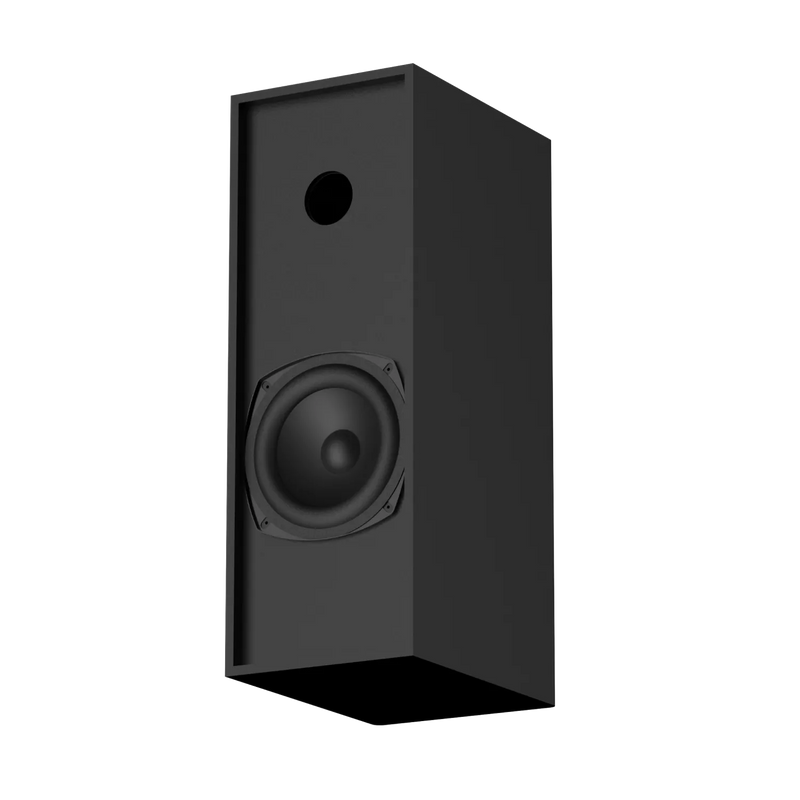
| Subwoofer | 5" x1, wired |
| Impedance | 4Ω (soundbar) + 6Ω (subwoofer) |
| EQ modes | Movie, Music, News, Sports |
| Bass and treble adjustment | Yes |
| Connectivity | HDMI (ARC), USB, AUX, Bluetooth |
| Bluetooth | v6.0 |
| Bluetooth range | 10m |
| Power supply | SMPS 100-240V AC ~50/60Hz |
| Net weight | 2.85 kg |
| Remote control | |
| Wall mountable | Yes |
Specifications
| Country of Origin | India |
|---|---|
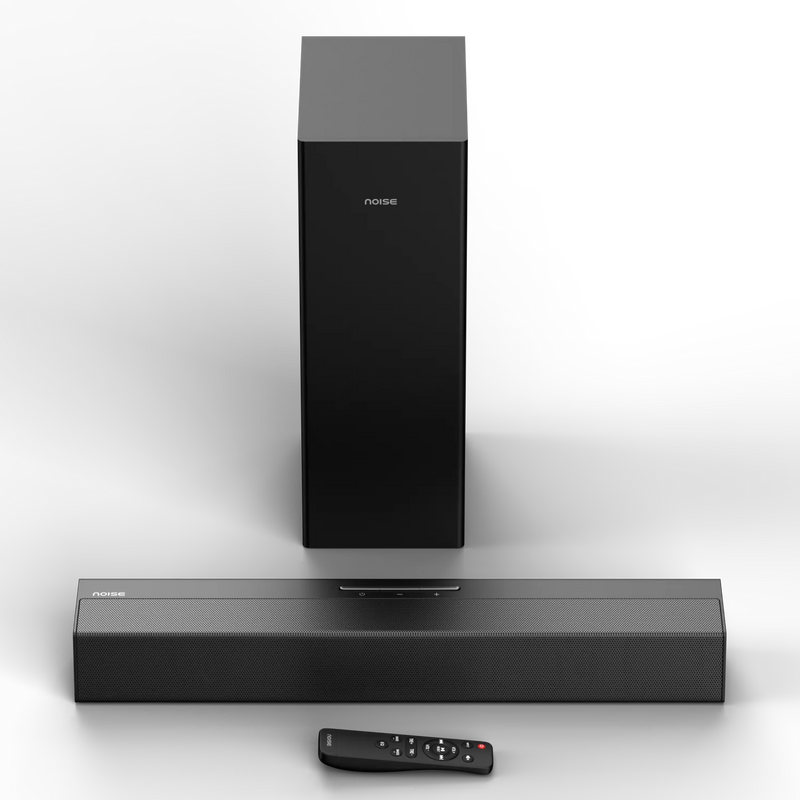
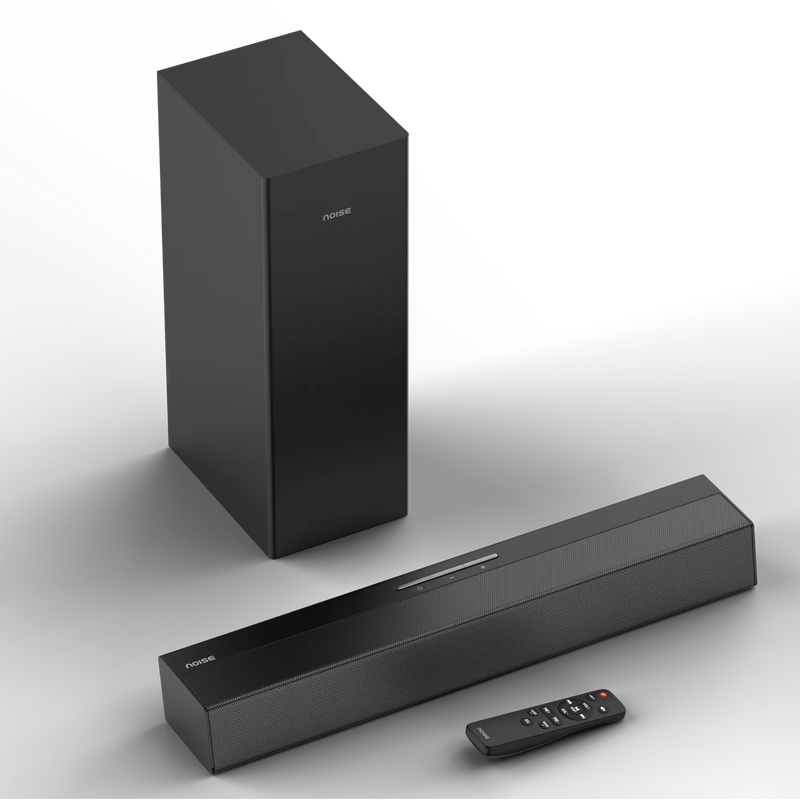
| Package Contents | 1 soundbar, 1 subwoofer, 1 remote control, 1 AUX cable, 2 AAA batteries, 1 wall-mount kit, user manual, warranty card |
| Marketed & Imported By | Nexxbase Marketing Pvt. Ltd, Khasra No-146/25/2/1, Jail Road Badshahpur, Gurugram Haryana-122101 |
Audio
| Output power | 90W |
|---|---|
| Soundbar drivers | 2” x2 |
| Subwoofer driver | 5” x1 |
| Subwoofer type | Wired |
| Impedance | 4Ω (soundbar) + 6Ω (subwoofer) |
| EQ modes | Movie, Music, News, Sports |
| Bass and treble control | Yes |
Connectivity
| Audio inputs | HDMI (ARC), USB, AUX, Bluetooth |
|---|---|
| Bluetooth version | v6.0 |
| Bluetooth range | 10m |
Power
| Power supply | SMPS 100-240V AC ~50/60Hz |
|---|
Physical Specifications
| Net weight | 2.85 kg |
|---|---|
| Wall mountable | Yes, wall-mount kit included |
FAQs
What is the output power of Noise Homestage 2.1?
It delivers 90W of output power across the soundbar and the wired subwoofer.
What is the driver configuration?
The soundbar carries two 2” speaker drivers and the subwoofer carries a single 5” speaker driver.
Is the subwoofer wireless?
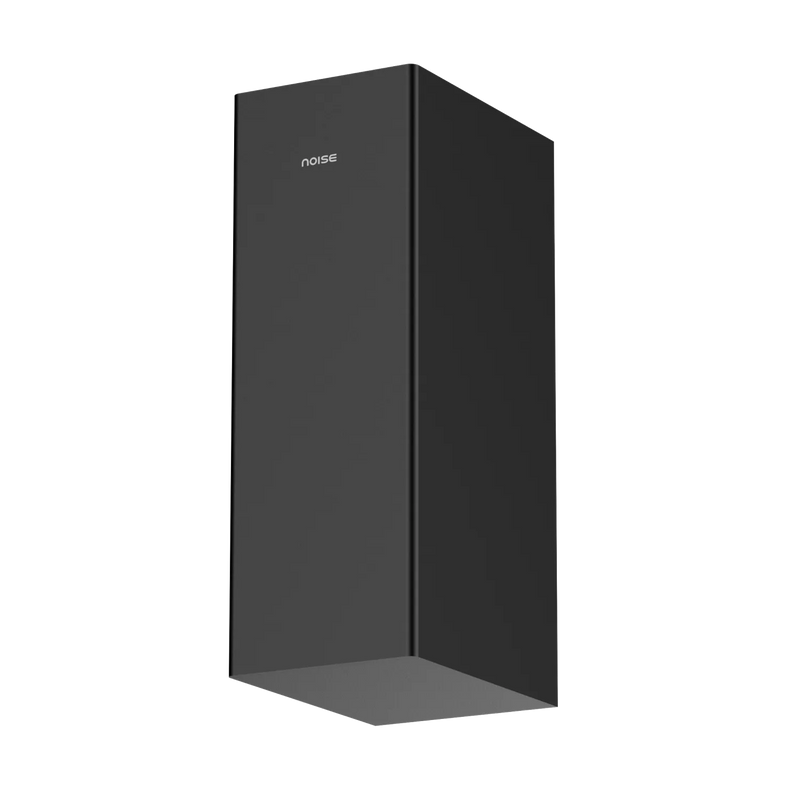
No, the subwoofer is wired and connects directly to the soundbar.
What sound modes does it have?
Four EQ modes: Movie, Music, News and Sports.
Can I adjust bass and treble separately?
Yes, the remote has dedicated Bass +/- and Treble +/- controls.
What inputs does Noise Homestage 2.1 support?
HDMI (ARC), USB, AUX and Bluetooth v6.0.
Can Noise Homestage 2.1 be wall-mounted?
Yes, a wall-mount kit is included in the box.
What’s in the box?
Soundbar, subwoofer, remote control, AUX cable, 2 AAA batteries, wall-mount kit, user manual and warranty card.
How do I set up Noise Homestage 2.1?
Place the soundbar on a flat surface below your TV or mount it on the wall. Connect the subwoofer connector to the SUB OUT port on the soundbar, plug the power cable into a wall outlet, then press Power.
How do I turn the soundbar on and off?
Press the Power button on the soundbar or on the remote.
How do I switch between inputs?
Press the Input button on the remote to cycle through Bluetooth, HDMI (ARC), USB and AUX. The display LED changes colour with each input: white for Bluetooth, green for HDMI (ARC) and red for USB.
Does the remote need batteries?
Yes, two AAA batteries are included in the box. Match the +/- markings when inserting them.
How do I pair Noise Homestage 2.1 over Bluetooth?
Press the Input button on the remote until the LED turns white. Open the Bluetooth settings on your phone, tablet or laptop, search and select “Noise Homestage 2.1”. A tone plays and the LED stays solid once paired.
What Bluetooth version does it support?
Bluetooth v6.0, with a wireless range of up to 10 metres without obstacles.
How do I connect it to my TV using HDMI?
Connect a High-Speed HDMI cable from the soundbar’s HDMI (ARC) port to the HDMI ARC port on your TV. Press Input on the remote until the LED turns green, then set your TV’s audio output to HDMI ARC.
How do I play music from a USB drive?
Plug the USB flash drive into the soundbar’s USB port. The soundbar switches to USB mode automatically and the LED turns red.
How do I connect using AUX?
Connect a 3.5mm AUX cable from your device’s headphone jack to the soundbar’s AUX socket, then select AUX mode using the Input button.
Can I connect a laptop or computer?
Yes, over Bluetooth, AUX or USB. Some computers may need you to select the soundbar manually as the output device.
How do I change the sound mode?
Press the EQ button on the remote to switch between Movie, Music, News and Sports.
What do the controls on the soundbar do?
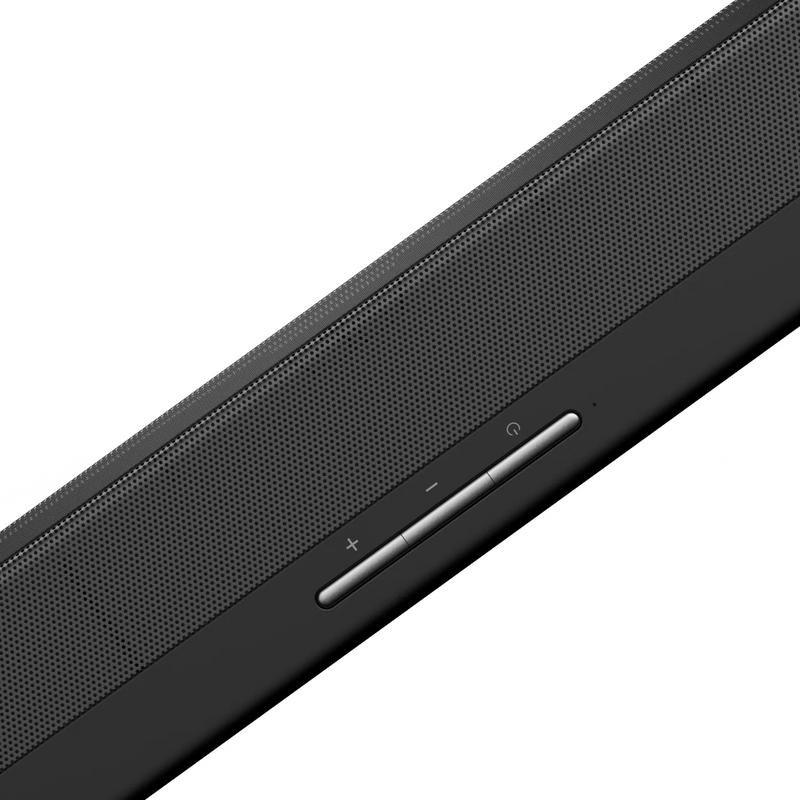
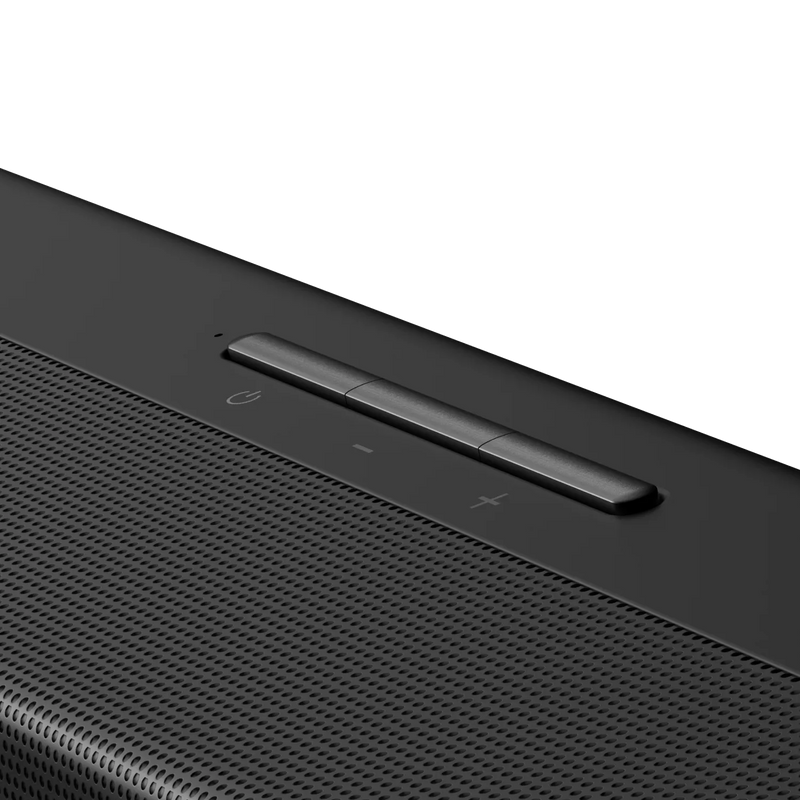
The soundbar has a Power button, Volume Up and Volume Down, a status indicator LED and a display LED indicator.
How do I skip tracks?
In Bluetooth and USB modes, press Previous or Next on the remote. In USB mode, press and hold to rewind or fast forward. These controls do not work in HDMI and AUX modes.
How do I mute the soundbar?
Press Mute on the remote. The LED flashes slowly while muted. Press again to unmute.
Where should I place the soundbar?
Place it horizontally on a flat surface such as a TV unit or shelf, aligned centrally beneath your TV. Leave ventilation space at the rear and avoid enclosed cabinets.
How do I wall-mount Noise Homestage 2.1?
Measure the distance between the two mounting clamps on the back of the soundbar and drill two matching holes horizontally into the wall. Insert the wall plugs and fix the screws, leaving the heads slightly protruding, then hang the soundbar on them. Maintain a minimum clearance of 25mm (1”).
How do I clean the soundbar?
Use a dry or slightly damp soft cloth. Avoid chemical cleaners.
Are there any safety precautions I should follow?
Do not open or dismantle the housing, as there are no user-serviceable parts inside. Keep the product away from liquids, heat, direct sunlight and dust. Always pull the plug directly rather than the cord.
There’s no sound from my TV. What should I do?
Check that the correct input is selected on the soundbar and that your TV’s audio output is set to HDMI ARC or External Speaker.
The subwoofer isn’t producing sound. What should I do?
Check that the subwoofer connector is firmly plugged into the SUB OUT port on the soundbar.
The remote isn’t working. What should I do?
Replace the AAA batteries and make sure you are pointing the remote at the front of the soundbar with no obstacles in between.
How do I reset Noise Homestage 2.1?
Long-press the Play/Pause button on the remote. This resets the audio control values and clears all paired Bluetooth devices.
Who do I contact for support?
Please raise a support ticket at support.gonoise.in.
Is there a warranty for this product?
Yes, there is a 1-year manufacturing warranty from the date of delivery of the product.
Where do I register for the product warranty?
You can register your warranty at https://www.gonoise.com/pages/warranty-registration