Noise Homestage 5.1 500W Dolby Atmos
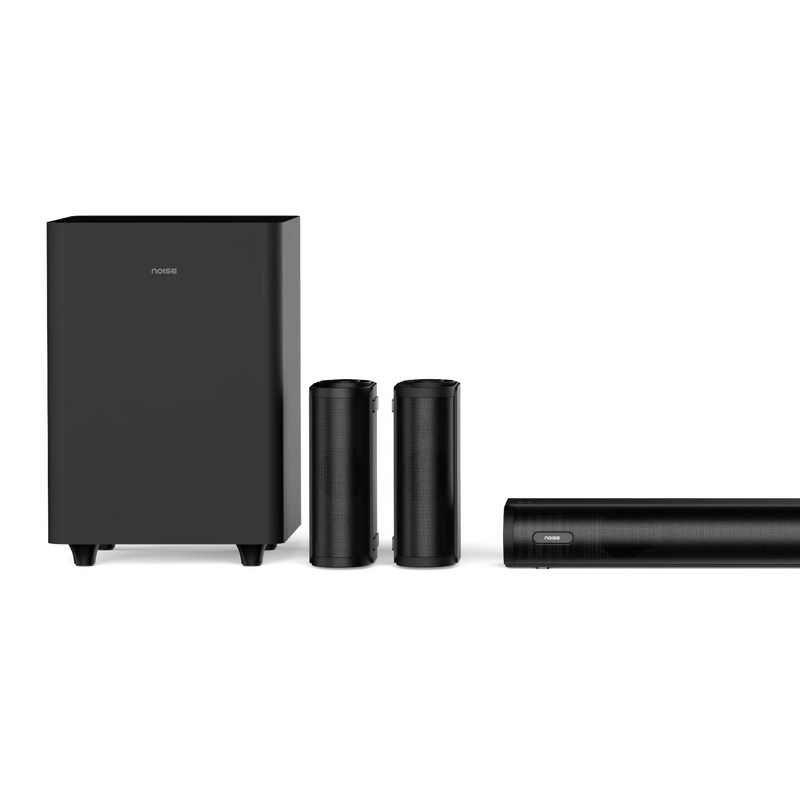
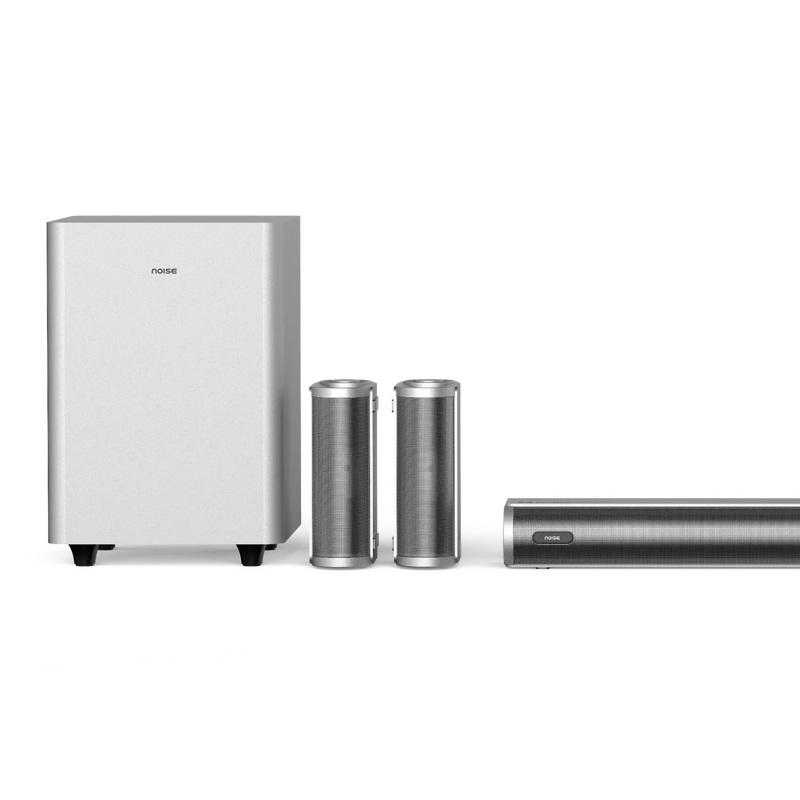
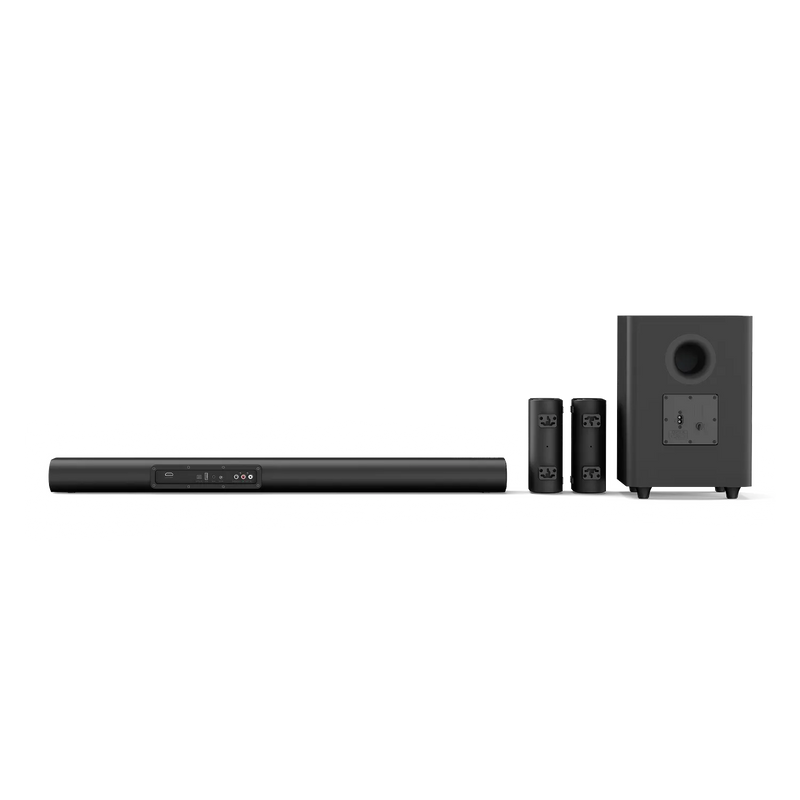
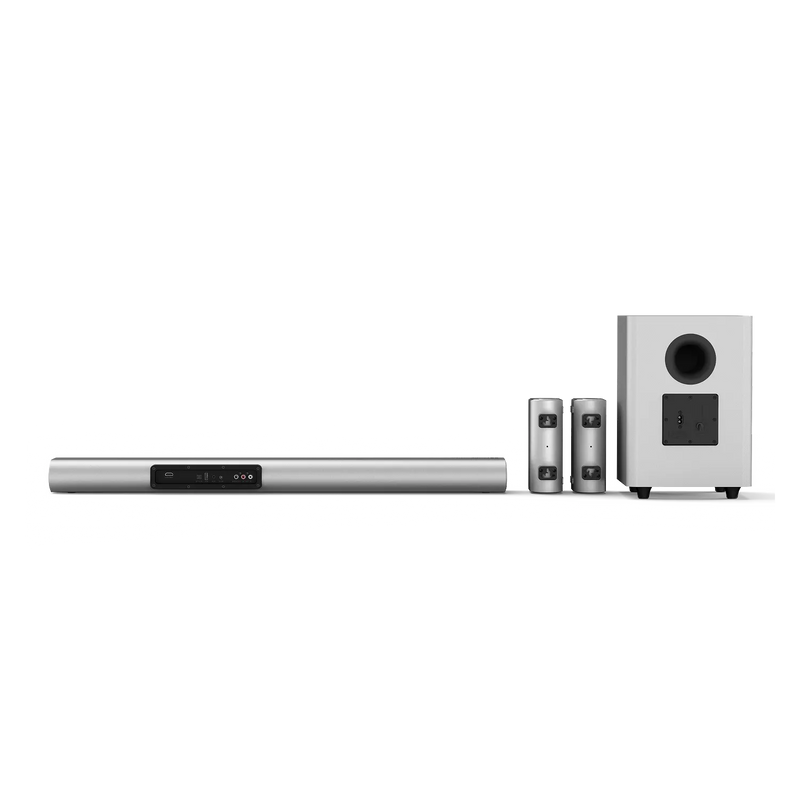
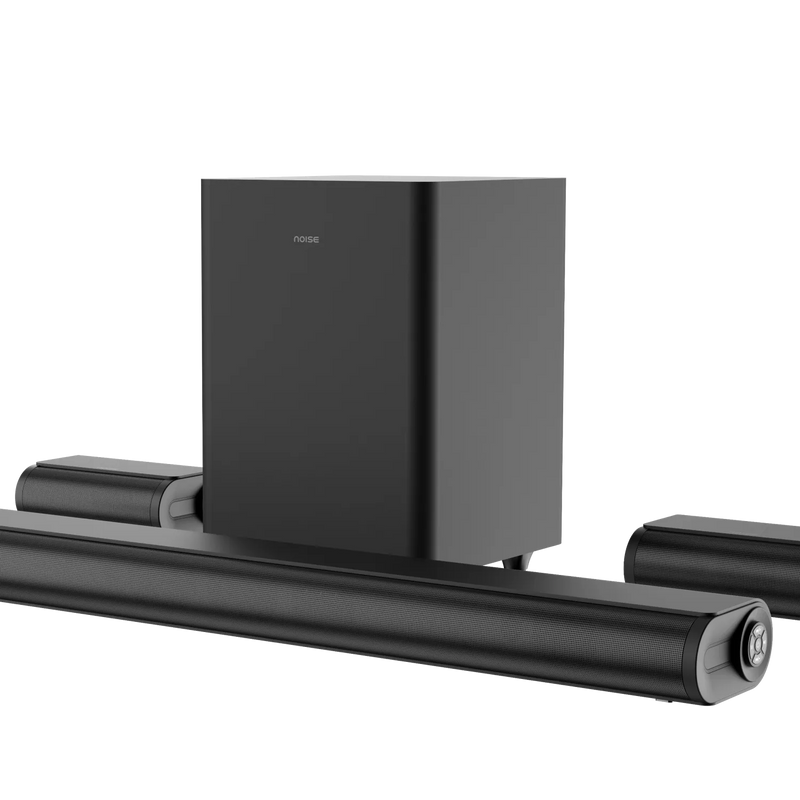
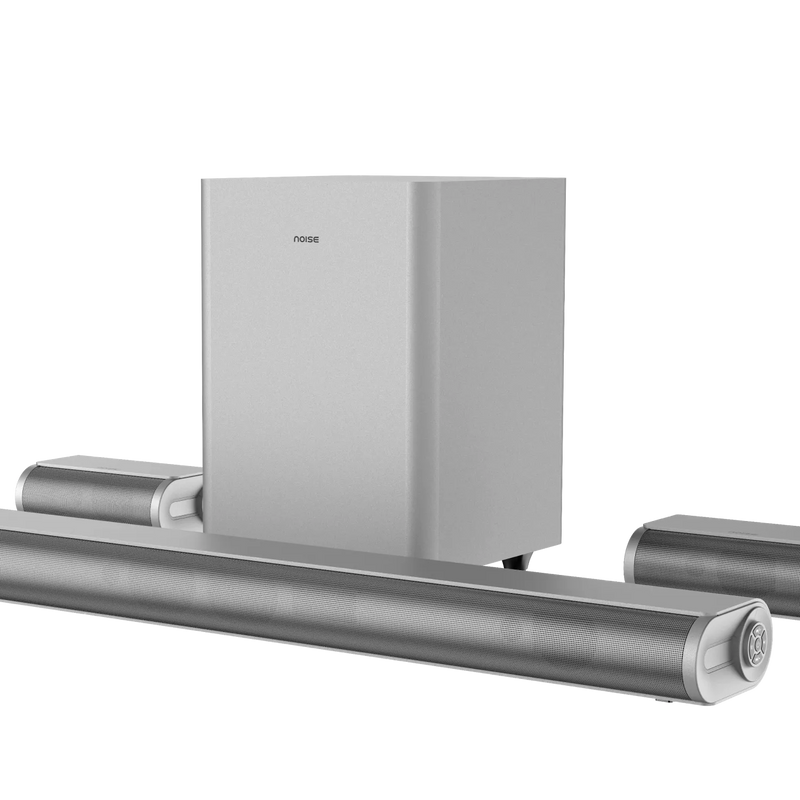
Quick Specifications
| Power output | 500W |
|---|---|
| Channels | 5.1 (soundbar + subwoofer + 2 wired rear satellites) |
| Soundbar drivers | 2" x2 + 52x75mm x2 |
| Satellite drivers (each) | 2" x2 |
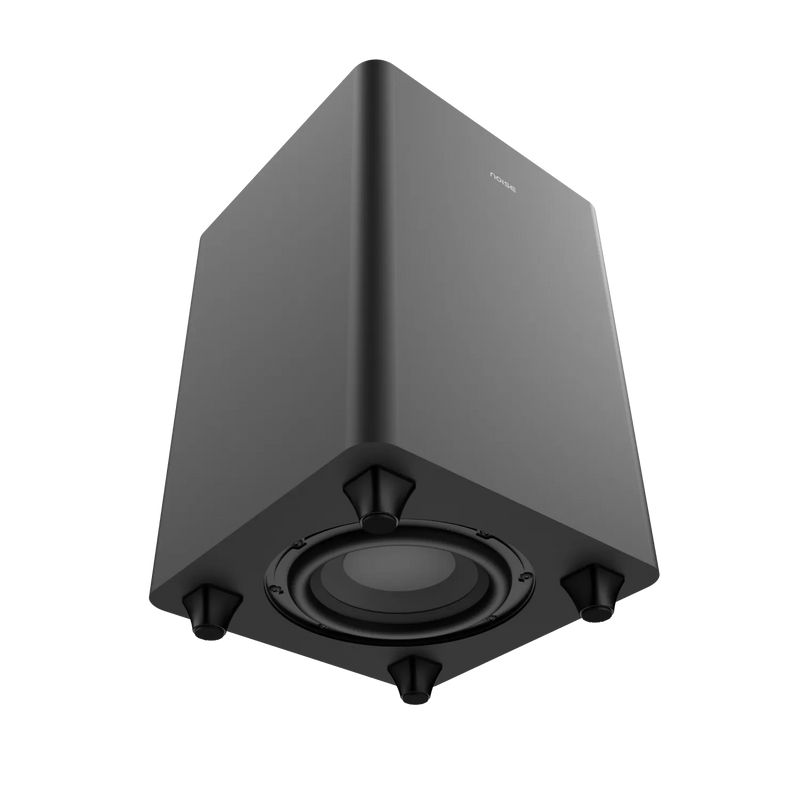
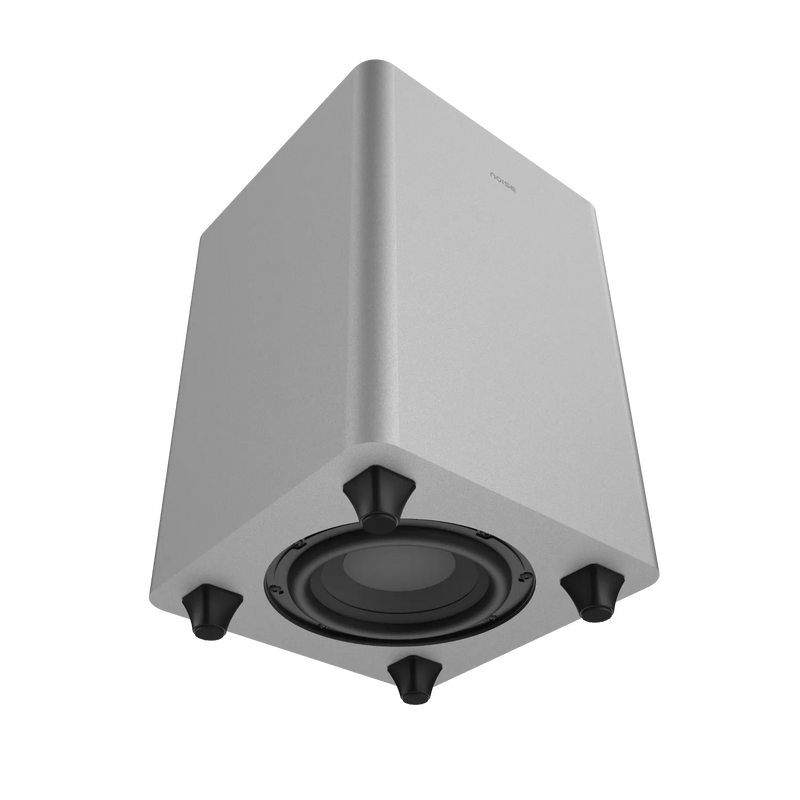
| Subwoofer | 6.5" x1, wired, high-excursion |
| System impedance | 8Ω + 4Ω |
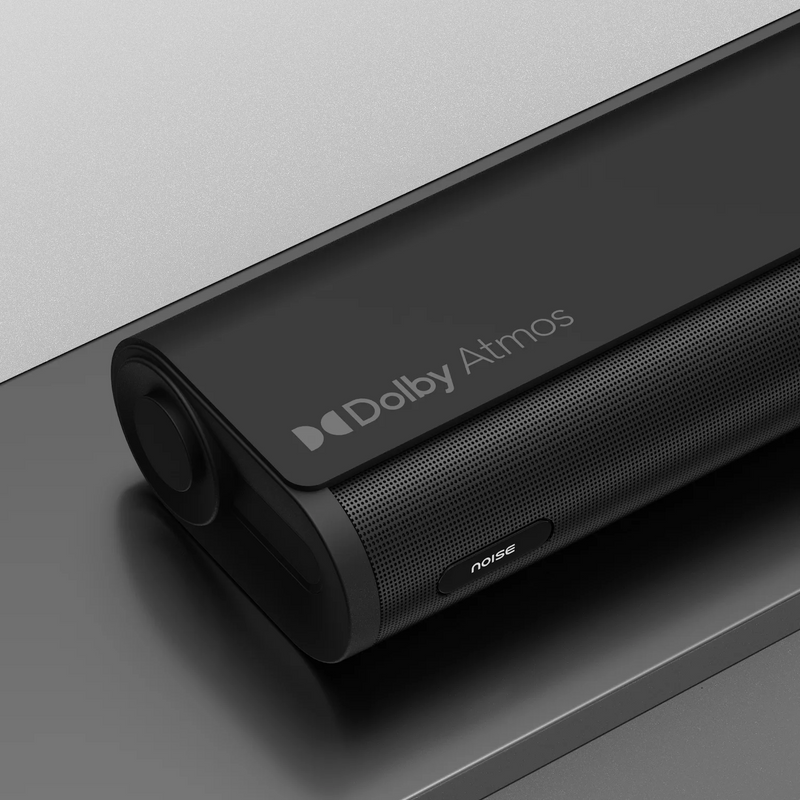
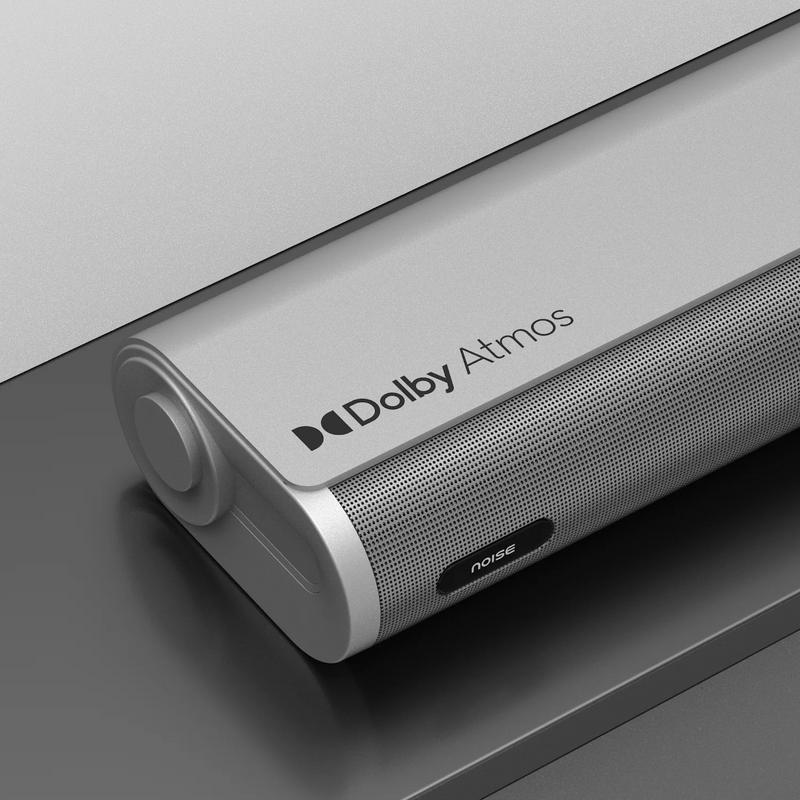
| Audio certification | Dolby Atmos |
| EQ modes | Movie, Music, News |
| Bass, treble and rear-volume control | Yes |
| Connectivity | HDMI (e-ARC/ARC), Optical, USB, AUX, Bluetooth |
| Bluetooth | v5.3 |
| Bluetooth range | 8–10m |
| Soundbar dimensions | 900 x 124 x 66 mm |
| Satellite dimensions (each) | 185 x 124 x 66 mm |
| Subwoofer dimensions | 240 x 240 x 350 mm |
| Wall mountable | Yes |
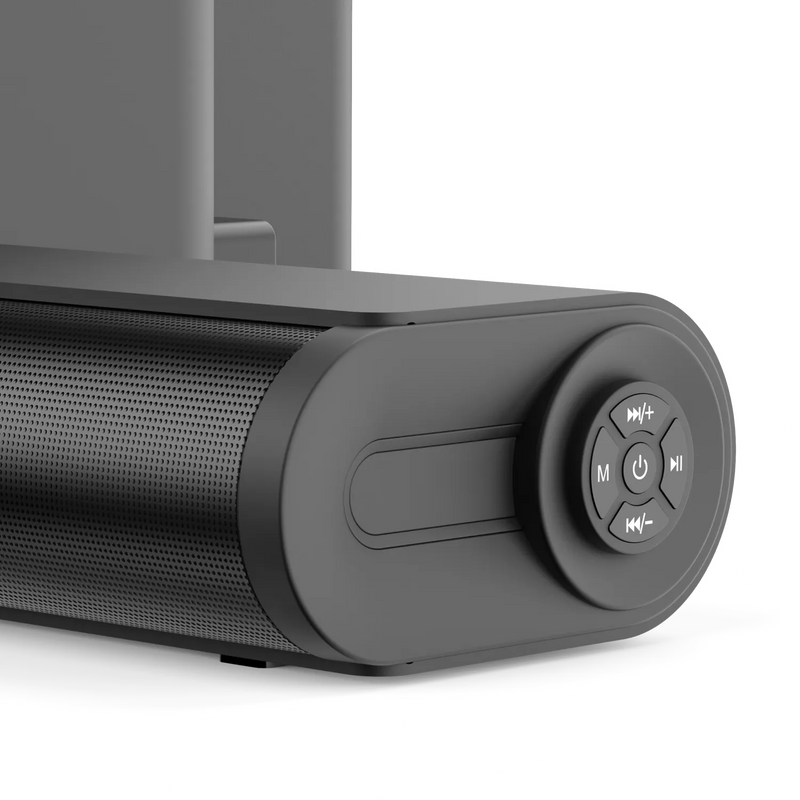
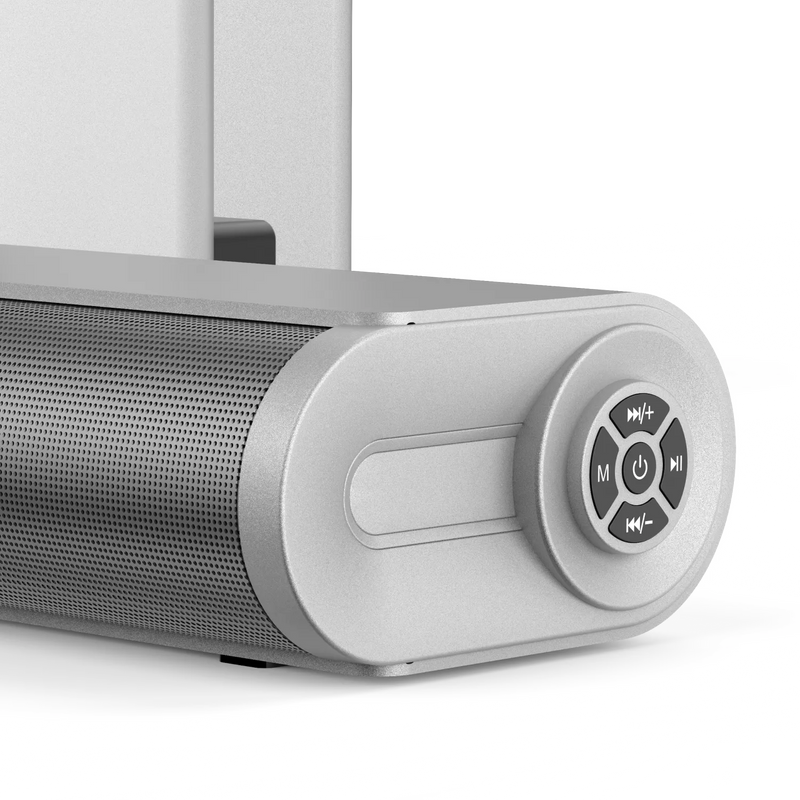
| Colours | Silver/Black |
Specifications
| Country of Origin | India |
|---|---|
| Package Contents | 1 soundbar, 1 subwoofer, 2 wired rear satellite speakers, 1 remote control, 1 power cable, 1 AUX cable, 2 AAA batteries, 1 wall-mount kit (brackets for bar and rears), user manual, warranty card |
| Marketed & Imported By | Nexxbase Marketing Pvt. Ltd, Khasra No-146/25/2/1, Jail Road Badshahpur, Gurugram Haryana-122101 |
Audio
| Power output | 500W |
|---|---|
| Channels | 5.1 (soundbar + subwoofer + 2 wired rear satellite speakers) |
| Soundbar drivers | 2” x2 + 52x75mm x2 |
| Satellite drivers (each) | 2” x2 |
| Subwoofer | 6.5” x1, wired, high-excursion driver |
| System impedance | 8Ω + 4Ω |
| Audio certification | Dolby Atmos |
| EQ modes | Movie, Music, News |
| Bass and treble control | Yes |
| Independent rear volume control | Yes |
Connectivity
| Audio inputs | HDMI (e-ARC/ARC), Optical, USB, AUX, Bluetooth |
|---|---|
| Bluetooth version | v5.3 |
| Bluetooth range | 8–10m |
Physical Specifications
| Soundbar dimensions | 900 x 124 x 66 mm |
|---|---|
| Satellite dimensions (each) | 185 x 124 x 66 mm |
| Subwoofer dimensions | 240 x 240 x 350 mm |
| Colour | Silver/Black |
| Wall mountable | Yes, brackets included |
FAQs
What is the output power of Noise Homestage 5.1?
It delivers 500W of output power across the soundbar, subwoofer and two rear satellite speakers.
What does 5.1 channel mean here?
Three front and two rear channels and one subwoofer. The soundbar carries the front stage including a dedicated centre channel for dialogue, two rear satellites carry the surround channels, and the subwoofer handles the low end.
What is the driver configuration?
The soundbar carries two 2” drivers and two 52x75mm drivers. Each rear satellite carries two 2” drivers. The subwoofer uses a single 6.5” high-excursion driver.
Are the rear satellite speakers wireless?
No, both rear satellites are wired and connect directly to the soundbar. This keeps the signal stable, with no pairing and no wireless interference.
Does Noise Homestage 5.1 support Dolby Atmos?
Yes, it supports Dolby Atmos over HDMI (e-ARC) and Optical with compatible content. Overhead effects are delivered through virtual height processing rather than dedicated up-firing drivers.
What sound modes does it have?
Three EQ modes: Movie, Music and News.
Can I adjust bass and treble separately?
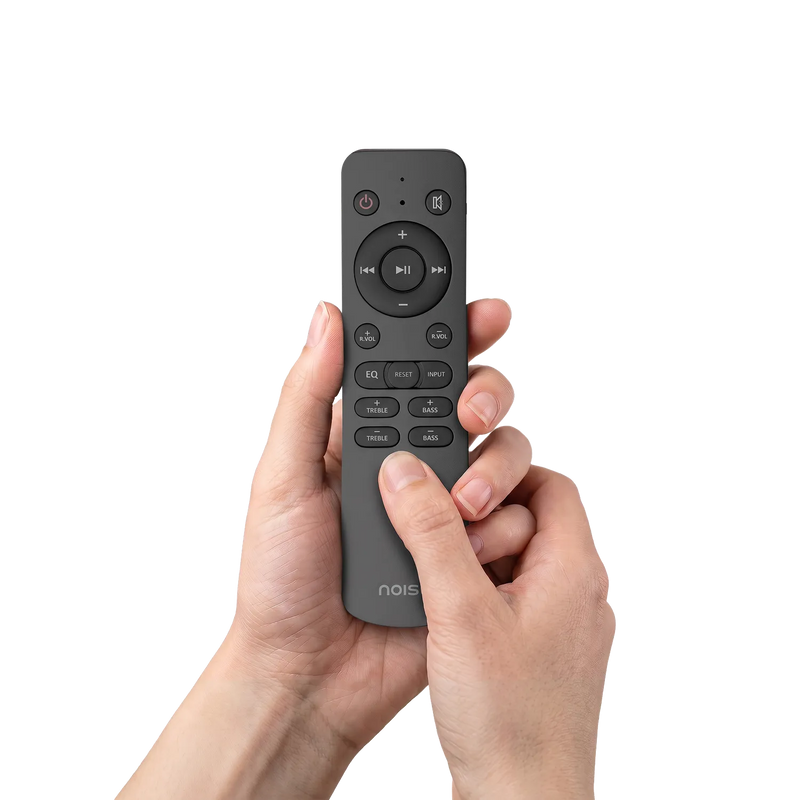
Yes, the remote has dedicated BASS +/- and TRE +/- controls, plus RVOL +/- to set the rear satellite volume independently.
What colour options are available?
Noise Homestage 5.1 comes in a dual-colour finish: Silver and Black.
What’s in the box?
Soundbar, subwoofer, 2 wired rear satellite speakers, remote control, power cable, AUX cable, 2 AAA batteries, wall-mount kit (brackets for bar and rears), user manual and warranty card.
How do I set up Noise Homestage 5.1?
Place the soundbar below your TV, the subwoofer near a wall or corner without touching it, and the rear satellites at seated ear level about a metre away on either side of your listening position. Then connect the subwoofer, the rear satellites and power, in that order.
How do I connect the subwoofer?
Connect the DC OUT lead from the subwoofer to the DC IN port on the soundbar. Then connect the subwoofer connector to the SUB OUT port on the soundbar.
How do I connect the rear satellite speakers?
Connect the left rear speaker to the SL (Surround OUT Left) port and the right rear speaker to the SR (Surround OUT Right) port on the soundbar.
Where does the power cable go?
Plug the power cord into the AC IN port on the subwoofer, then into a wall outlet. Mains power connects to the subwoofer, not to the soundbar.
How do I turn the system on?
The soundbar enters standby automatically once powered. Press the Power button on the soundbar or the remote to switch it on. The default input mode lights up on the display.
Does the remote need batteries?
Yes, two AAA batteries are included in the box. Match the +/- markings when inserting them.
How do I connect Noise Homestage 5.1 to my TV?
Connect an HDMI cable from the soundbar’s HDMI (e-ARC) port to the HDMI e-ARC or ARC port on your TV. Press Mode on the soundbar or Input on the remote to select HDMI (e-ARC), then set your TV’s sound output to HDMI or External Speaker.
How do I get Dolby Atmos working?
Use an HDMI (e-ARC) or Optical connection with compatible Atmos content. In your TV’s audio settings, set Digital Audio Output to Auto, Bitstream or Pass-Through, and Audio Format to Dolby Atmos or Auto. The soundbar display scrolls “Dolby Atmos” once the format is detected.
How do I connect over Optical?
Connect a cable from your TV’s Optical Out port to the soundbar’s OPTICAL input. In your TV’s audio settings, select External Speaker or Optical and set digital audio output to Dolby Atmos or Auto. Press Mode until OPT appears on the display.
How do I pair Noise Homestage 5.1 over Bluetooth?
Press Mode repeatedly until “BT” flashes on the display. Open the Bluetooth settings on your device, search and select “Noise Homestage 5.1”. The BT indicator stops flashing and stays steady once connected.
What Bluetooth version does it support?
Bluetooth v5.3, with a wireless range of 8 to 10 metres.
How do I disconnect a Bluetooth device?
Long press the Mute button around 5 seconds to unpair a connected bluetooth device.
How do I play music from a USB drive?
Insert the USB drive into the soundbar’s USB port and press Mode until “USB” appears. Playback starts automatically. The drive must contain MP3 files, as other audio formats are not supported.
How do I connect using AUX?
Press Mode until the display reads “AUX”. Connect one end of the 3.5mm AUX cable to your device’s audio-out jack and the other to the soundbar’s AUX port, then control playback from the connected device.
Which inputs does Noise Homestage 5.1 support?
HDMI (e-ARC/ARC), Optical, USB, AUX and Bluetooth v5.3.
How do I change the sound mode?
Press EQ on the remote to cycle between Movie, Music and News.
How do I change the input?
Press INPUT on the remote to cycle through HDMI (e-ARC), USB, Optical, Bluetooth and AUX.
Can I control the rear speaker volume separately?
Yes, use RVOL+ and RVOL- on the remote to set the rear satellite volume independently of the main volume.
How do I skip tracks?
In Bluetooth and USB modes, short press Prev or Next button on remote to move between previous and next track.
Where should I place each speaker?
Place the soundbar on a flat, level surface such as a TV unit or shelf. Place the subwoofer near a wall or corner for fuller, more consistent bass, making sure it does not touch the wall. Place the rear satellites at ear level to your seated position, roughly 3 feet (1 metre) away on either side of the seating area.
Can I wall-mount Noise Homestage 5.1?
Yes, brackets for the bar and the rear speakers are included. Insert the wall plugs, fix a screw into each hole and tighten firmly, leaving the heads slightly protruding. Align and lower the rear clamps of the soundbar onto the screw heads until it seats securely and does not shake. Maintain a minimum clearance of 25mm (1”).
Any precautions while wall-mounting?
Mount on a reinforced vertical wall and secure screws into wall studs when installing on drywall. Maintain a 25mm (1”) gap from the TV. If you are unsure, seek professional installation assistance.
How do I clean the system?
Use a dry or slightly damp soft cloth. Avoid chemical cleaners.
Are there any safety precautions I should follow?
Do not open or dismantle the housing, as there are no user-serviceable parts inside. Keep vents clear with at least 20cm of clearance above and 5cm at the sides. Keep the system away from liquids, heat, direct sunlight, dust and magnetic fields, and do not stack it on amplifiers. Always pull the plug directly rather than the cord.
There’s no sound from my TV. What should I do?
Check that the correct input is selected on the soundbar and that your TV’s sound output is set to HDMI or External Speaker.
“Dolby Atmos” isn’t showing on the display. What should I do?
Make sure you are using an HDMI (e-ARC) or Optical connection with Atmos-compatible content, and that your TV’s Digital Audio Output is set to Auto, Bitstream or Pass-Through with Audio Format set to Dolby Atmos or Auto.
The remote isn’t working. What should I do?
Stay within 8 metres of the soundbar and aim within a 45° angle of the front sensor. Check for obstacles, avoid using other IR remotes nearby, and replace the AAA batteries if needed.
How do I reset Noise Homestage 5.1?
Long-press the RESET button on the remote for more than 5 seconds. This clears all pairing memory and restores factory defaults.
Who do I contact for support?
Please raise a support ticket at support.gonoise.in.
The rear speakers aren’t producing sound. What should I do?
Check that the left and right rear speaker cables are firmly connected to the SL and SR ports on the soundbar, and use RVOL+ on the remote to raise the rear channel volume.
The system keeps going into standby. Is that normal?
Yes. The system shifts to standby after 30 minutes of inactivity and wakes instantly on an audio signal or a press of the Power button.
Is there a warranty for this product?
Yes, there is a 1-year manufacturing warranty from the date of delivery of the product.
Where do I register for the product warranty?
You can register your warranty at https://www.gonoise.com/pages/warranty-registration