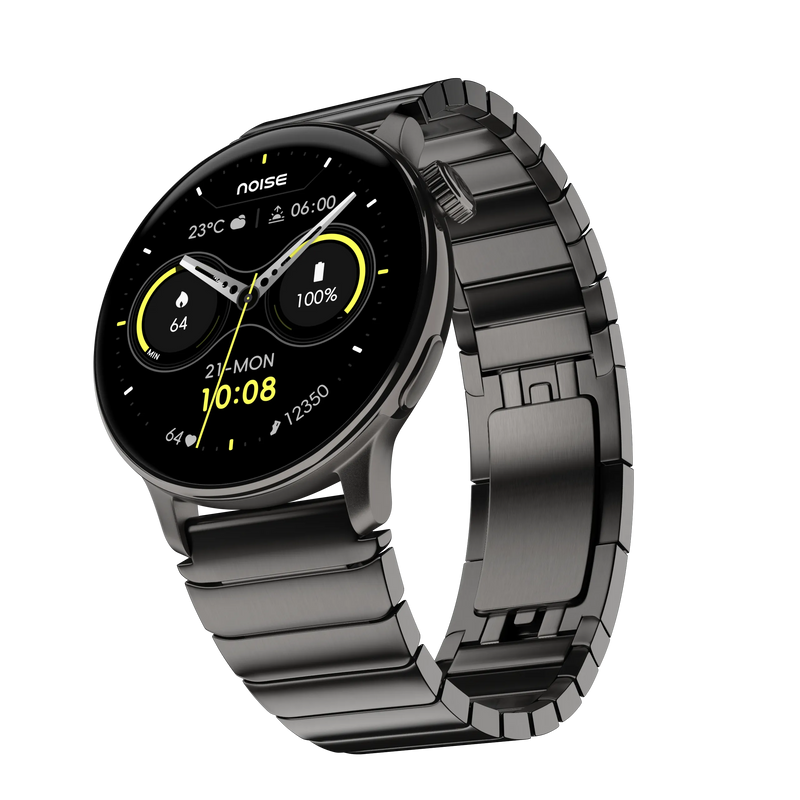
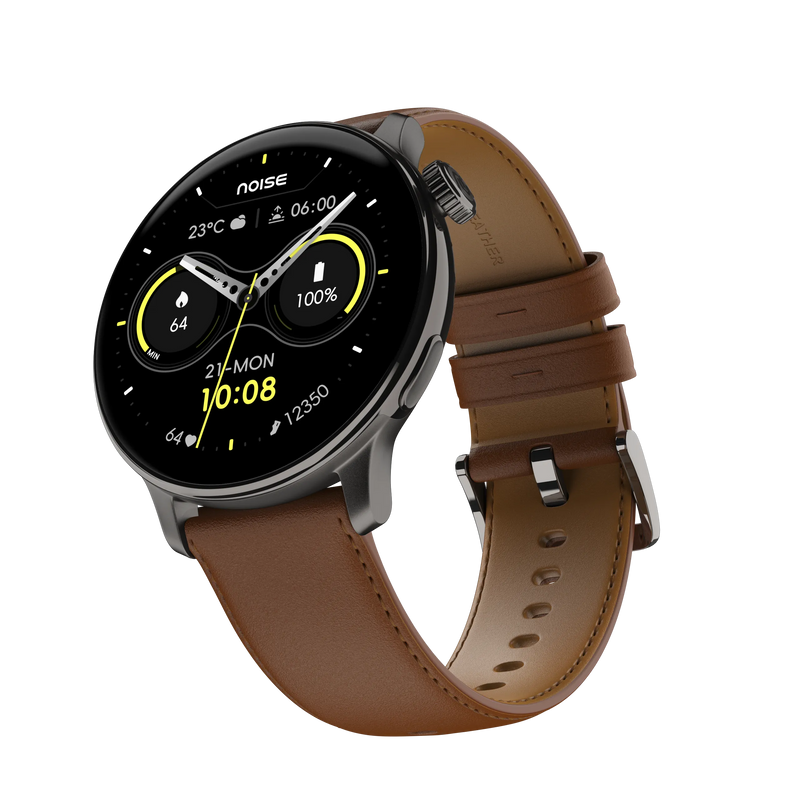
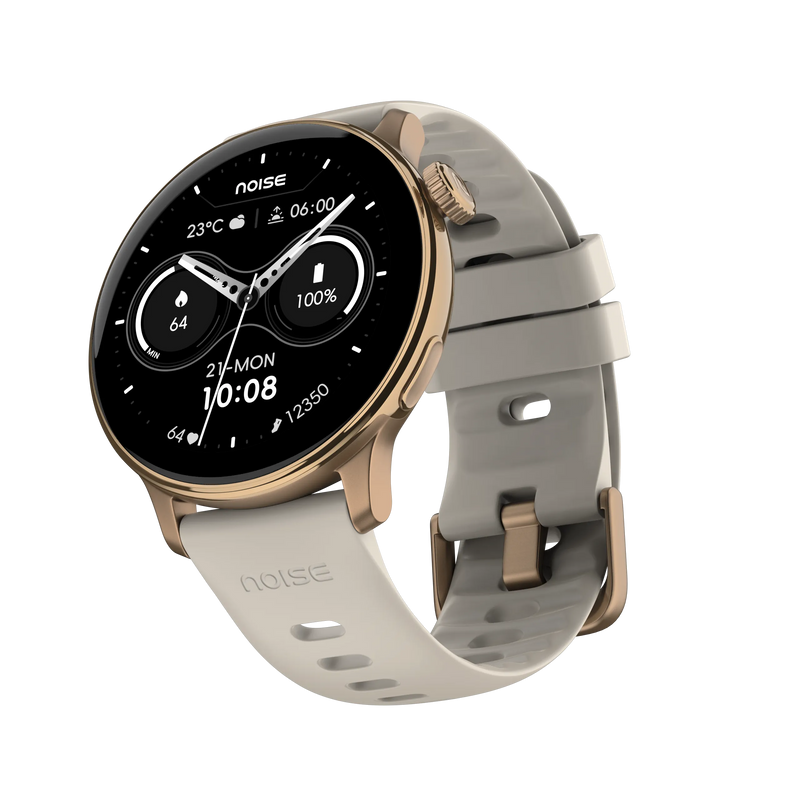
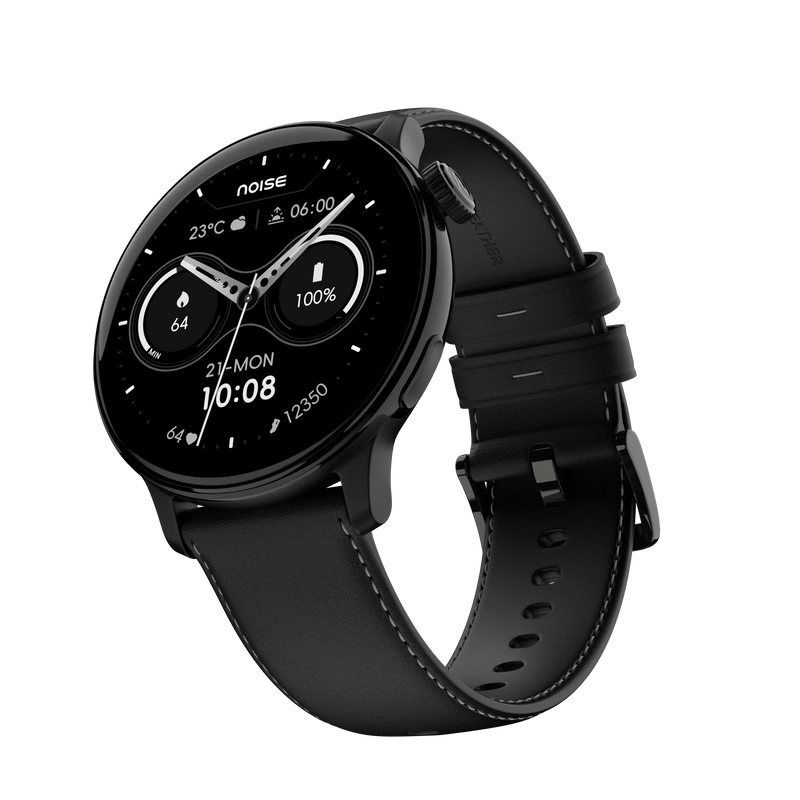
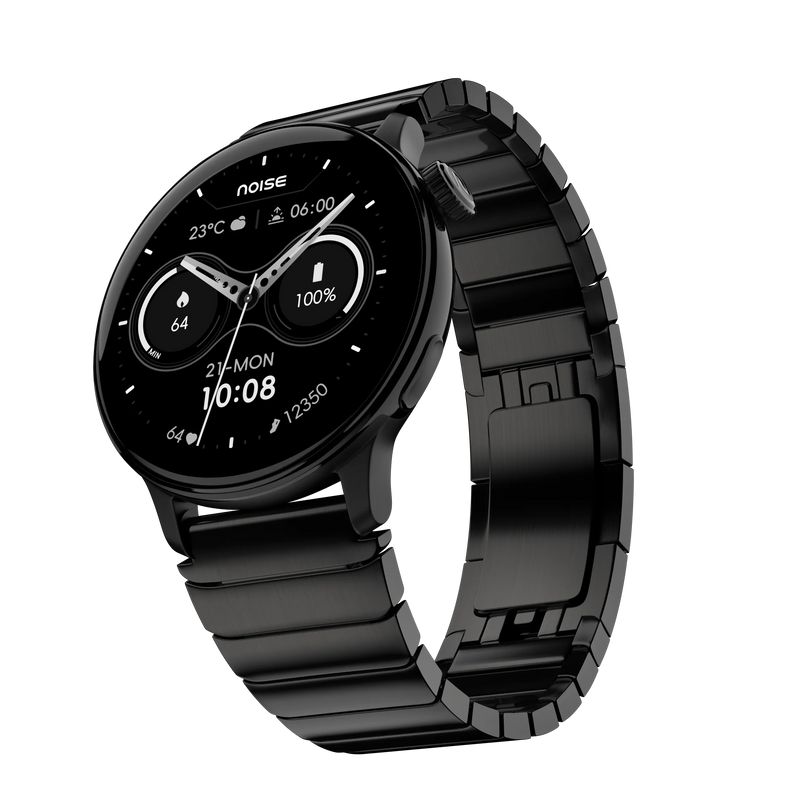
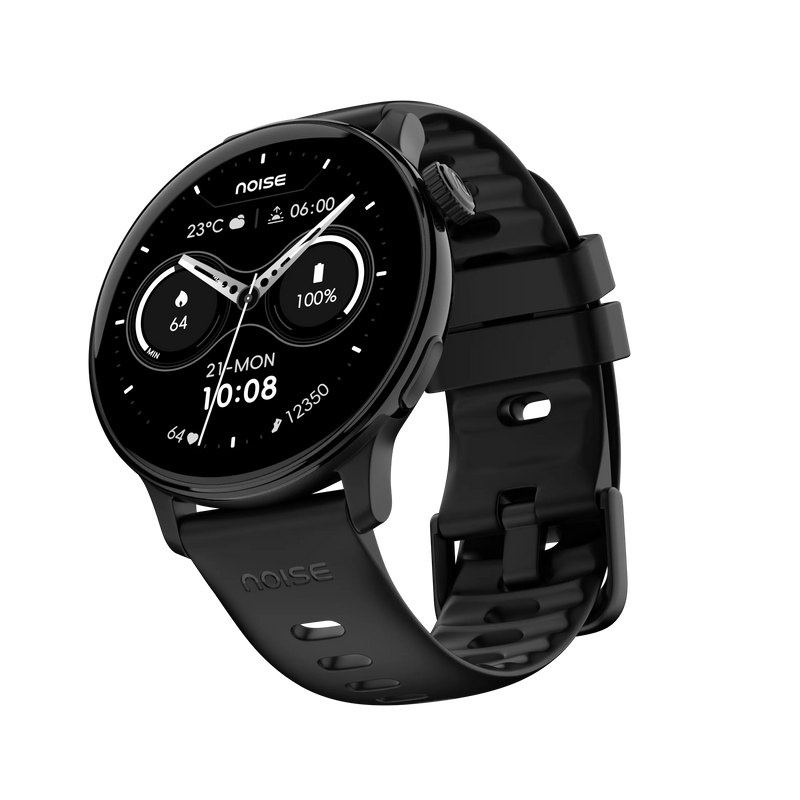
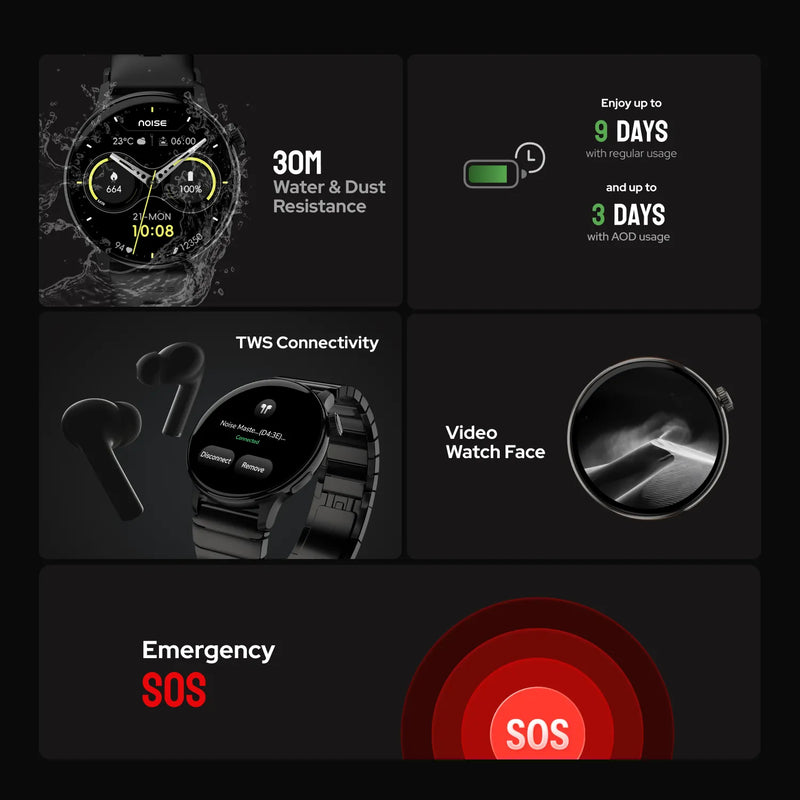
Functional Crown - YesSide button - Shortcut for workout menu

,

Water Resistance - 100MDust Resistance - IP68

,

Typical Usage Time - Up to 7 daysStandby Time - Up to 30 daysCharging Time - Up to 2 hoursCharging Cable - Yes

,

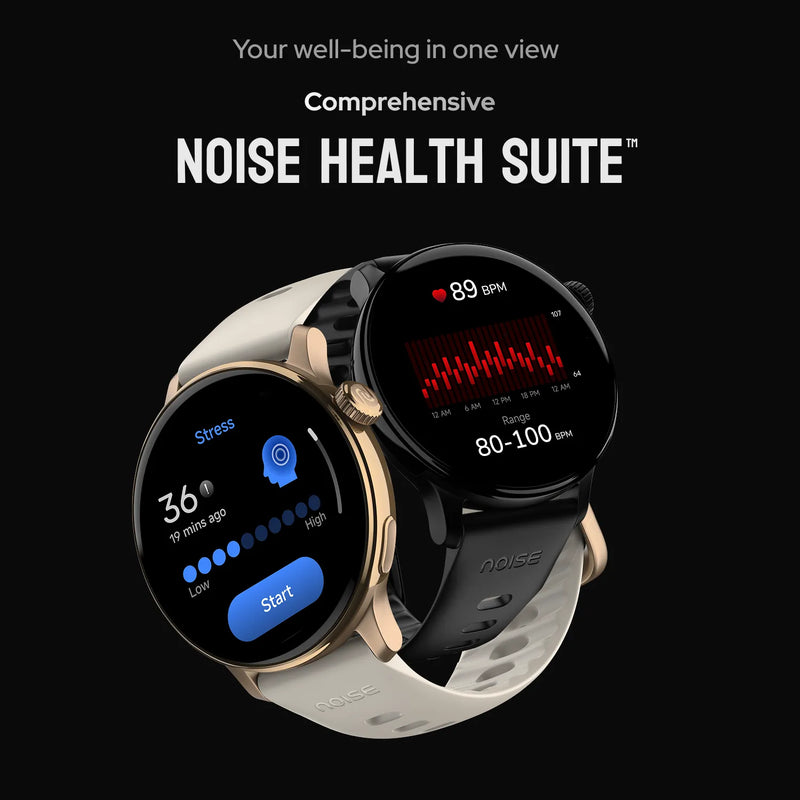
Heart rate sensor - YesSpO2 - YesSleep score - YesStress tracking - YesReadiness score - YesCycle tracking - Yes

,

Compatible with - iOS, Android

Is NoiseFit Pro 6R compatible with the iPhone?NoiseFit Pro 6R is compatible with all iPhones running on iOS 11.0 and above.Is NoiseFit Pro 6R compatible with Android?NoiseFit Pro 6R is compatible with all Android phones running on Android version 9.0 and above.

,

What is the battery life and standby time?The smartwatch offers up to 03 days of battery life (heavy usage with AOD & sensors on) & 09 days of standby. Standby time is the maximum tested time that a single charge will last when the smartwatch is used as a regular watch .How do I know when my device is charged?NoiseFit Pro 6R takes approximately 1.5-2 hours to charge completely. It will display a 100% Charged message once the battery is at full capacity.How do I check the battery level on my NoiseFit Pro 6R device?Turn on the screen and swipe up to check the battery level on your NoiseFit Pro 6R.How can I extend the battery life of my NoiseFit Pro 6R?You can extend the battery life in your device by turning down the brightness and vibration levels and turning off the All-Day Heart Rate measurement.Which adapter should I use to charge my NoiseFit Pro 6R?Please use a low-power adapter (5V/1A adapter recommended) or you can plug the charging cable into a laptop or PC USB port. Do not use a fast-charging adapter as it may damage the watch in the long run.

,

How do I set up my NoiseFit Pro 6R?Before setting up, make sure that your smartphone and NoiseFit Pro 6R are charged and next to each other. Connect the charging cable to turn on the watch. Download the NoiseFit app on your smartphone. Open the NoiseFit app and allow the BT and GPS positioning to be turned on. Feed in your personal information and health goals in the app. Go to the add device page in the app, select the device type, and link the watch. How do I turn off my NoiseFit Pro 6R?Turn on the watch screen. Swipe up to go to Settings. Select Power Off and choose to power off.

,

What's the name of the app?The name of the app is NoiseFit App.How do I manage my NoiseFit profile?You can manage the NoiseFit profile from the app. Open the App, go to My Device, and choose Device Settings to manage your profile.How do I track my workouts with my NoiseFit app?You can track your workout on the Home section of the app.How do I change the units of measurement on my NoiseFit Pro 6R?You can change the units of measurement through the NoiseFit app by going to your Profile settings and changing your Unit settings.

,

Is there a warranty for this product?Yes, there is a 1-year manufacturing warranty from the date of delivery of the product.Where do I register for the product warranty?You can register your warranty at https://www.gonoise.com/pages/warranty-registration

,

Why won't my NoiseFit Pro 6R device sync?This may be because it lost BT connectivity with your smartphone. For a stable connection, please ensure that the NoiseFit app is running and locked in the background.Why can't I set up my NoiseFit Pro 6R?Reset your NoiseFit Pro 6R and try again.Why didn't my NoiseFit Pro 6R device alert me?Possibly due to BT connectivity loss. Ensure that your watch & phone are within BT range with alerts turned on in the app, which is kept running & locked in the background (Android). Also, check if the DND is turned off or not.How do I restart my NoiseFit Pro 6R?You can restart your NoiseFit Pro 6R smartwatch by following these steps. Turn on the watch screen. Swipe up to go to Settings. Select Reboot and choose to restart.How do I reset my NoiseFit Pro 6R?You can reset the NoiseFit Pro 6R from the watch. From the home screen, swipe up to go to Settings. Select Reset and choose to reset.

Smart Watches with Alexa AMOLED Display Smart Watches Round Dial Smart Watches Metallic & Leather Smart Watches BT Calling Smart Watches Android Smart Watches Smart Watches for Men Smart Watches for Women Smart Watches for Kids Smart Watches Under ₹2000 Smart Watches Under ₹3000 Smart Watches Under ₹4000 Smart Watches Under ₹5000 Smart Watches Above ₹5000 ANC Earbuds Gaming Earbuds Earbuds Under ₹1000 Earbuds Under ₹1500 Earbuds Under ₹2000 Earbuds Under ₹2500 Earbuds Above ₹2500
Compare product

Compare Your Items (3 Items)

Compare Product image

+ Add Product

Performance

Compare Page Loader